22
Software Updates
1. Press , and then press or to <Configuration>, press to confirm.
2. Press or to <Software Update>, press to confirm, and then step by step to set it.
Note: this may take several minutes, so do not switch off the radio until this procedure has been completed.
Otherwise, it may cause permanently damaged. Sometimes, it may indicates you that No Update available.
Reset to Default
Note: Doing this order will completely erase WEP/WPA codes and all user settings, and return to radio default
factory settings.
1. Press , and then press or to < Configuration >, press to confirm.
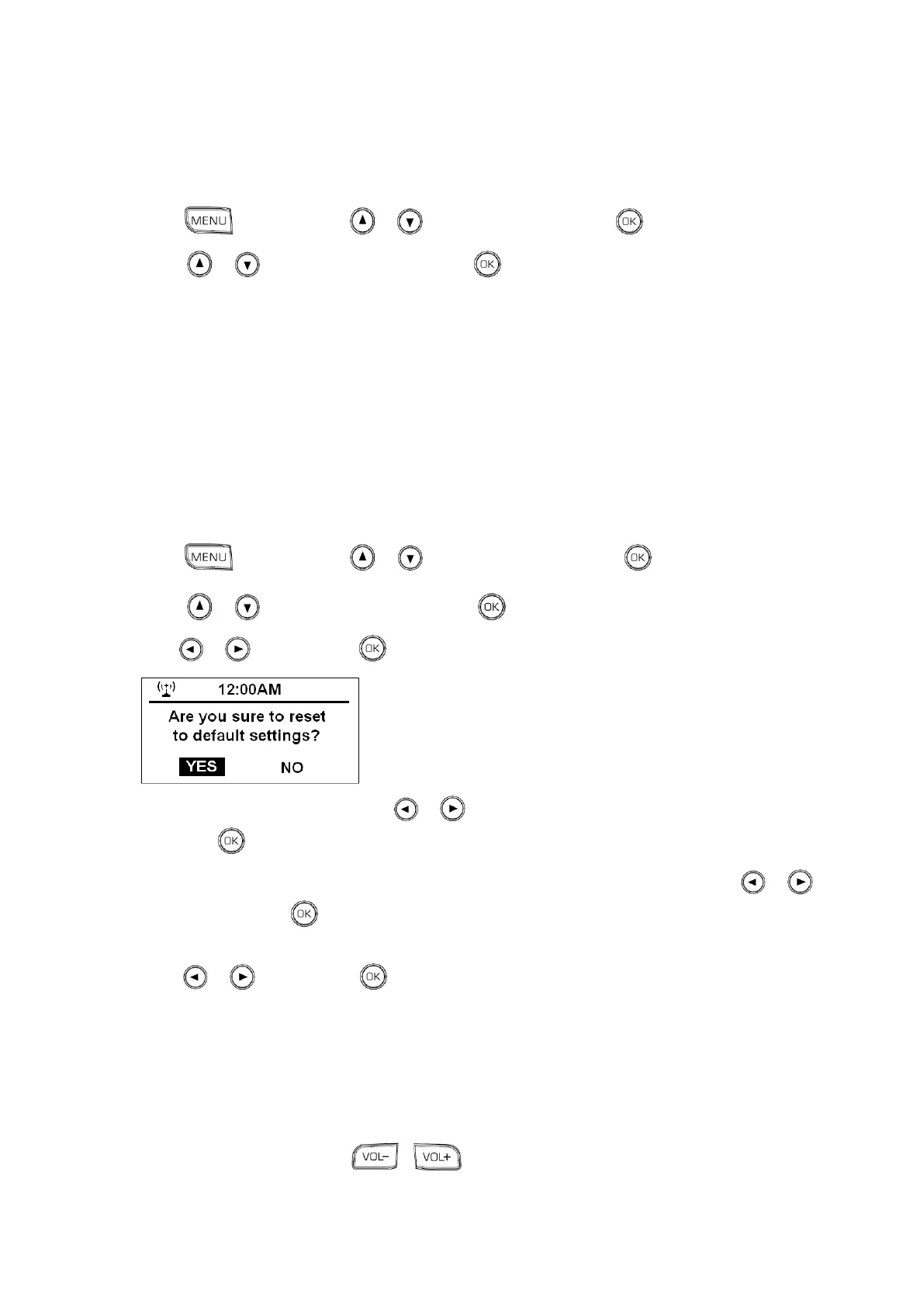
2. Press or to < Reset to Default >, press to confirm.
3. Press or to „YES‟, press to confirm.
4. It will ask you to set Language, press or to your expecting option: English or Svenska, and
then press to confirm.
5. It will ask you “Enable „Check Network when Power On? ----------- YES or NO‟”, press or to
YES‟, and then press to confirm.
6. It will also ask you “would you like to configure Network now? ----------- YES Yes[WPS] or NO‟”,
press or to YES‟, press to confirm.
7. Follow your radio‟s indications, reconnect to network, and it is done!
Changing Volume
To change volume by pressing or .



 To Next Page