13
Step 2: Play Music on the Internet Radio
After installing and configuring your Radio and Windows Media Player 11, you are now ready to play
music via a wireless connection.
The following steps describe how to play music with your Radio.
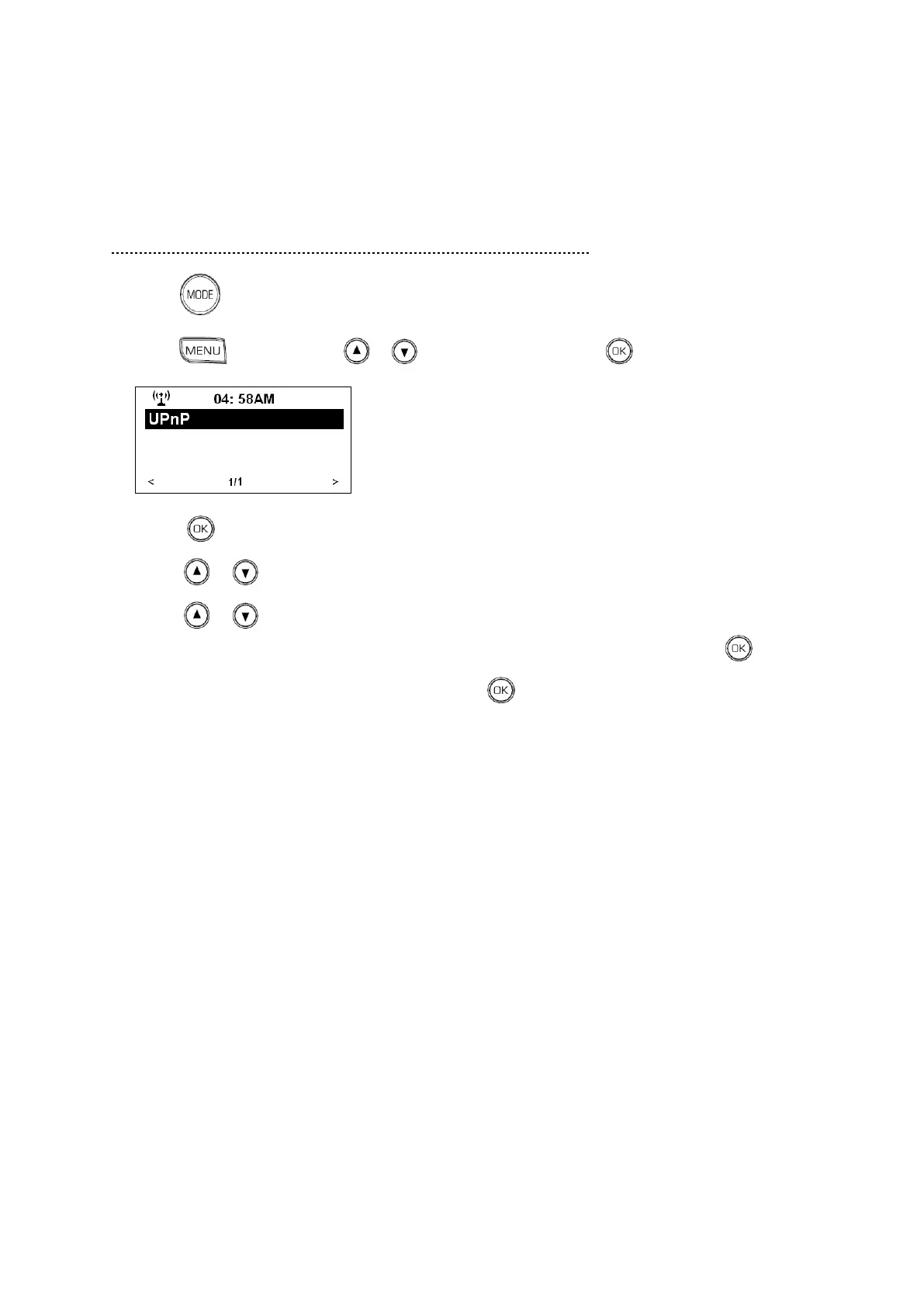
1. Press to convert it from internet radio mode to UPnP mode. Or
Press , and then press or to <Media Center>, press to confirm, following is:
2. Press to confirm to enter UPnP.
3. Press or to select the computer you wish to play the music files from.
4. Press or to view the following criteria: All Music, Genre, All Artists, Contributing Artists,
Album Artists, Composers, Albums, Playlists, Folders or Star Ratings and then press to confirm.
5. Select the tracks you want to play, and then press to confirm. Enjoy the music!



 To Next Page