18
8. Press or to update the hour, and then press to update minute.
9. Using the same method to set minutes and AM/PM in turn, after the setting have completed, press
to confirm.
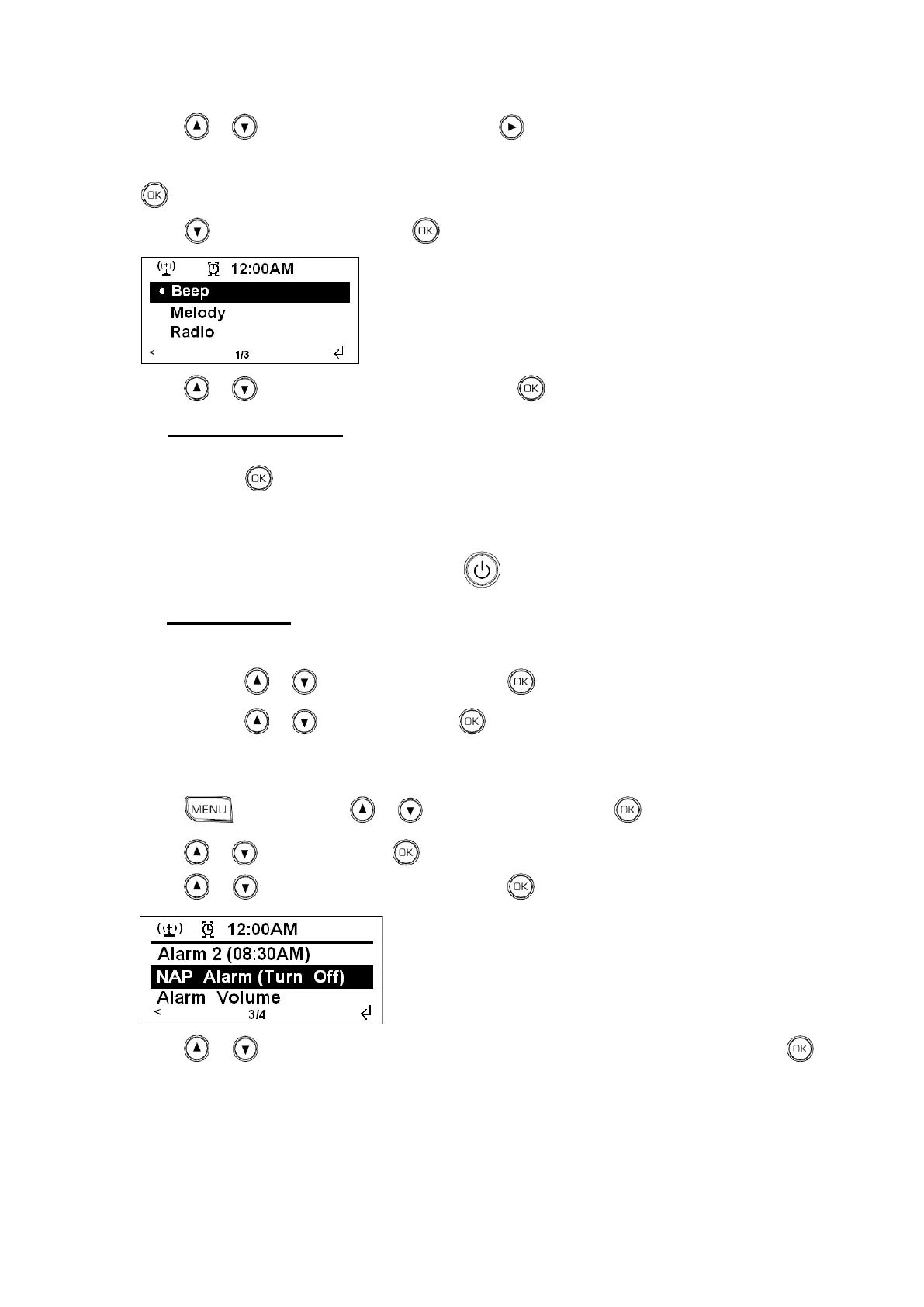
10. Press to <Sound: Melody>, press to confirm.
11. Press or to your preferred alarm sound, press to confirm. until now, the setting is done.
To deactivate the Alarm, when alarm is coming, radio will goes into standby and sounding, there
are 2 situations for you to handle it:
1. Press to postpone it for 5 minutes, and radio will count down, it will sound again after it
finished counting. Or
2. Press any other button to turn it off.
You can break standby mode by pressing .
To cancel Alarm, you need three steps:
i. Press the ALARM button to enter alarm setting mode.
ii. Press or to your target alarm, press to confirm.
iii. Press or to „Turn Off‟, press to confirm, and it is done.
B. Setting nap Alarm
1. Press , and then press or to <Configuration>, press to confirm.
2. Press or to <Alarm>, press to confirm.
3. Press or to <NAP Alarm (Turn Off)>, press to confirm.
4. Press or to view, in which you can find 5/10/20/30/60/90/120minutes available, press to
confirm your favour one, and relative minutes later, it should sound alarm, the principle of how to turn
it off same as the way of how to turn off alarm1 and alarm 2.
Note: Alarm volume level can be adjust to your desired level before turning OFF the unit, and stored it in
memory, if you set Volume level to min., when alarm is coming, perhaps you won‟t hear it.



 To Next Page