7
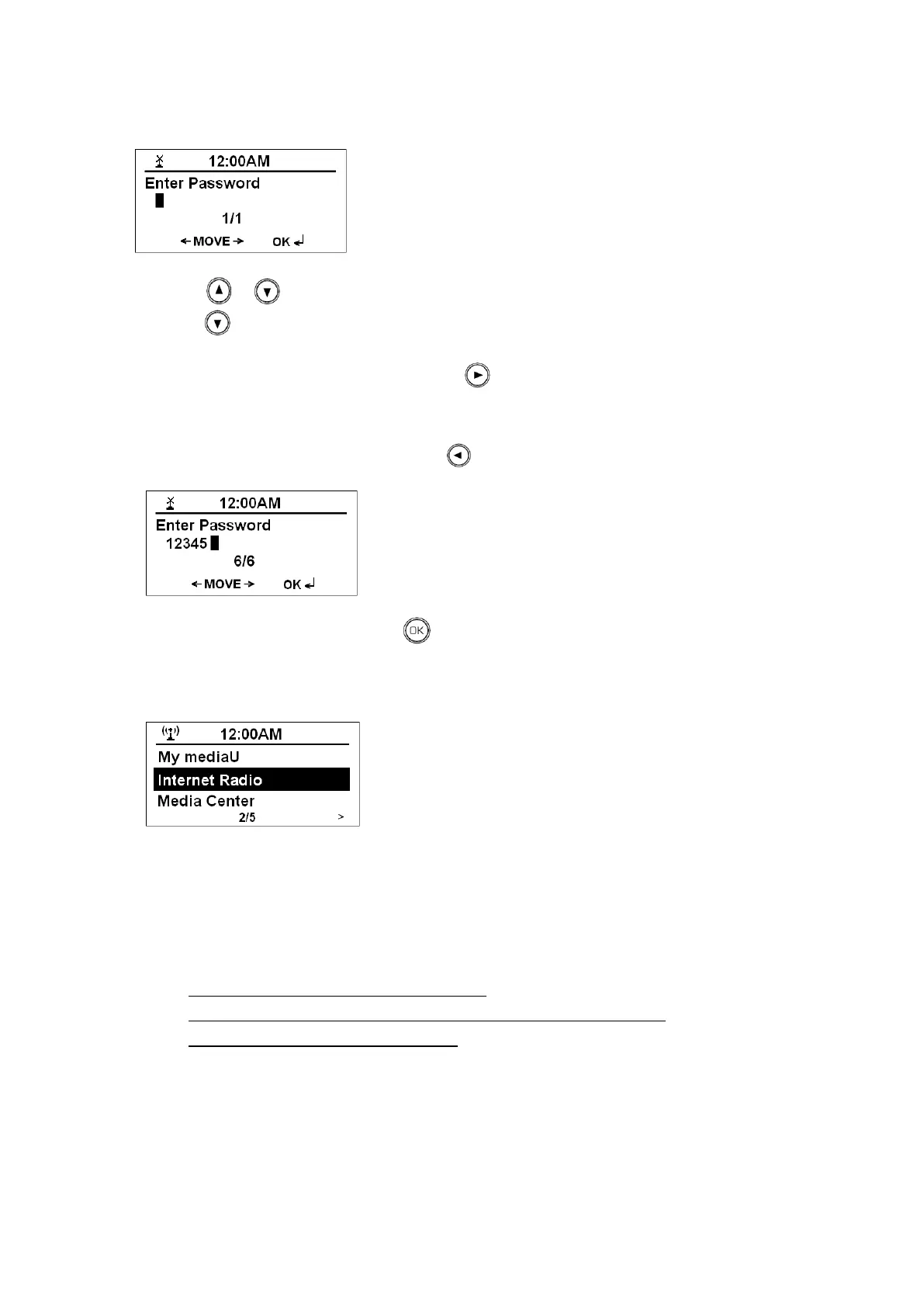
Your radio will ask you to input the WEP/WPA code and display the password entry screen.
a. Press or to pick the character you‟ve desired, if you want quick run to number, you can
press directly reach 9-0.
b. While your target character shows up, press to select it, simultaneously, the cursor will forward
to next character for your selection.
c. If a wrong character is being input, press to delete it.
d. After input the last character, press to get your radio to try access internet.
Now, it should be connected to network and shows as below.
Note: a. WEP/WPA pass codes are case-sensitive.
b. Radio will automatically save the WEP/WPA code, therefore no bother to re-enter, unless you order a
<Reset to Default>.
Or, if it failed to access, please do follow:
A. Check your Router, see it works normally or not.
B. Relocate your radio to a stronger signal position, this is highly recommended!
C. Make sure your password is input correctly.



 To Next Page