Dai Nippon Printing Co., Ltd.
[DP-DS620/DP-DS620 (A) Printer Driver] User’s Manual (For Windows 7, 8)
<Multiple layout>
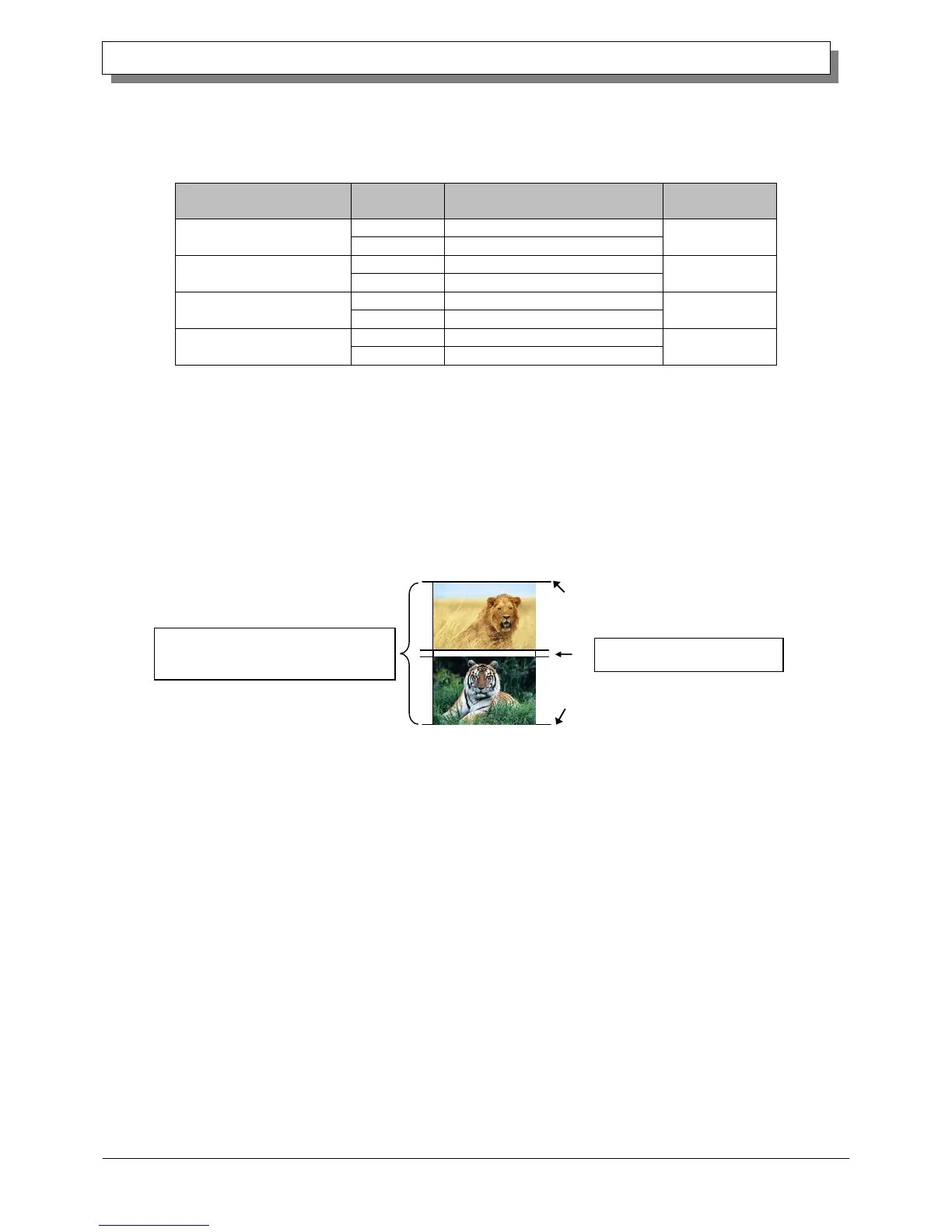
When 5 x 7 or 6 x 8 media is used, you can use a two-picture layout. You can enable multiple layout settings by setting
the paper size of the printer driver. The following section shows the image sizes.
Layout settings
Driver paper size setting
Paper size length x height (mm)
PR (3.5x5) x 2
PR (3.5x5) x N
PR (4x6) x 2
PR (4x6) x N
Multiple layout is carried out under the following conditions.
1. Set 5 x 7 or 6 x 8 size media in the printer.
2. Set the paper size of the printer driver to one of the abovementioned paper sizes.
3. From the application, send multiple images.
Note) Because they are carried out by the print job, multiple layout are carried out when there are multiple images
in a single job.
If you want to layout the same image, send the same number of images as the number-of-sheets setting.
The printer handles two pictures at one time and cuts the paper after it is ejected.
Same-size images on one sheet
Layout of 2 pictures: set x 2
Cut when paper is ejected



 To Next Page