4 DNP IMS America Corp.
Install Using the Found New Hardware Wizard Software Update Procedure
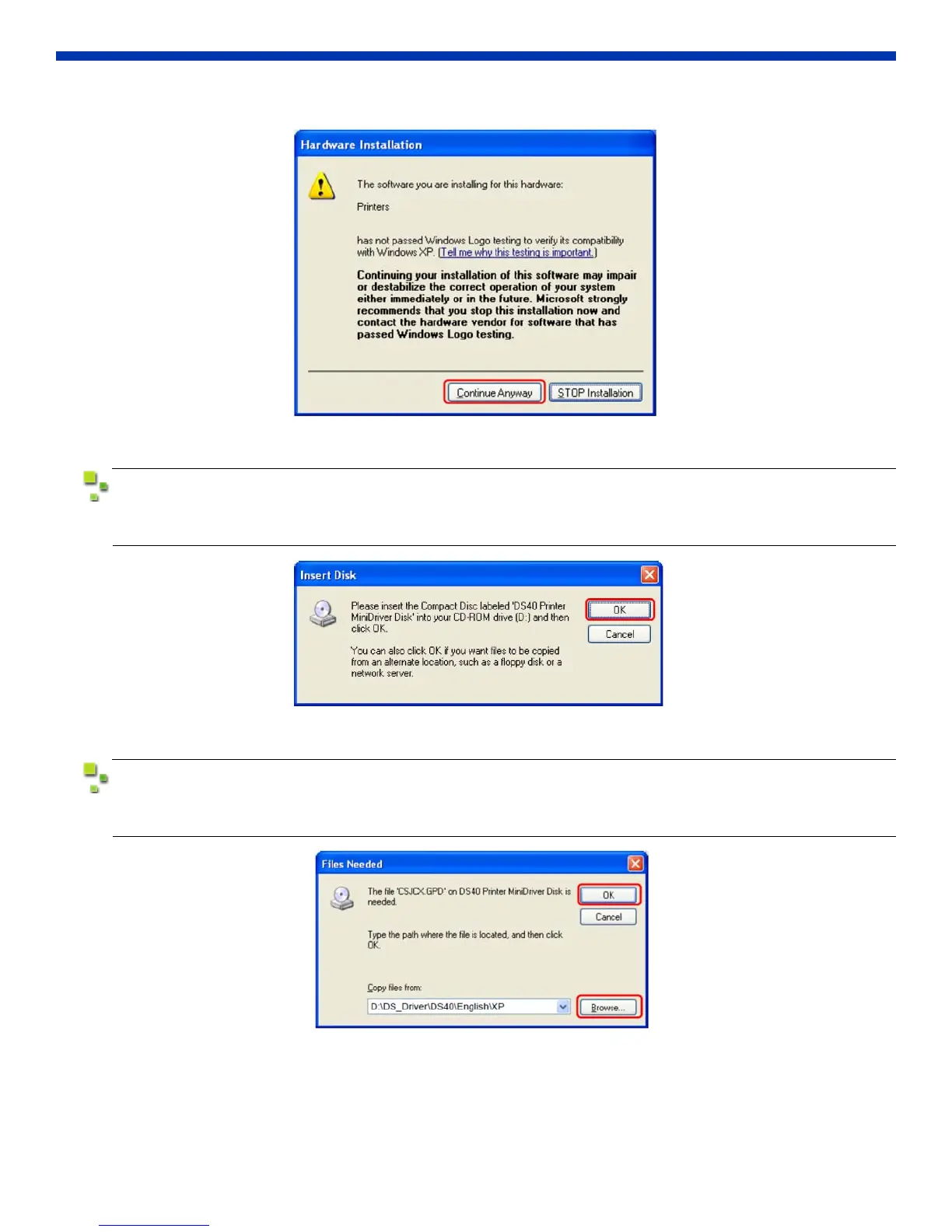
4. During software installation, the following message will be displayed. Click Continue Anyway to proceed.
Figure 6. Verify Windows Logo
If “Search removable media (floppy, CD-ROM)” was selected in Figure 3, the following message
(see below) will be displayed. Insert the CD-ROM and click OK.
Figure 7. Insert Compact Disc
If the following window (see below) appears after clicking OK in Figure 7, specify the location of
the installation disc using the Browse button. Click OK.
Figure 8. Specify Locationdojo



 To Next Page