DNP IMS America Corp. 5
Install from the Add Printer Wizard Software Update Procedure
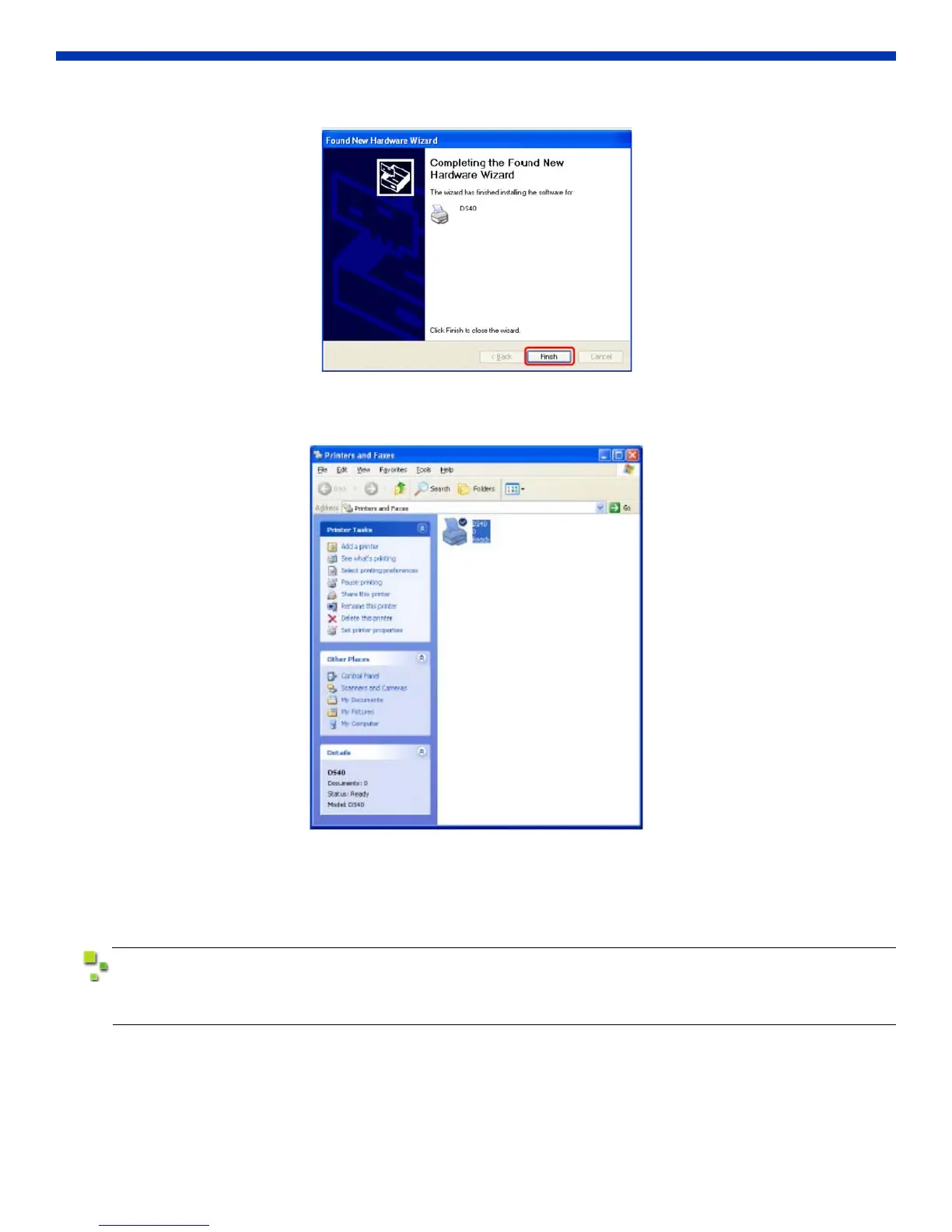
5. Click Finish to complete the wizard.
Figure 9. Finish
6. Go to the Start menu and select Printers and Faxes. Confirm that the DS40/DS80 printer is shown.
Figure 10. Verify Printer
INSTALL FROM THE ADD PRINTER WIZARD
1. Go to the Start menu and select Printers and Faxes.
Depending on the host computer, Printers and Faxes may not be available from the Start menu.
In that case, go to Start > Control Panel > Printer and Other Hardware > Printers and Faxes.



 To Next Page