D439E Service Manual 5. Service Tool
233
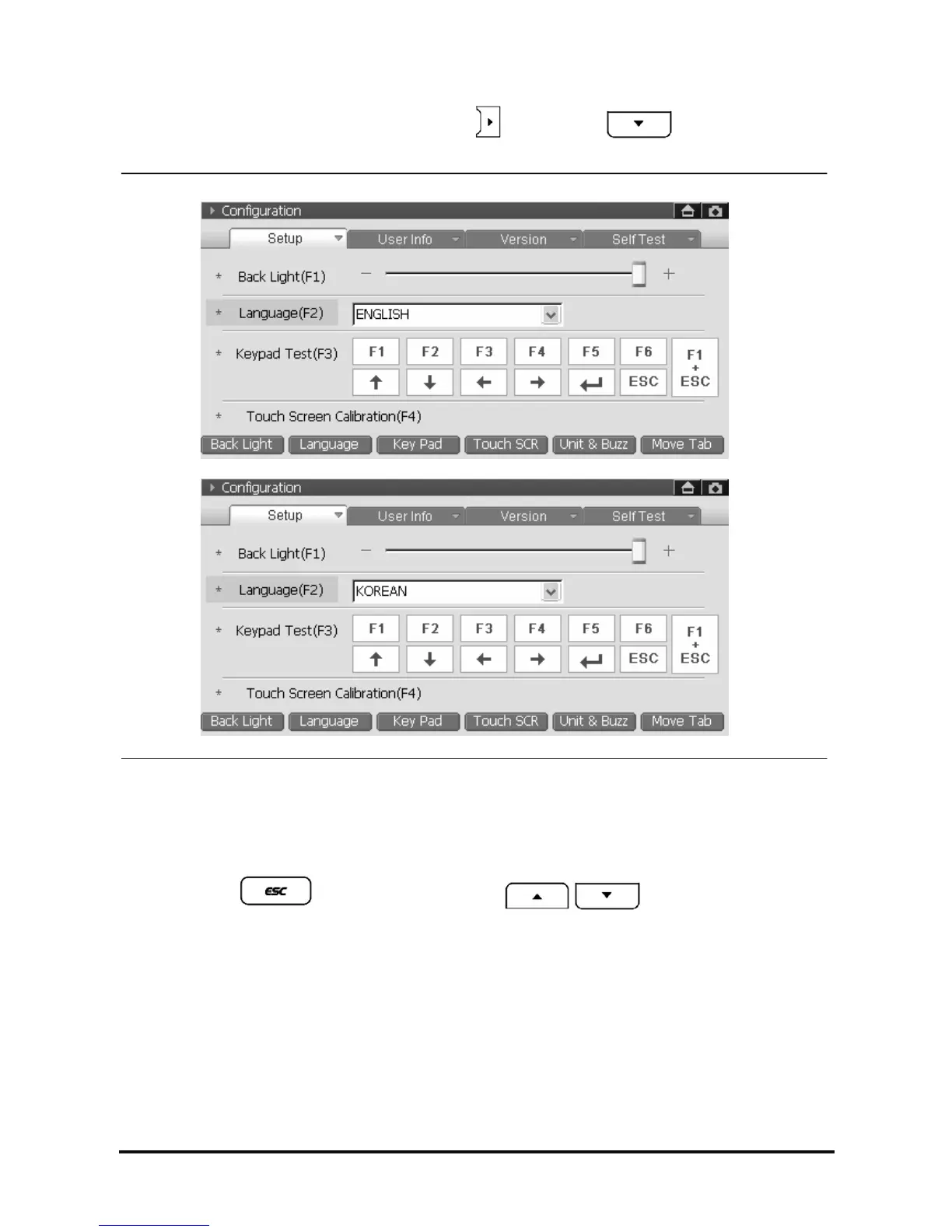
2. Using the stylus pen, select your language or press , and press the . Then language list will
be shown. (ENGLISH, KOREAN)
<Figure 4: Language Selection>
3. Move to another setup
• Using stylus pen, move to another setup if required
• Selecting the
, move to the menu and use , buttons to move another
setup if required.



 To Next Page