D439E Service Manual 5. Service Tool
234
Keypad Test
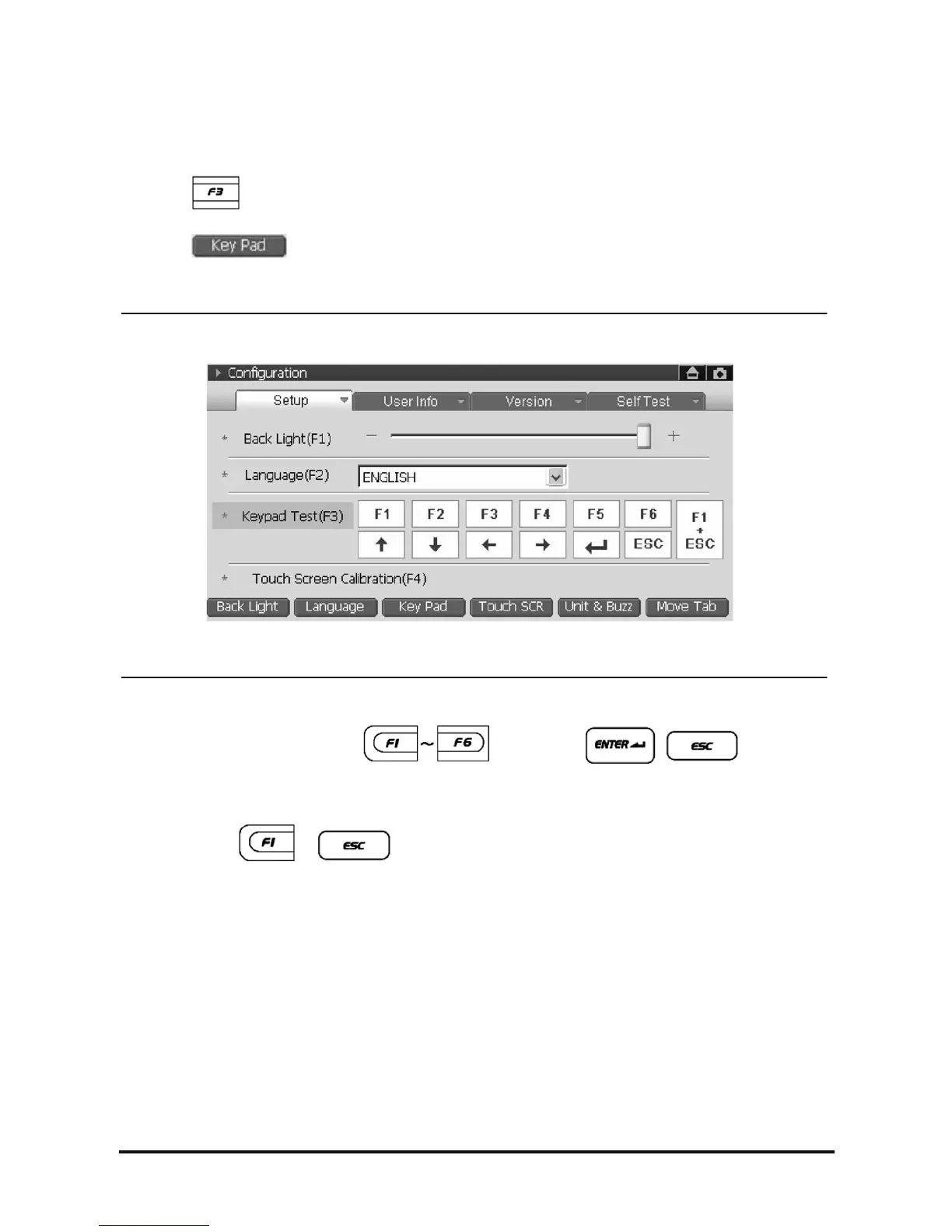
1. How to select the “Keypad Test”
• Select
button.
• Select
at the bottom of the screen.
• Select the “Keypad Test (F3)” on screen.
<Figure 5: Keypad Test>
2. Upon pressing the function button
, arrow keys, , , the color of
selected item will be changed to orange. You can easily check the operational status of the button by the
color change.
NOTE : Pressing
, buttons at the same time allows users to move setup list using
H/W button.



 To Next Page