D439E Service Manual 5. Service Tool
235
Calibration of Touch Screen
1. How to select the “Touch Screen Calibration (F4)”, the screen will be shown as follows.
• Select
button.
• Select the
at the bottom of the screen.
• Select the “Touch Screen Calibration (F4)” on screen.
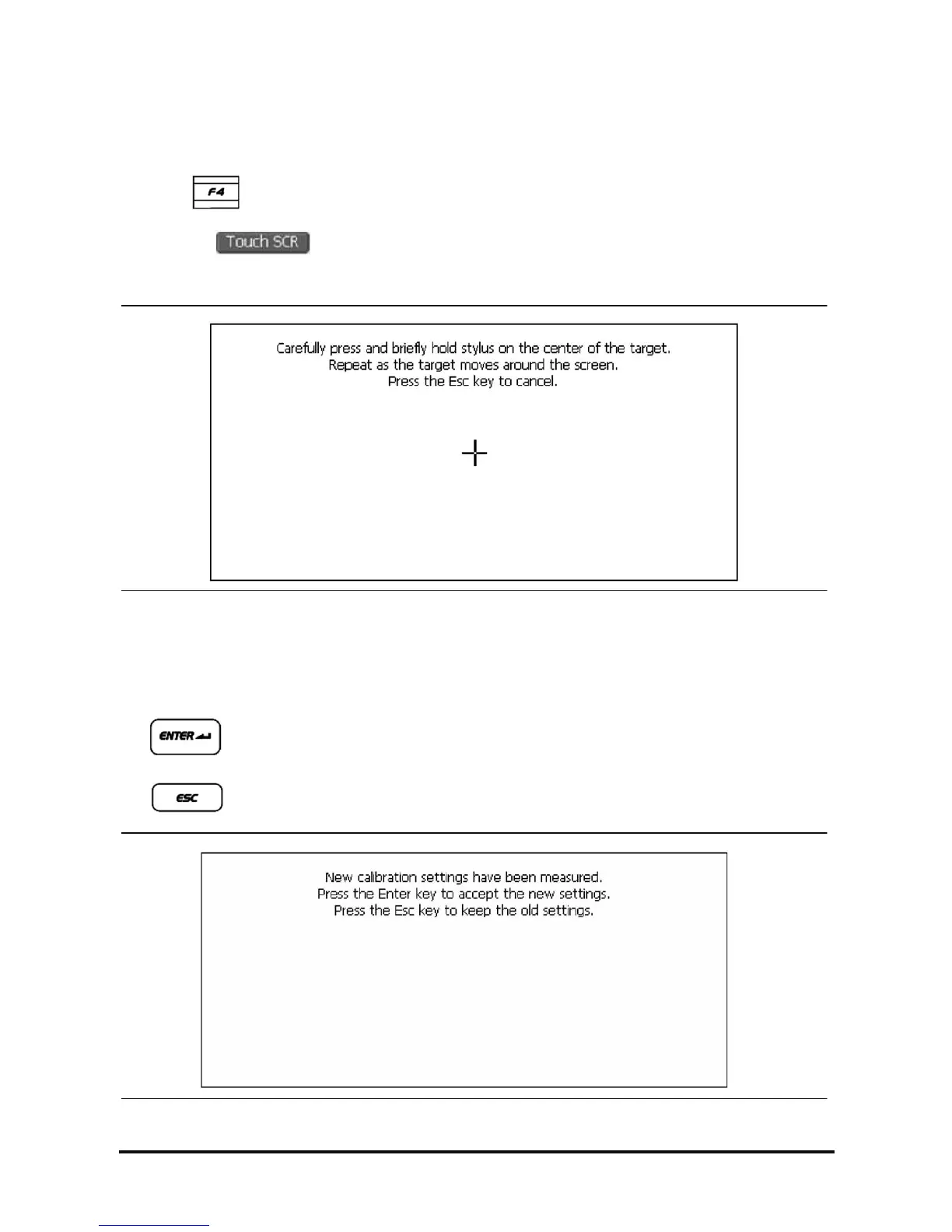
<Figure 6: Calibration of Touch Screen>
2. Select the center of (+) mark on the touch screen as shown in the above figure with the stylus pen.
* Totally 5 points are shown on the screen. Select all center points of the 5 marks.
3. After selecting 5 centers of (+) marks, message is shown as <Figure 7>.
•
: Save the new calibration and move to menu.
•
: Cancel the new calibration and move to menu.
<Figure 7: Completion of the Touch Screen Calibration >



 To Next Page