D439E Service Manual 5. Service Tool
315
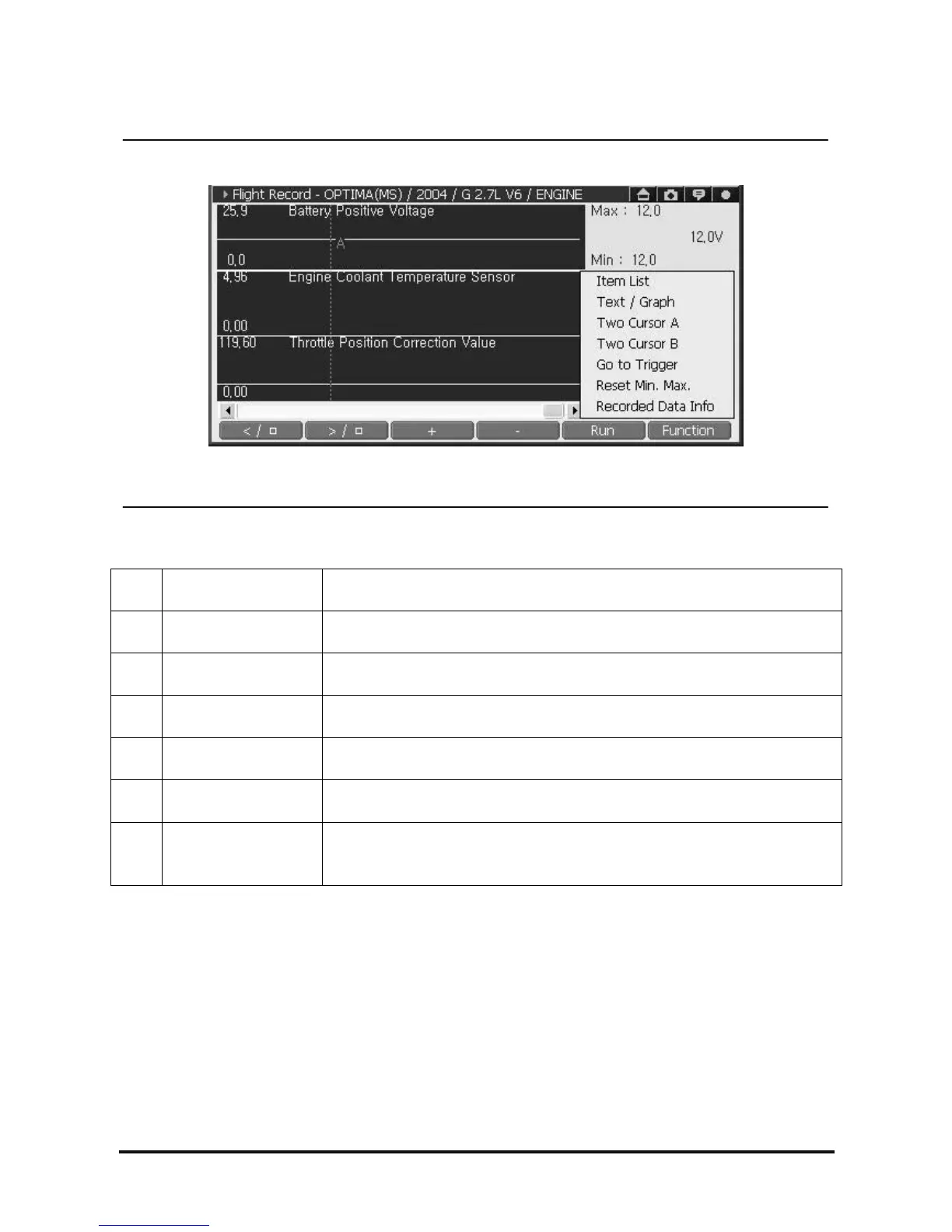
Function Menu of Flight Record Data Analyzing Screen
<Figure 16: Show the Function Menu>
① Item List
Among the data item recorded in the Flight Record function, change the data
item to show in graph mode (Available in graph mode only).
② Text/Graph Switch between text mode / graph mode.
③ Two Cursor A Cursor “A” can be repositioned in the time division by activating Cursor “A”
④ Two Cursor B
Cursor “B” can be repositioned in the time division, by selecting cursor “B” in
item list and activating cursor “B”
⑤ Go To Trigger Move where trigger button is pressed.
⑥ Reset Min. Max.
Initializes the Max/Min of Data shown on the right zone. (Available in graph
mode only.)
⑦ Recorded Data Info.
Show information of saved Data.
(File Information, Vehicle Information, Time Information, and Record Mode
Information)



 To Next Page