D439E Service Manual 5. Service Tool
319
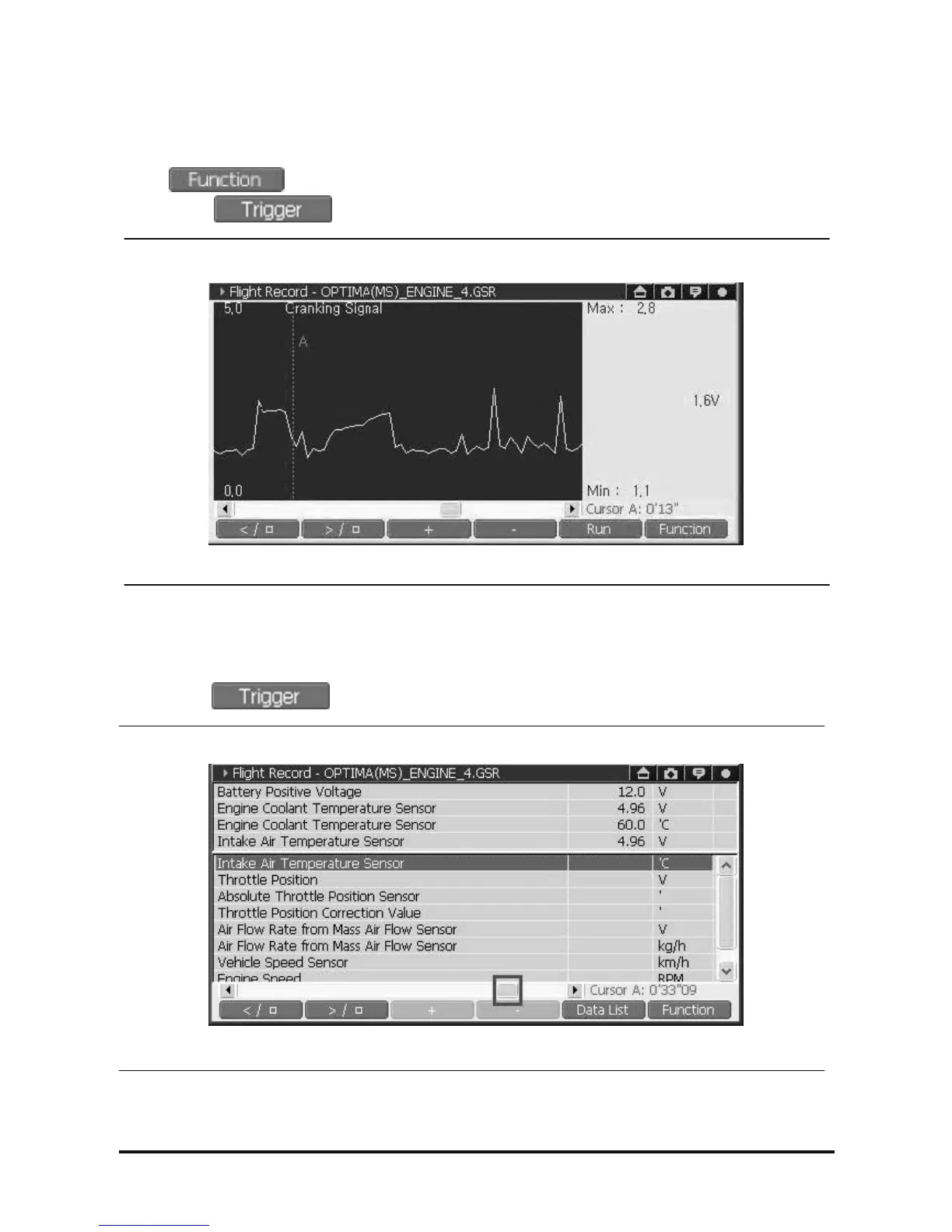
4) Check the Data at Trigger timing using “Go To Trigger”
<Select “Go to Trigger” in graph mode>
Select and select “Go To Trigger” then the Cursor “A” is going to be positioned where user
marked using during recording the data by Flight Record function.
<Figure 23: Select “Go To Trigger” in graph mode>
<Select “Go to Trigger” in text mode>
Select the “Go To Trigger” function, then you can check the current data of each recording item when user
marked using .
<Figure 24: Select “Go To Trigger” in text mode>



 To Next Page