D439E Service Manual 5. Service Tool
320
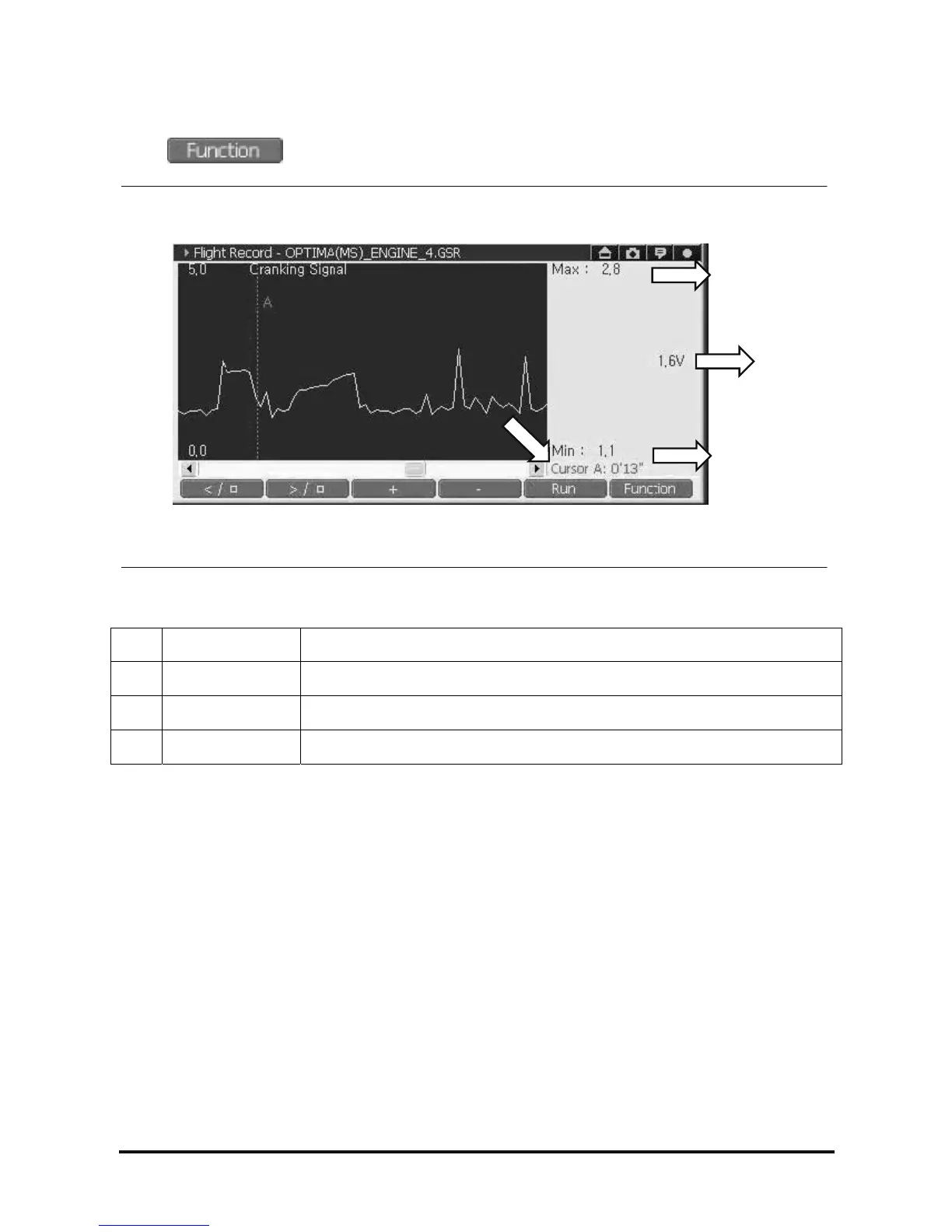
5) Reset Min/Max
Select and select “Reset Min/Max”, then all the data shown in the right zone are reset.
<Figure 25: Reset Min/Max>
① Max Maximum value among the data detected at Cursor “A” position
② Current Data value detected at Cursor “A” position
③ Min Minimum value among the data detected at Cursor “A” position
④ Time The time from recording Data to Cursor “A”.
①
②
③
④



 To Next Page