D439E Service Manual 5. Service Tool
321
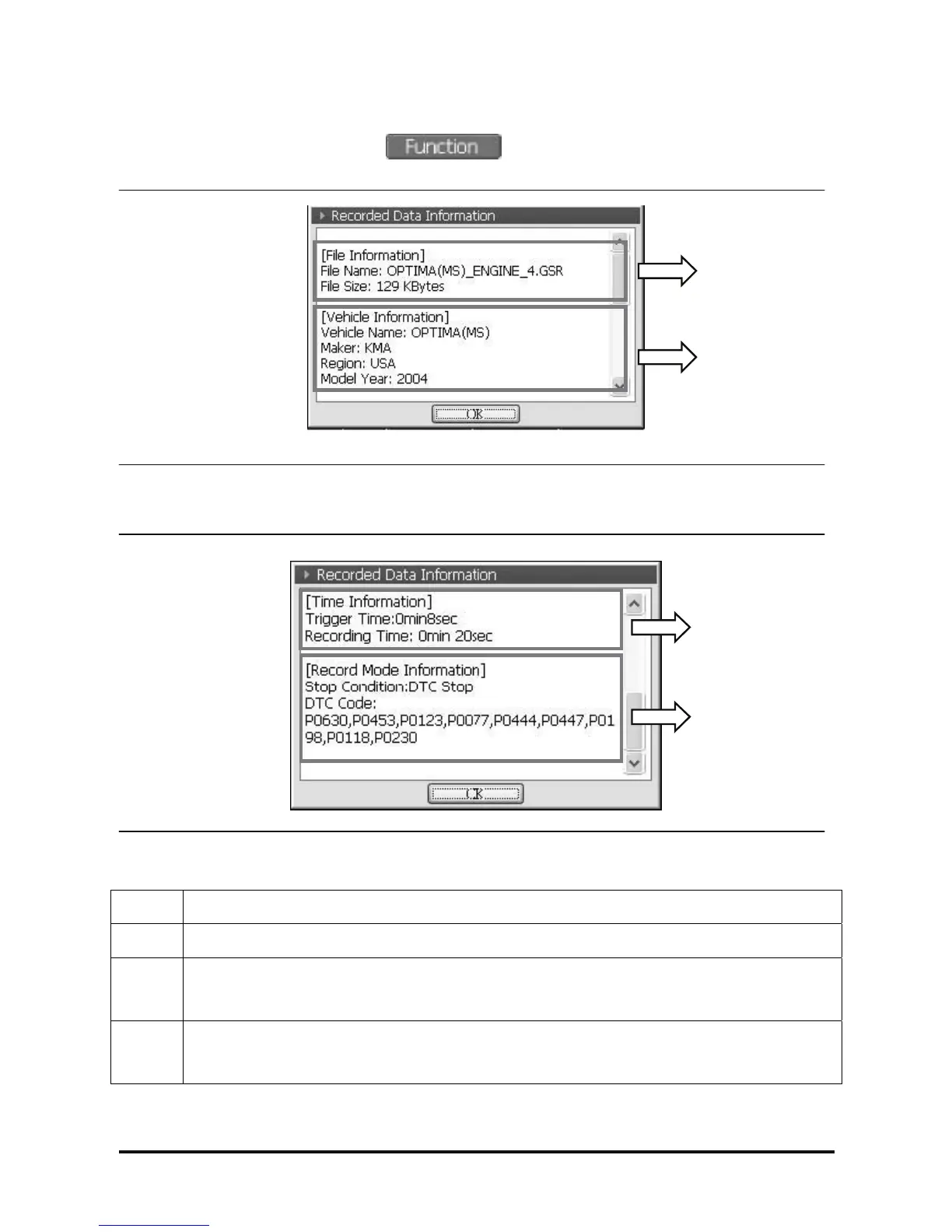
6) Recorded Data Info.
In the function menu shown by selecting , select “Recorded Data Info.” function, then the
information regarding the saved data can be checked.
<Figure 26-2: Pop-up window for Record Data Information >
<Figure 26-1: Pop-up window for Record Data Information>
① Check the saving path and size of the recorded file.
② Check the vehicle model and year of the recorded Data.
③
Time Information of recorded Data
• Trigger Time(Marked point of specific timing)
• Recording Time(Duration of saving data)
④
Record Mode Information of the recorded Data
• Stop Condition
• DTC Code
①
②
③
④



 To Next Page