39
2
Entering and Searching for information
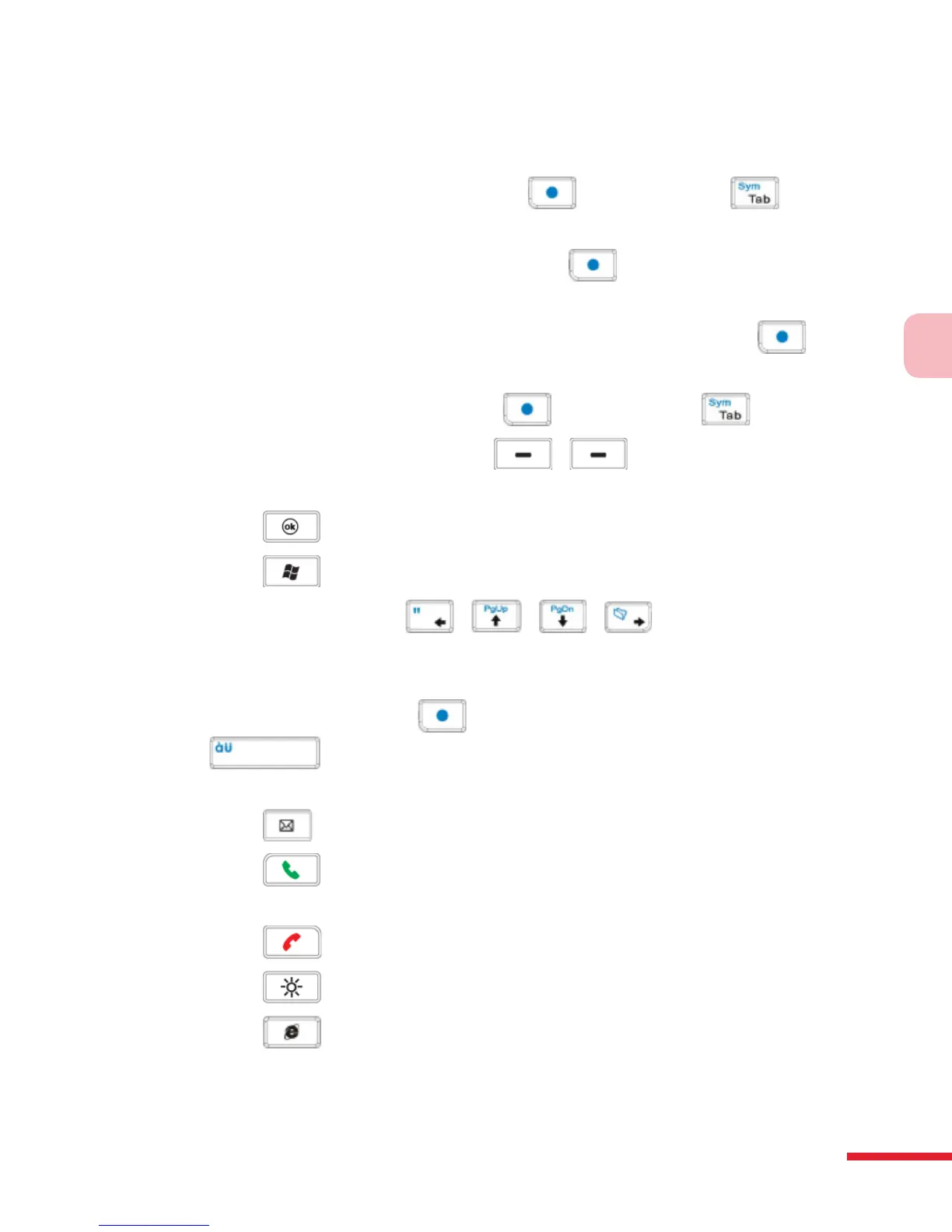
You can do the following with the QWERTY keyboard:
• To type lowercase letters, press the keys using your thumbs or ngers.
• To use all uppercase letters, press rst, then press . To
change back to all lowercase letters, press these buttons again.
• To use a single uppercase letter, press and then press the
corresponding key.
• To enter a number or symbol (labeled in blue color), press and
then press the corresponding key.
• To open the Symbol Pad, press and then press .
• Press the Left/Right SOFT KEY / to perform the
command shown in the label above the key.
• Press to verify your data entries or exit the program in use.
• Press to open the Start menu.
• Press the arrow keys / / / for directional
movement.
• To type accented characters (like á, ã, ç, ê, í, ó,
ü, etc), press the letter
key rst and then, hold
and at the same time press the space bar
several times until you nd the correct character you
need.
• Press to open the Messaging program.
• Press to answer a call, make a call or send a message. Press and
hold to toggle between enabling and disabling the speakerphone.
• Press to end a call or cancel a message.
• Press to adjust the brightness of the screen.
• Press to open the Internet Explorer Mobile Browser.



 To Next Page