DORAN MFG. LLC 2851 Massachusetts Ave Cincinnati, OH 45225 866-816-7233
Doranmfg.com
12
manner with the up and down arrow buttons. When you have the proper number
displayed for the year (Y) press and hold the S button for 3 seconds until the monitor
beeps twice and the display flashes twice. The monitor will now display like Figure
2-12.
2) To adjust the Month (M) you will need to press and hold the S button until the center
digit flashes. The months will be displayed as (01) for
January thru (12) for December. Pressing the up and
down arrow buttons will adjust the value of this digit.
When you have selected the number that you want
press the right button to adjust the right digit in the
same manner with the up and down arrow buttons. When you have the proper
number displayed for the Month (M) press and hold the S button for 3 seconds until
the monitor beeps twice and the display flashes twice. The display is shown like
Figure 2-13.
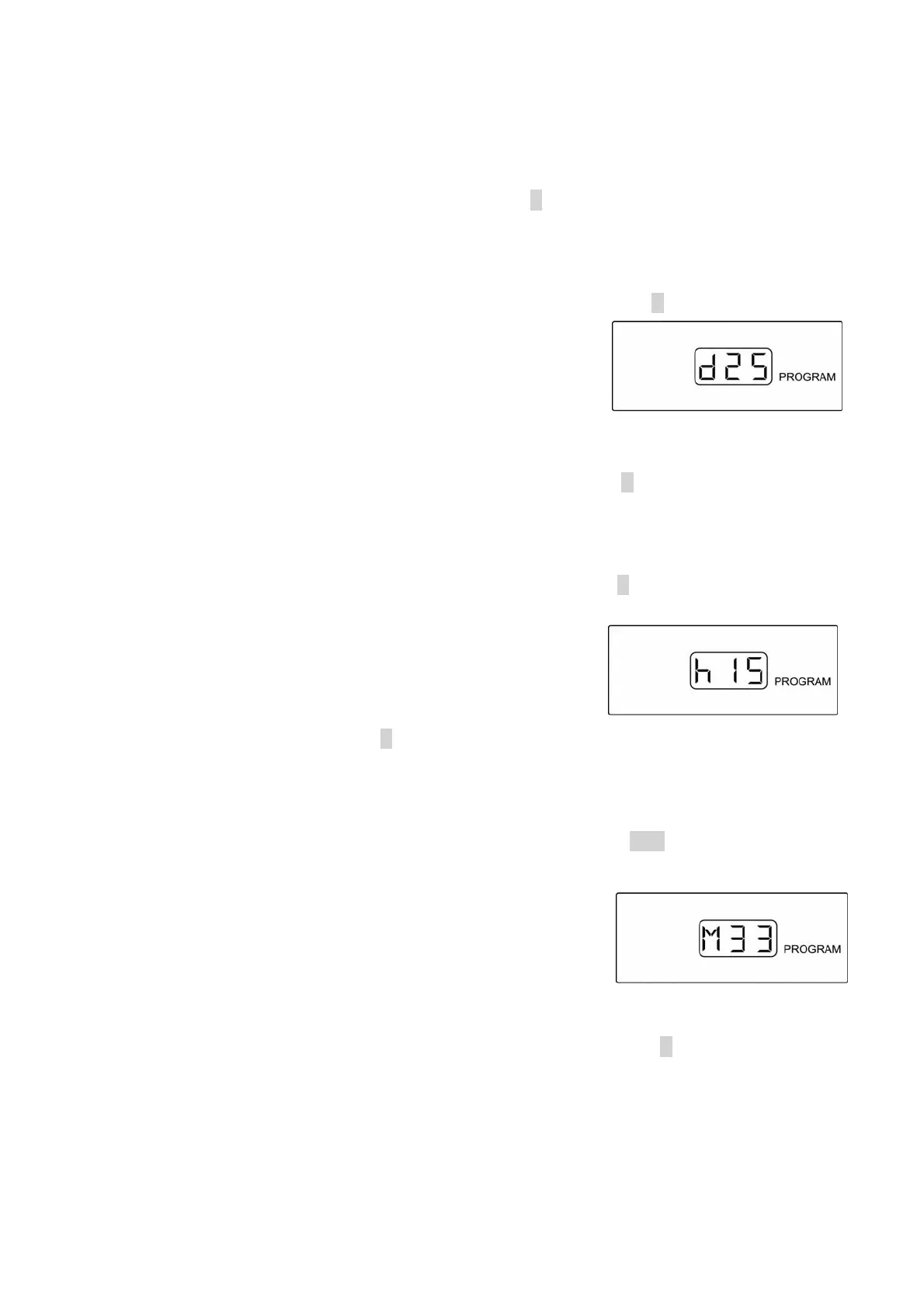
3) To adjust the day (d) you will need to press and hold the S button until the center digit
flashes. Pressing the up and down arrow buttons will adjust the value of this digit.
When you have selected the number that you want
press the right button to adjust the right digit in the
same manner with the up and down arrow buttons.
When you have the proper number displayed for the
day (d) press and hold the S button for 3 seconds until
the monitor beeps twice and the display flashes twice. The display is shown like
Figure 2-14.
4) To adjust the hour (h) you will need to press and hold the SET button until the center
digit flashes. Keep in mind that the hour will be displayed as a 24-hour clock. An
example is that 3:00 in the afternoon will be shown on
the clock as h15. Pressing the up and down arrow
buttons will adjust the value of this digit. When you
have selected the number that you want press the right
button to adjust the right digit in the same manner with
the up and down arrow buttons. When you have the
proper number displayed for the hour (h) press and hold the S button for 3 seconds
until the monitor beeps twice and the display flashes twice. The display is shown
like Figure 2-15.
Figure 2-13
Fi
ure 2-14
Fi
ure 2-15
Fi
ure 2-12


 To Next Page