DORAN MFG. LLC 2851 Massachusetts Ave Cincinnati, OH 45225 866-816-7233
Doranmfg.com
15
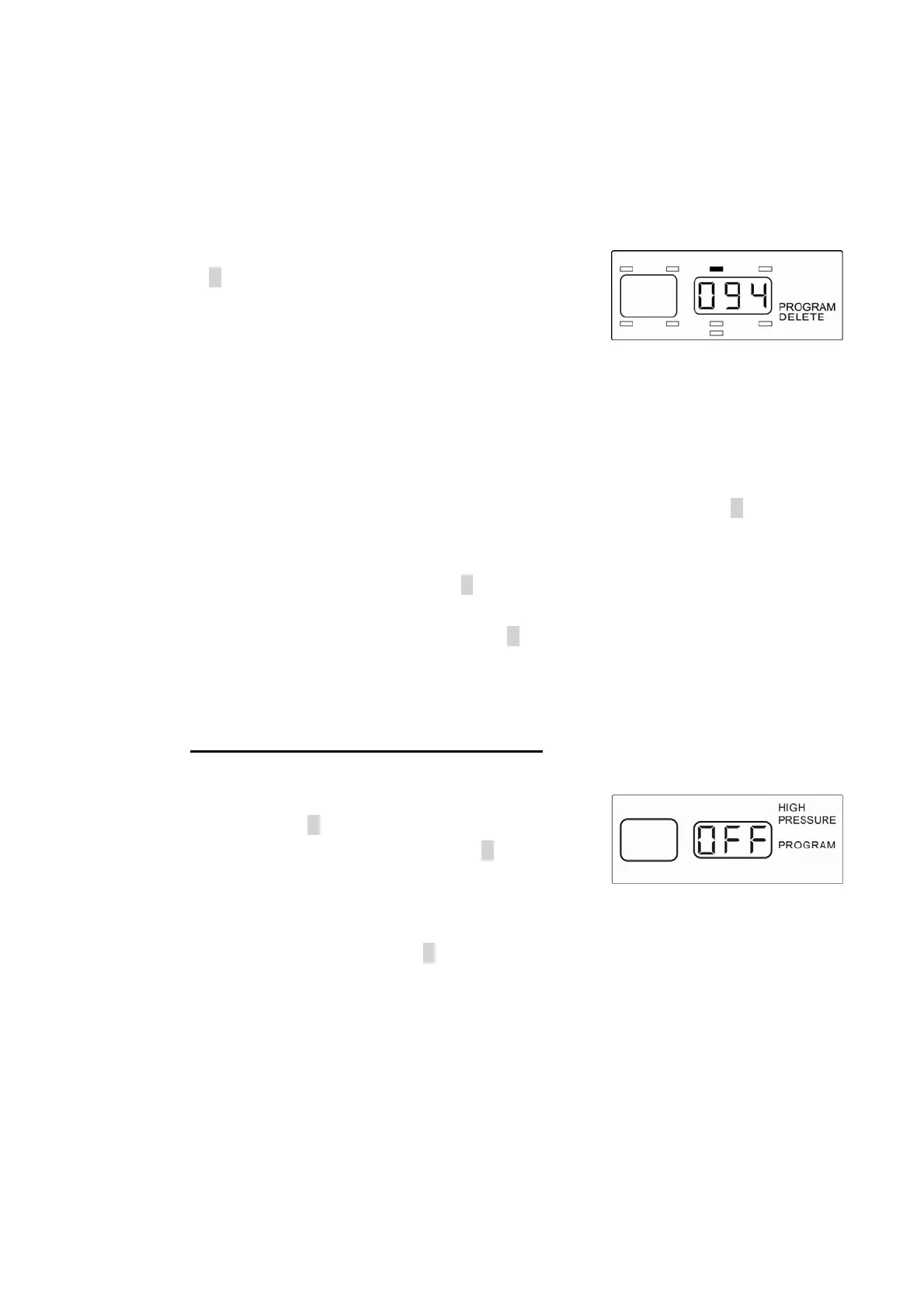
so you will be able to verify that this is the correct serial number to delete (see Figure
2-21).
2) When you have selected the location press and hold
the S button for three seconds. The three-digit
number will flash twice and the beeper will beep twice
to confirm that this position has been deleted. A
different position will be displayed and the tire
location that was deleted will now be gone (see
Figure 2-22).
3) If you have additional sensors that need to be deleted repeat the above steps until all
required sensors are deleted. If you need to program deleted sensors to a different
location, or add new sensors to the monitor’s memory simply press the P button twice
to enter into the Programming Sensor Location mode (see page 6).
4) When you are finished press the P button to enter into the HIGH PRESSURE
program mode, which is the last item to program. If you are done with the
programming operation you can press the P button for 5 seconds and the monitor will
return to the normal mode of operation. This can be done in any section of the
program mode when the programming is completed.
F. High Pressure Alarm Programming
NOTE: To enter directly into this program mode you will
need to press the P button for 5 seconds until the
“PROGRAM” is displayed. Then press the P button again
briefly 5 times to enter this mode (see Figure 2-23 for
screen display).
NOTE: To exit this mode press the P button for 5 seconds to return to normal operation
mode.
The HIGH PRESSURE PROGRAM mode will allow you to set up your monitor to alarm if
a pressure that is 25% higher than the baseline pressure is detected. This feature can
assist in the checking of elevated heat in the tire. Pressures increase with elevated
temperature. The monitor will display HIGH PRESSURE and PROGRAM and the center
Figure 2-22
Fi
ure 2-23


 To Next Page