EasyManua.ls Logo

Dormakaba ED50 - User Manual

Dormakaba ED50
74 pages
Print Icon
To Next Page IconTo Next Page
Loading...
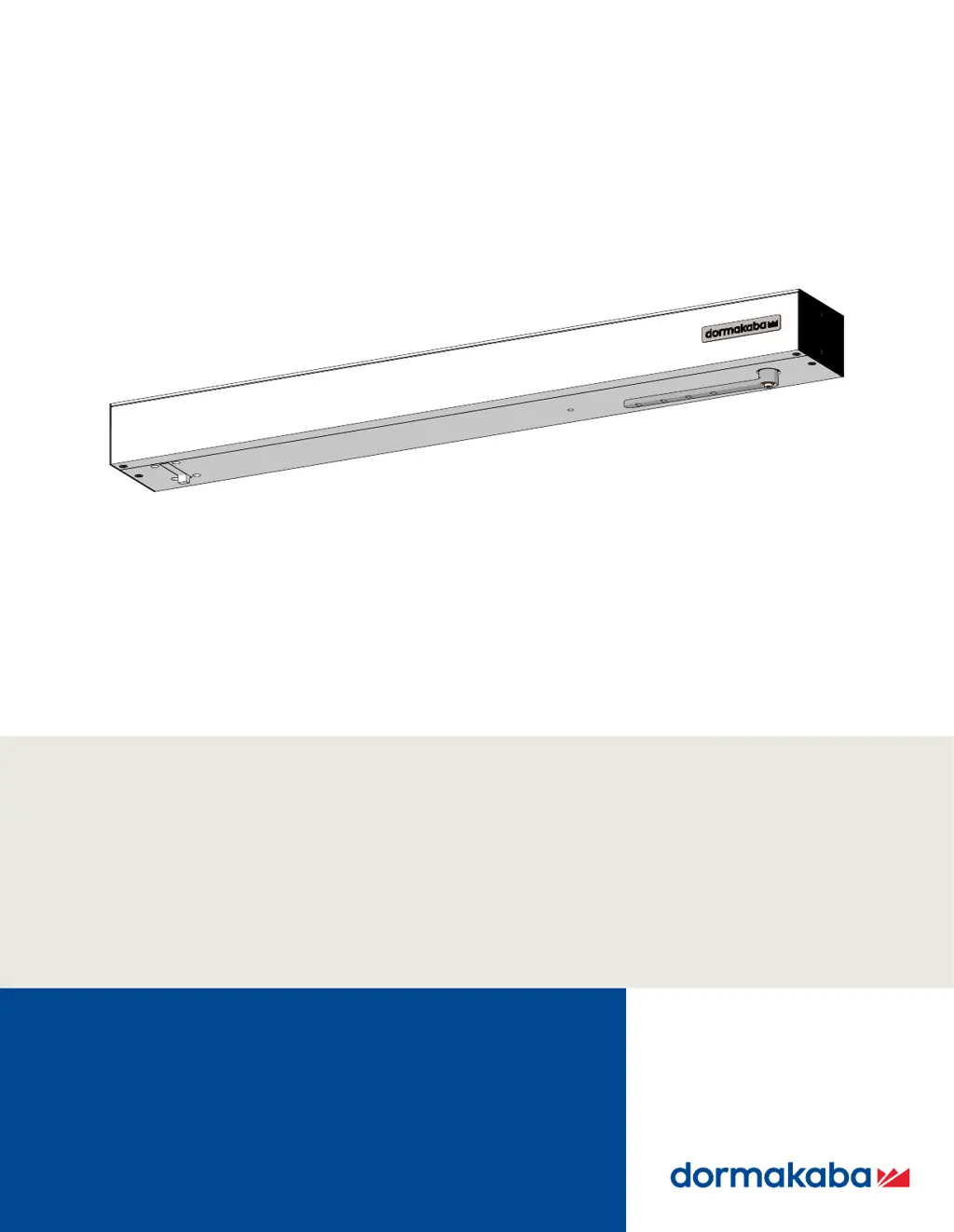
ED50/ED100/ED250
Swing Door Operators
Installation in Overhead Concealed Header
Door Installation, Setup,
Troubleshooting and Maintenance
Instructions
DL4617-003 – 09-2021
| EN |

Other manuals for Dormakaba ED50

Questions and Answers

  • M
    Mark CastanedaAug 16, 2025
    What to do if Dormakaba Gate Opener door is obstructed?
    • L
      Larry MaddenAug 16, 2025
      If the Dormakaba Gate Opener door is obstructed, first check the door movement while the system is deenergized and remove any obstructions. Obstructions are often caused by people using the door because the sensor's detection range doesn't match the operator's opening speed. You may need to increase the sensor detection range or the operator's opening speed. After addressing the obstruction, test the system operation.
  • N
    nichole29Aug 19, 2025
    Why Dormakaba Gate Opener hold-open system is triggered?
    • Y
      yrodriguezSep 12, 2025
      The hold-open system in your Dormakaba Gate Opener can be triggered automatically by a smoke detector or a building interface system. To resolve this, try the following: * Manually move the door to the taught opening angle. * Switch the program switch to 'Close (off)'. * Press both left and right buttons on the 4-button keypad for more than 3 seconds. Also, ensure that a smoke detector or building interface has not been triggered. If reactivation is unsuccessful, there may be a defect in the smoke detector or building interface system or its connections.
  • J
    Jack CraigAug 22, 2025
    What to do if Dormakaba Gate Opener shows overcurrent detection?
    • I
      iroseAug 22, 2025
      If your Dormakaba Gate Opener is showing an overcurrent detection error, it means the motor is consuming too much power. Check for any external causes. The drive unit or control unit could be defective. If the error repeats, the operator may need to be replaced.
  • K
    kmackAug 26, 2025
    How to fix faulty learning cycle on Dormakaba Gate Opener?
    • C
      Cynthia DixonAug 26, 2025
      A faulty learning cycle on your Dormakaba Gate Opener may occur if the learning cycle is interrupted, such as when door movement is stopped during the process. To fix this, repeat the learning cycle.
  • J
    johnsonkristiAug 28, 2025
    How to troubleshoot safety sensor test error on Dormakaba Gate Opener?
    • V
      Victoria PatelAug 28, 2025
      If you're encountering a safety sensor test error on your Dormakaba Gate Opener, check if the 'safety sensor test' parameter ST has been configured to the installed safety sensors and their active-high or active-low signal level. The factory setting level of the 'safety sensor test' parameter ST is 0, meaning the test is off. Also, check for activation of the test at the safety sensors.
  • A
    Adrian PaulAug 31, 2025
    What to do if Dormakaba Gate Opener drive function is deactivated?
    • D
      Donald ScottAug 31, 2025
      If the drive function of your Dormakaba Gate Opener is deactivated, one of the activators connected to X6 may have opened, or there may be a defect. Try resetting the applicable activator. The operator should then start operation automatically. If the ln 08 error is still present, check the activators or system wiring.
  • J
    Julia HerreraSep 3, 2025
    How to fix locking device error on Dormakaba Gate Opener?
    • J
      James LopezSep 3, 2025
      A locking device error on your Dormakaba Gate Opener is probably caused by a defective locking device or a wiring defect. Check the locking device and feedback system.
  • W
    woodsaliciaSep 6, 2025
    How to resolve incompatible firmware version on Dormakaba Gate Opener?
    • K
      Kyle OwensSep 6, 2025
      To resolve an incompatible firmware version issue on a Dormakaba Gate Opener, equip both operators with the same firmware version.
  • M
    Michele AndersonSep 9, 2025
    How to fix EEPROM error on Dormakaba Gate Opener?
    • R
      Ross ClarkSep 10, 2025
      To address an EEPROM error on your Dormakaba Gate Opener, reload the current firmware using a dormakaba handheld device to reinitialize the system. If the error persists, the control unit must be replaced.
  • T
    Todd SharpSep 12, 2025
    How to resolve incompatible fire protection setting on Dormakaba Gate Opener?
    • C
      Carla GriffinSep 12, 2025
      For double door systems, the Upgrade card fire protection must be installed in both control units.

Dormakaba ED50 Specifications

General IconGeneral
BrandDormakaba
ModelED50
CategoryDoor Opening System
LanguageEnglish

Related product manuals