66
ED50/ED100/ED250 09-2021DL4617-003
dormakaba ED50/ED100/ED250 OHC Header
Setup and Troubleshooting Instructions
Appendix B
No. Display
Red
LED
Description Troubleshooting information messages
ln Off
Obstruction
Door obstructed by an
obstacle or person; door
movement stopped by
operator.
Sustained operation on a door with an obstruction can result in damage to
drive.
. Object or person obstructing door movement.
• Check door movement while system is deenergized.
• Remove cause of anything obstructing door movement.
. Sensor detection range too small.
• Obstructions are often caused by people using door due to sensor's
detection range not matching operator's opening speed. Door is
unavoidably contacted by person using door.
• Sensors detection range should be increased and/or operator's opening
speed should be increased.
. Test system operation after cause of obstruction found.
ln Off
Deactivation of drive function.
• Contact at X, and a is
opened.
• Operator switched to
emergency mode, door
can only be used manually.
An emergency close switch, lock switch, or other system safety device may be
connected to the X input.
• One of the activators connected to X may have opened, or a defect is
present.
. Reset the applicable activator. Operator should start operation
automatically.
• If ln still present, check activators or system wiring.
ln Off
Upgrade card error.
• Installed upgrade card has
been removed.
• If two upgrade cards were
installed, the upgrade card
installed first (container
module) has not been
reinstalled or is defective.
. Installed upgrade card cannot be removed.
• If more than one upgrade card is installed, the first card installed becomes
the container module.
• The container module must be installed last, after all other Upgrade cards
are installed.
. If container module is defective, first upgrade card (container module)
must be replaced and all other upgrade cards must be reinstalled.
ln On Hold-open system triggered.
. Hold-open system can be triggered:
• Automatically by smoke detector or building interface system.
• Manually by a manual release button.
• Manually moving door.
. The system must be reactivated by a deliberate action.
. Depending on system's configuration, reactivation can be done by:
• Manually moving door to taught opening angle.
• Switching program switch to Close (off).
• Pressing both button keypad left
and right buttons greater
than s.
. It must be ensured that a smoke detector or building interface has not
been triggered.
. If reactivation is unsuccessful, there may be a defect in the smoke
detector or building interface system or its connections.
ln Off
Locking alarm.
• Door is blocked while in
the closed position.
• Most common cause of this error is the drive unit attempting to open a
locked door.
. To eliminate the occurrence of this error, install a lock status switch.
• Lock switch detects the lock pin's switching status and switches the drive
unit off if necessary.
• It is recommended to use a lock status switch, as repeated attempts to
open a locked door may damage the drive unit or the door.
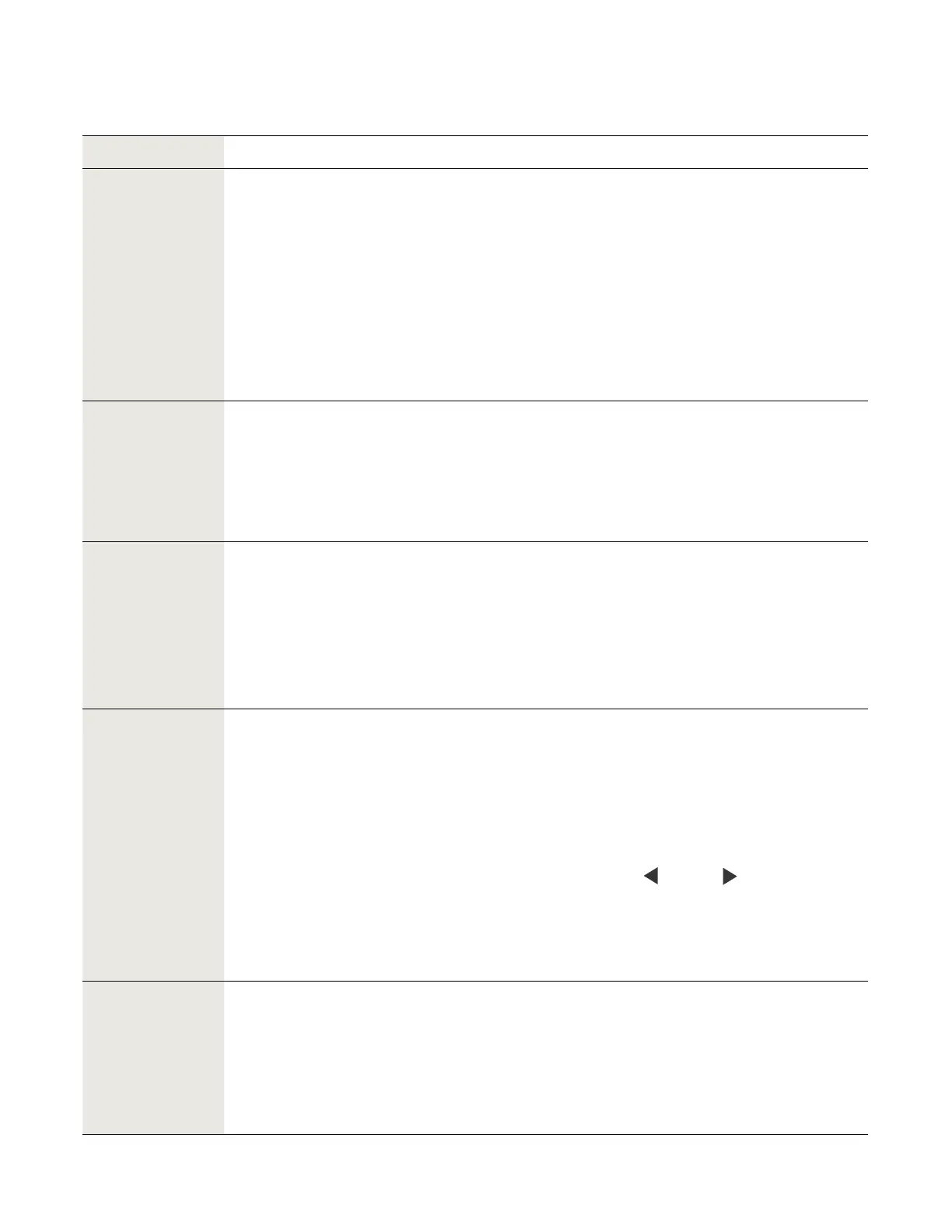
B. Troubleshooting chart, "ln" codes
B.. Troubleshooting chart, information messages.












 To Next Page