Instructions for use BiliLux 55
Configuration
9 Configuration
9.1 Adjusting the date and time
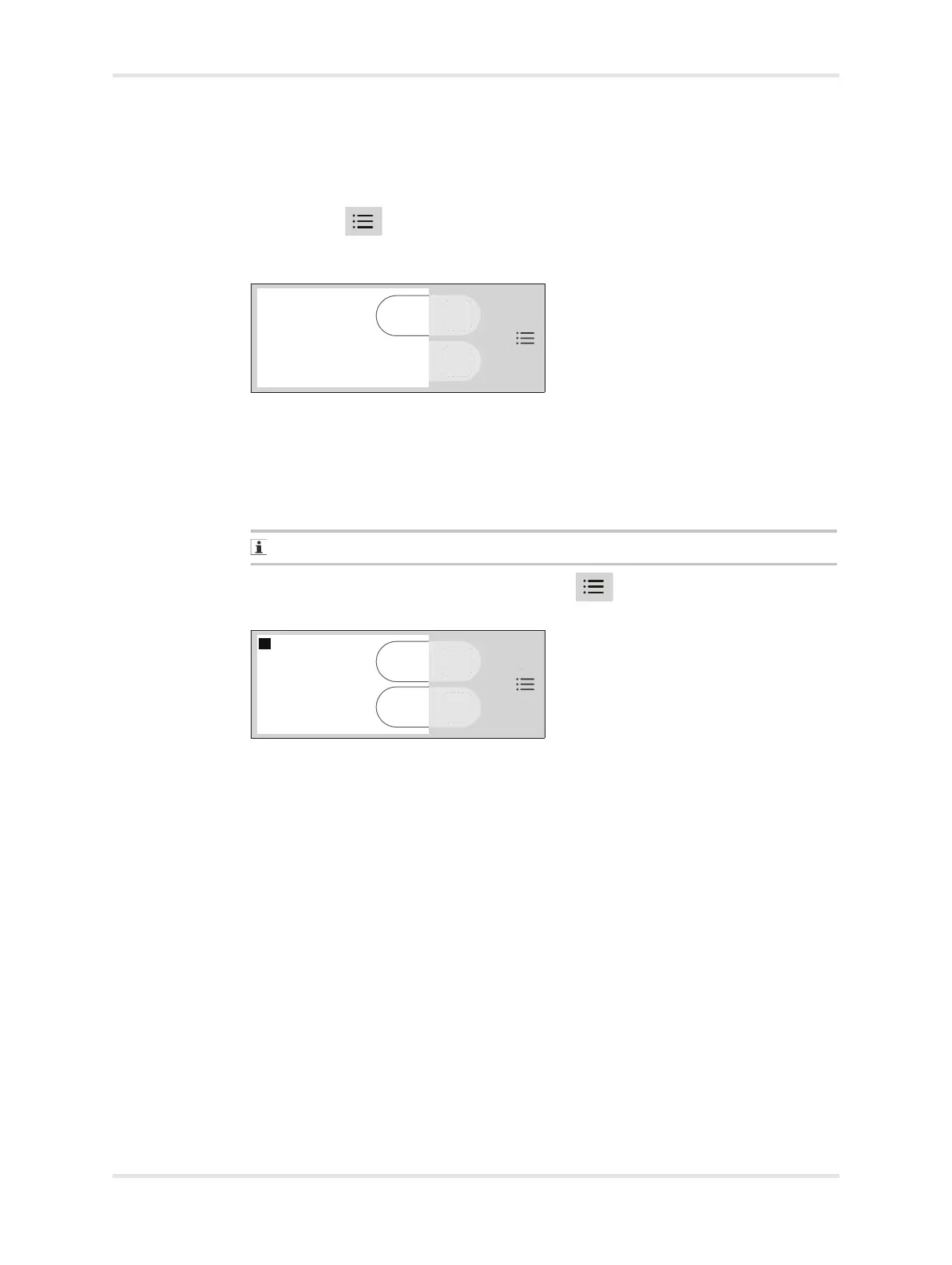
1 Press the key (A) until the Configuration screen is displayed. It shows the
currently set date and time (B), the language (C), and the Adjust button (D)
used to make changes.
2 Press the Adjust button on the configuration screen. The day field in the date is
highlighted (E).
Press the Increase button (F) to adjust the day to the desired setting.
Press the Next button (G) to confirm the setting and move to the next field.
3 Repeat the process for each field in the date and time.
The year can be adjusted until it reaches 2099. It then reverts to 2000.
4 When all changes are complete, press the key to save the settings and to
exit the configuration screen.
025026














 To Next Page