Vigor2820 Series User’s Guide
97
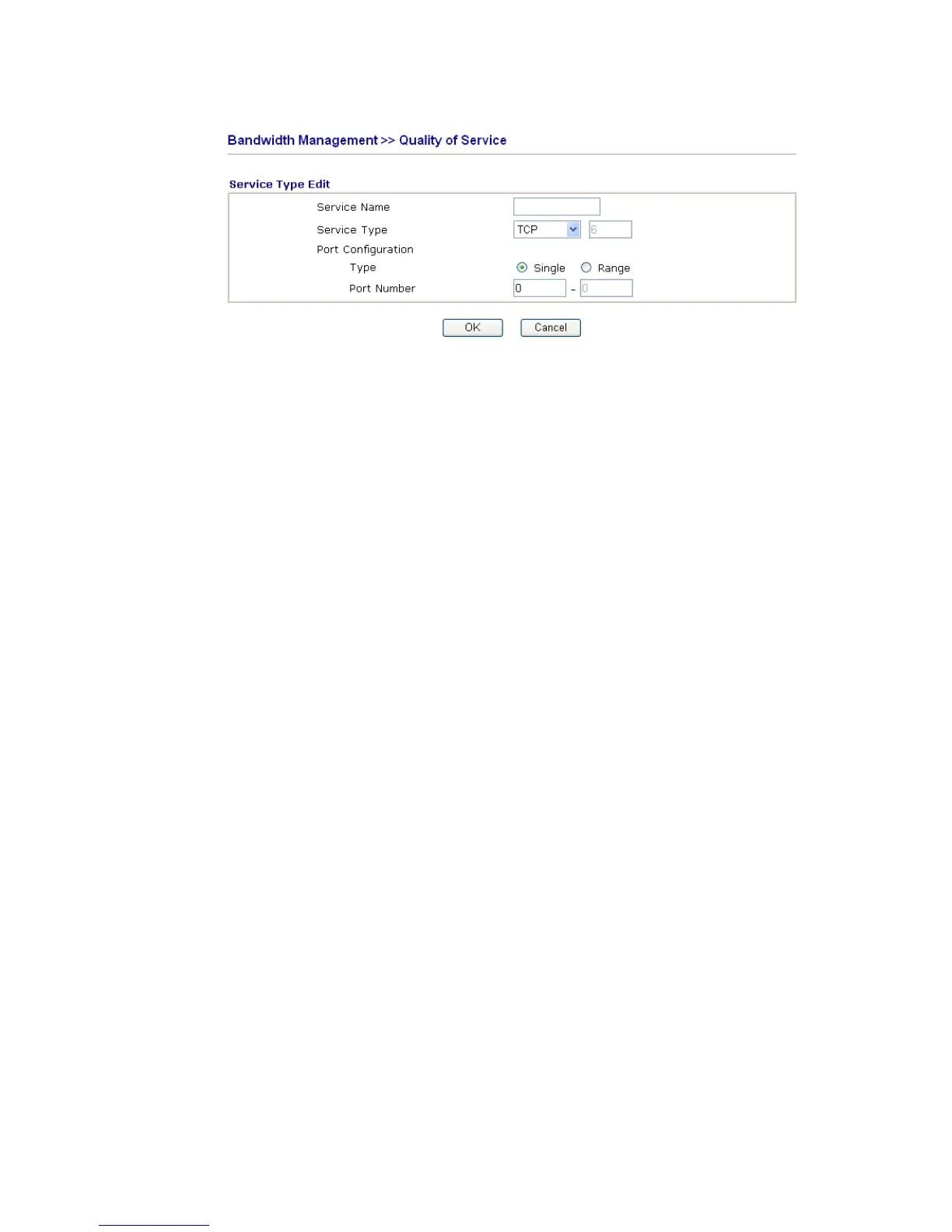
For adding a new service type, click Add to open the following page.
Service Name Type in a new service for your request.
Service Type Choose the type (TCP, UDP or TCP/UDP) for the new
service.
Port Configuration Click Single or Range as the Type. If you select Range, you
have to type in the starting port number and the end porting
number on the boxes below.
Port Number – Type in the starting port number and the end
porting number here if you choose Range as the type.
By the way, you can set up to 40 service types. If you want to edit/delete an existed service
type, please select the radio button of that one and click Edit/Edit for modification.













 To Next Page