Vigor2820 Series User’s Guide
30
Line Displays the physical connection (Ethernet) of this interface.
Name Displays the name set in WAN1/WAN web page.
Mode Displays the type of WAN connection (e.g., PPPoE).
Up Time Displays the total uptime of the interface.
IP Displays the IP address of the WAN interface.
GW IP Displays the IP address of the default gateway.
TX Packets Displays the total transmitted packets at the WAN interface.
TX Rate Displays the speed of transmitted octets at the WAN interface.
RX Packets Displays the total number of received packets at the WAN
interface.
RX Rate Displays the speed of received octets at the WAN interface.
ISDN Status
Channel Active Conn. Displays the active connection status for each channel.
TX Pkts Displays the total transmitted packets at the ISDN interface.
TX Rate Displays the speed of transmitted octets at the ISDN interface.
RX Pkts Displays the total number of received packets at the ISDN
interface.
RX Rate Displays the speed of received octets at the ISDN interface.
Up Time Displays the total uptime of the interface.
AOC Displays the charge information of the interface.
Note: The words in green mean that the WAN connection of that interface
(WAN1/WAN2) is ready for accessing Internet; the words in red mean that the WAN
connection of that interface (WAN1/WAN2) is not ready for accessing Internet.
2
2
.
.
4
4
S
S
a
a
v
v
i
i
n
n
g
g
C
C
o
o
n
n
f
f
i
i
g
g
u
u
r
r
a
a
t
t
i
i
o
o
n
n
Each time you click OK on the web page for saving the configuration, you can find
messages showing the system interaction with you.
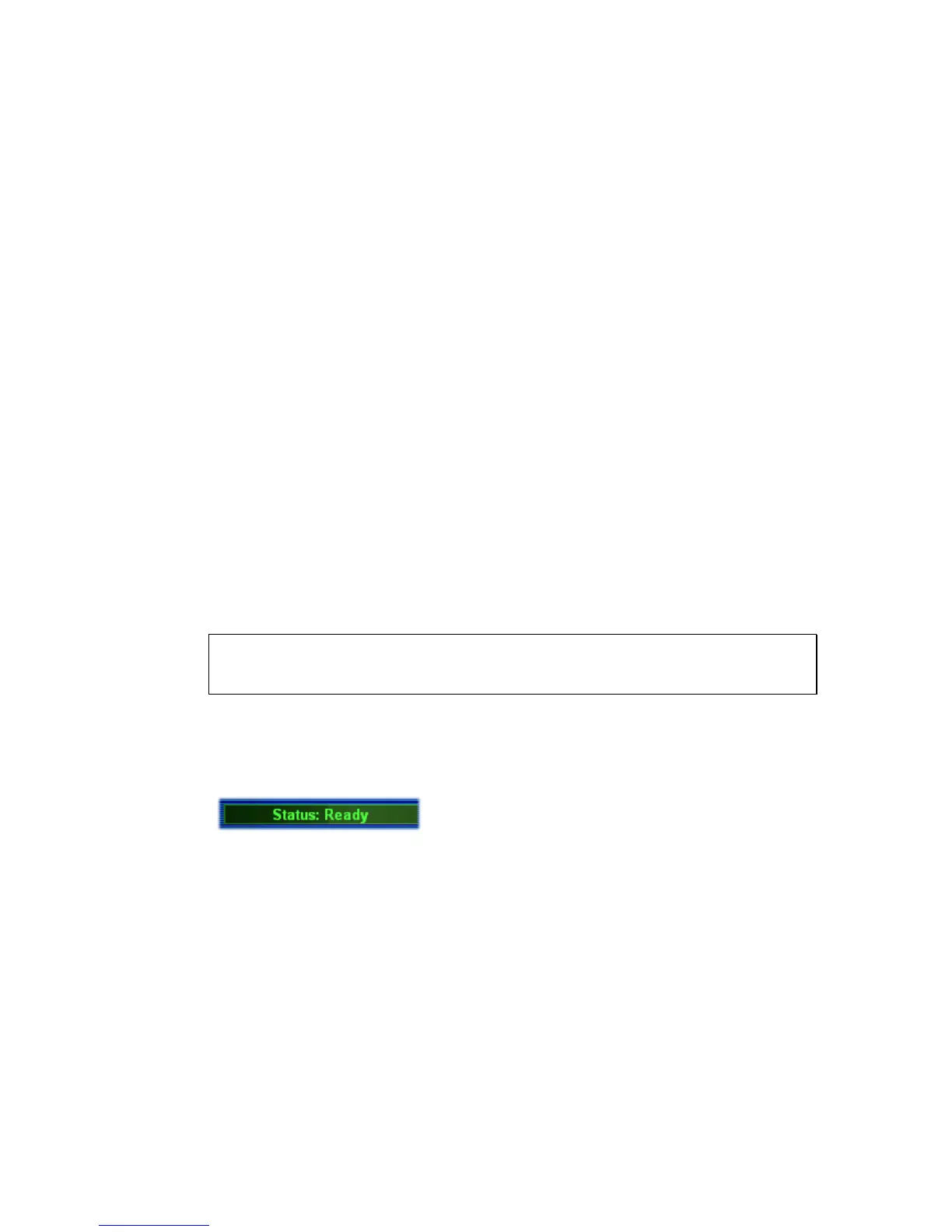
Ready indicates the system is ready for you to input settings.
Settings Saved means your settings are saved once you click Finish or OK button.













 To Next Page