Vigor2820 Series User’s Guide
173
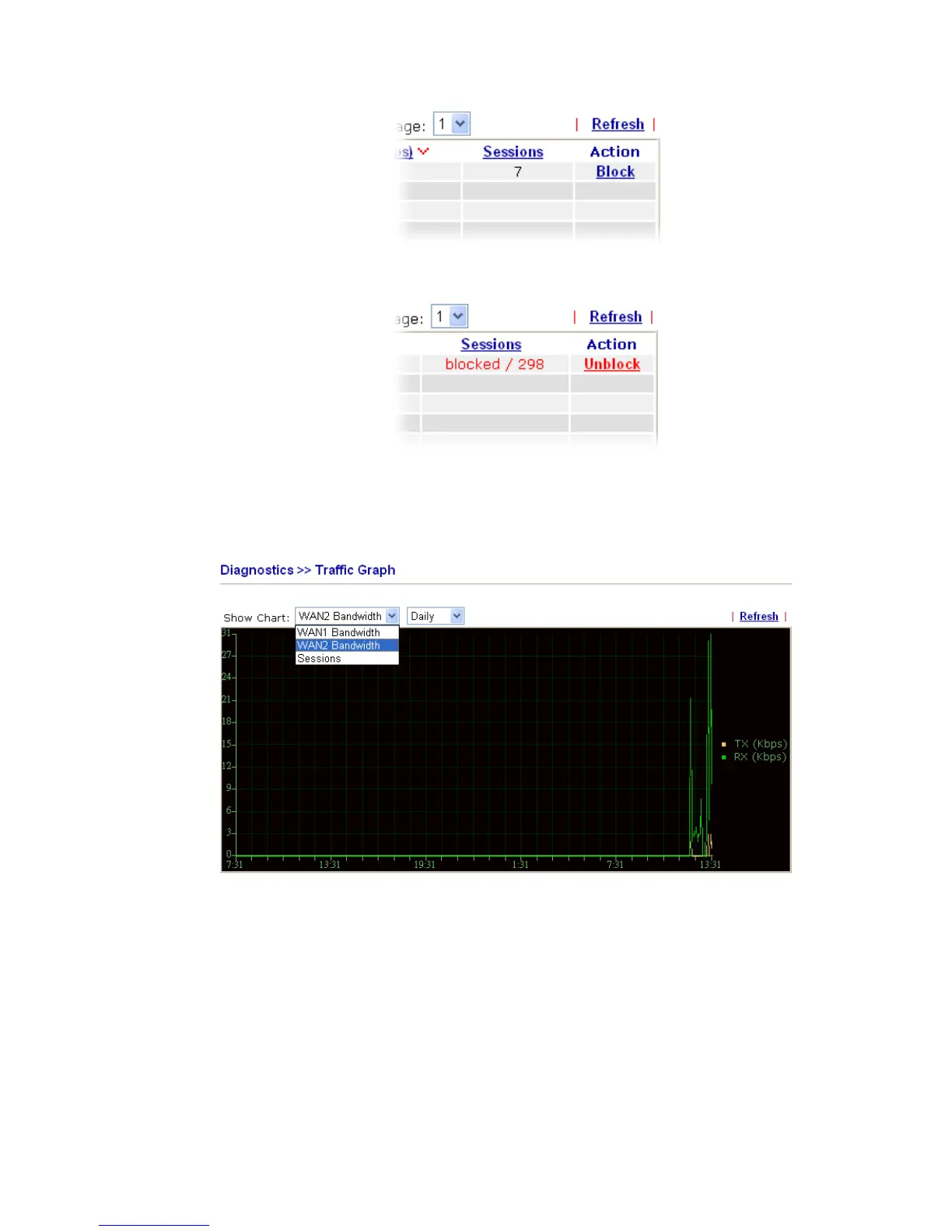
Unblock – the device with the IP address will be blocked in five
minutes. The remaining time will be shown on the session column.
3
3
.
.
1
1
3
3
.
.
8
8
T
T
r
r
a
a
f
f
f
f
i
i
c
c
G
G
r
r
a
a
p
p
h
h
Click Diagnostics and click Traffic Graph to pen the web page. Choose WAN1
Bandwidth/WAN2 Bandwidth, Sessions, daily or weekly for viewing different traffic graph.
Click Refresh to renew the graph at any time.













 To Next Page