Vigor2820 Series User’s Guide
157
3
3
.
.
1
1
1
1
.
.
7
7
S
S
t
t
a
a
t
t
i
i
o
o
n
n
L
L
i
i
s
s
t
t
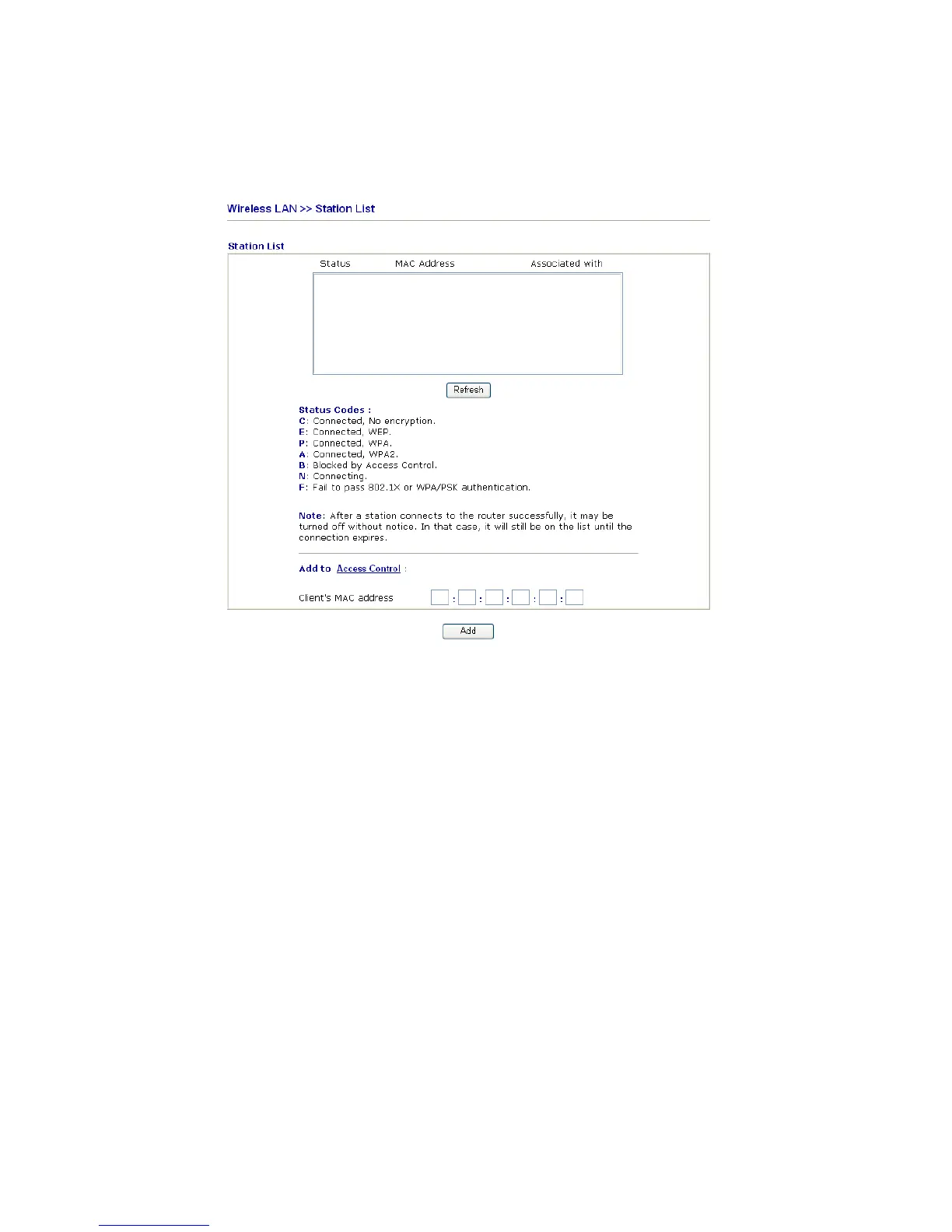
Station List provides the knowledge of connecting wireless clients now along with its status
code. There is a code summary below for explanation. For convenient Access Control, you
can select a WLAN station and click Add to Access Control below.
Refresh Click this button to refresh the status of station list.
Add Click this button to add current selected MAC address
into Access Control.













 To Next Page