Vigor2820 Series User’s Guide
153
example, they can be grouped under SSID 1 and SSID 2
at the same time if you check SSID 1 and SSID 2.
MAC Address Filter Display all MAC addresses that are edited before.
Client’s MAC Address
Manually enter the MAC address of wireless client.
Attribute s: Isolate the station from LAN - select to isolate the
wireless connection of the wireless client of the MAC
address from LAN.
Add Add a new MAC address into the list.
Delete Delete the selected MAC address in the list.
Edit Edit the selected MAC address in the list.
Cancel Give up the access control set up.
OK Click it to save the access control list.
Clear All Clean all entries in the MAC address list.
3
3
.
.
1
1
1
1
.
.
5
5
W
W
D
D
S
S
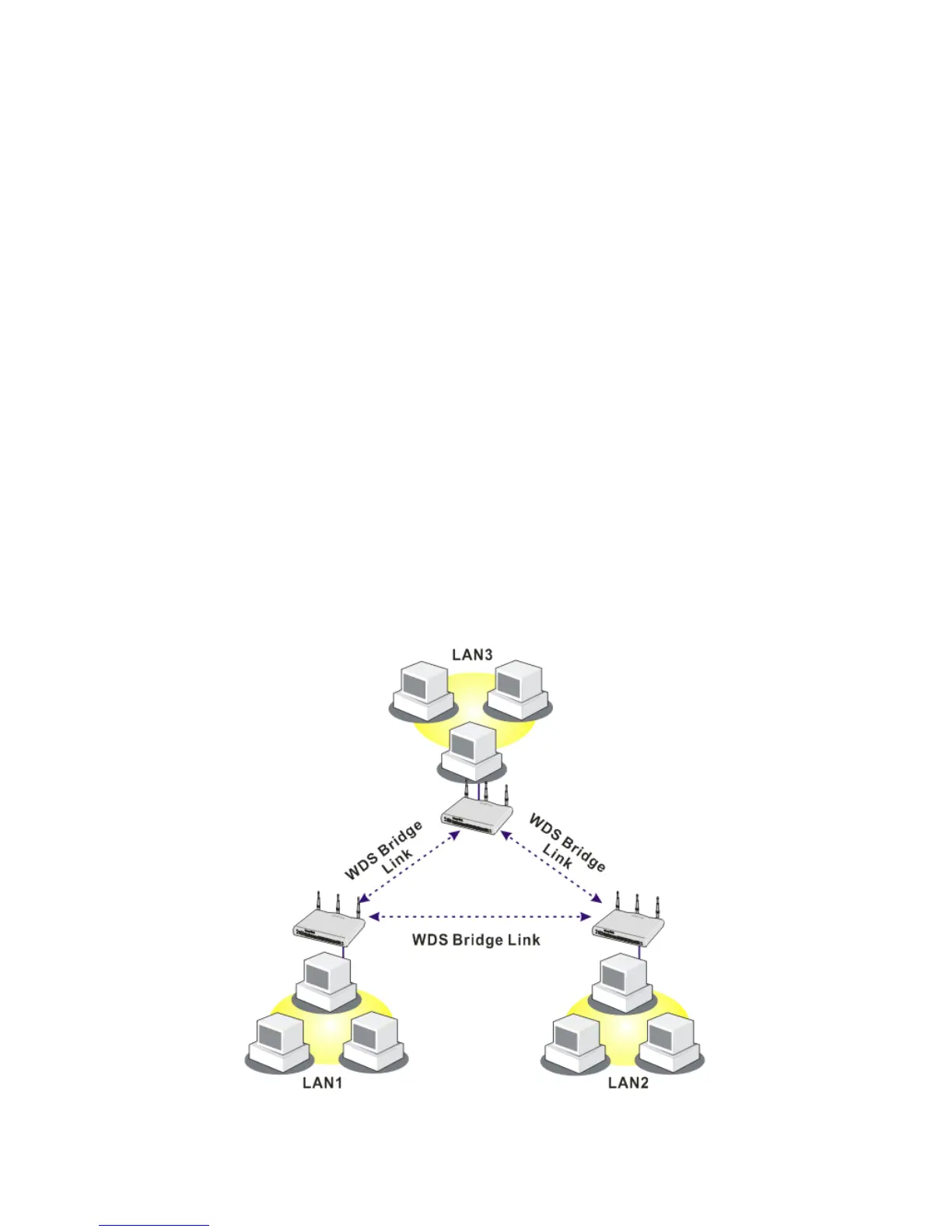
WDS means Wireless Distribution System. It is a protocol for connecting two access points
(AP) wirelessly. Usually, it can be used for the following application:
y Provide bridge traffic between two LANs through the air.
y Extend the coverage range of a WLAN.
To meet the above requirement, two WDS modes are implemented in Vigor router. One is
Bridge, the other is Repeater. Below shows the function of WDS-bridge interface:













 To Next Page