Vigor2820 Series User’s Guide
123
3
3
.
.
8
8
.
.
7
7
C
C
o
o
n
n
n
n
e
e
c
c
t
t
i
i
o
o
n
n
M
M
a
a
n
n
a
a
g
g
e
e
m
m
e
e
n
n
t
t
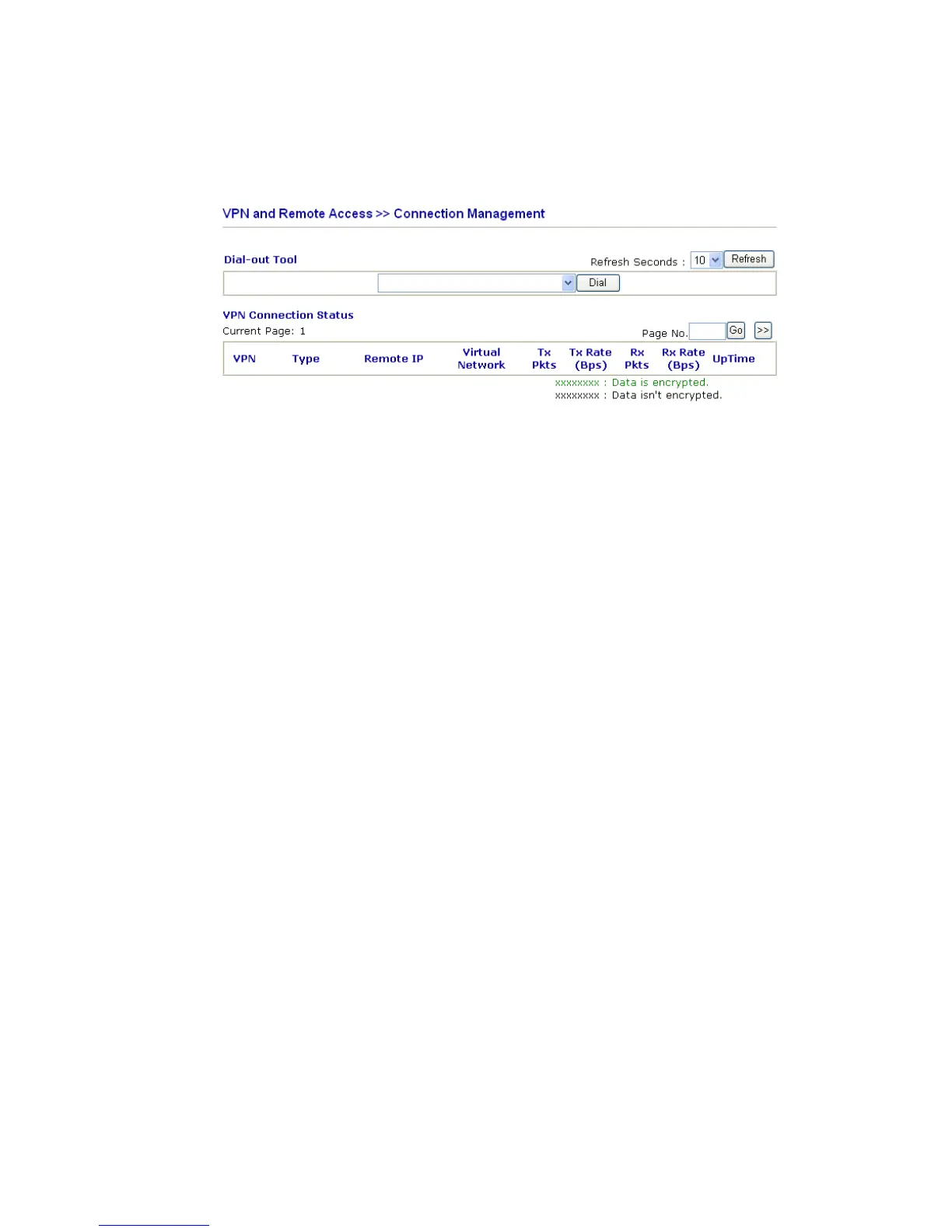
You can find the summary table of all VPN connections. You may disconnect any VPN
connection by clicking Drop button. You may also aggressively Dial-out by using Dial-out
Tool and clicking Dial button.
Dial Click this button to execute dial out function.
Refresh Seconds Choose the time for refresh the dial information among 5, 10,
and 30.
Refresh Click this button to refresh the whole connection status.













 To Next Page