Vigor2820 Series User’s Guide
133
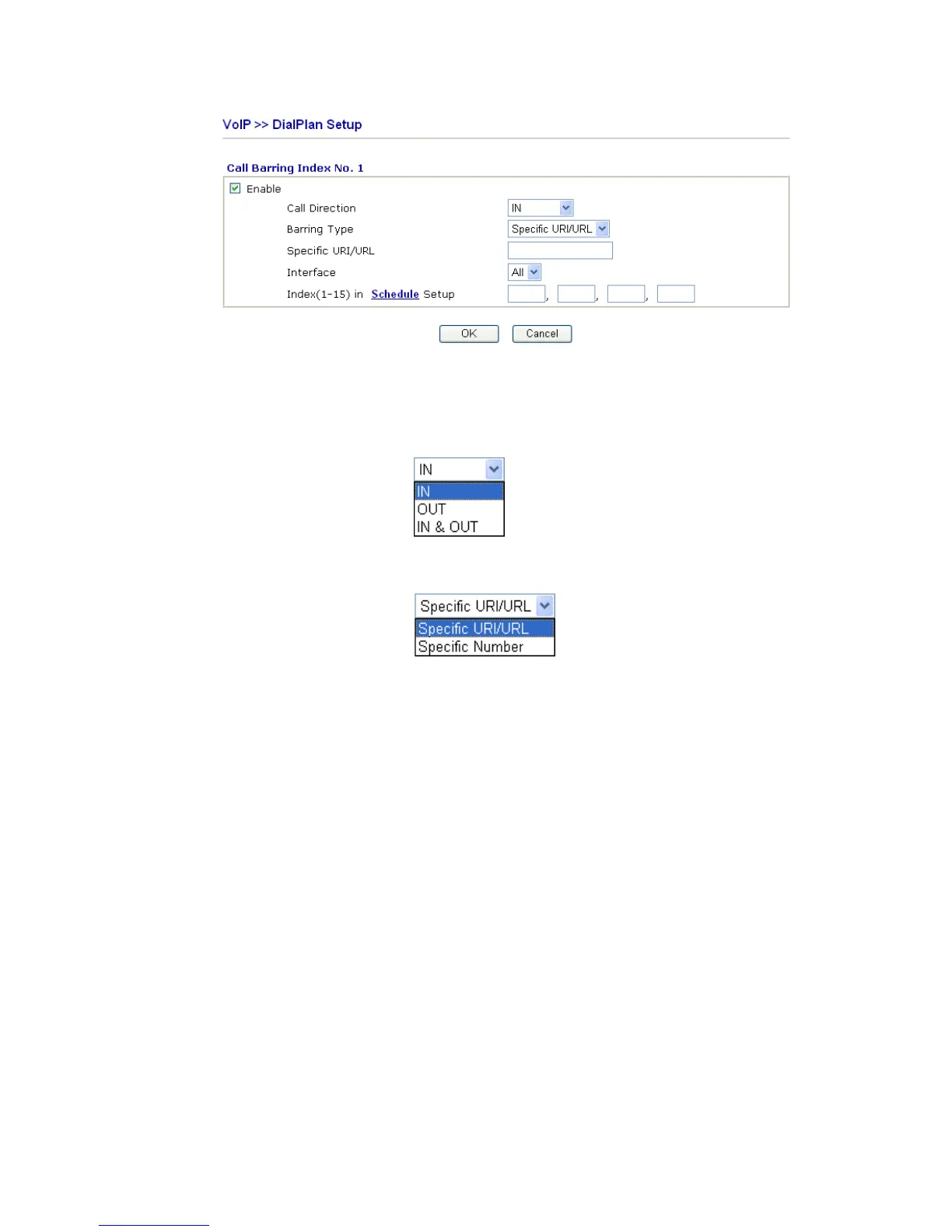
Enable Click this to enable this entry.
Call Direction Determine the direction for the phone call, IN – incoming call,
OUT-outgoing call, IN & OUT – both incoming and outgoing
calls.
Barring Type Determine the type of the VoIP phone call, URI/URL or
number.
Specific URI/URL or
Specific Number
This field will be changed based on the type you selected for
barring Type.
Interface “All” means all the phone calls will be blocked with such
mechanism.
Index (1-15) in Schedule Enter the index of schedule profiles to control the call barring
according to the preconfigured schedules. Refer to section
3.5.2 Schedule for detailed configuration.
Additionally, you can set advanced settings for call barring such as Block Anonymous,
Block Unknown Domain or Block IP Address. Simply click the relational links to open the
web page.
For Block Anonymous – this function can block the incoming calls without caller ID on the
interface (Phone 1 or Phone 2 or both) specified in the following window. Such control also
can be done based on preconfigured schedules.













 To Next Page