Vigor2820 Series User’s Guide
192
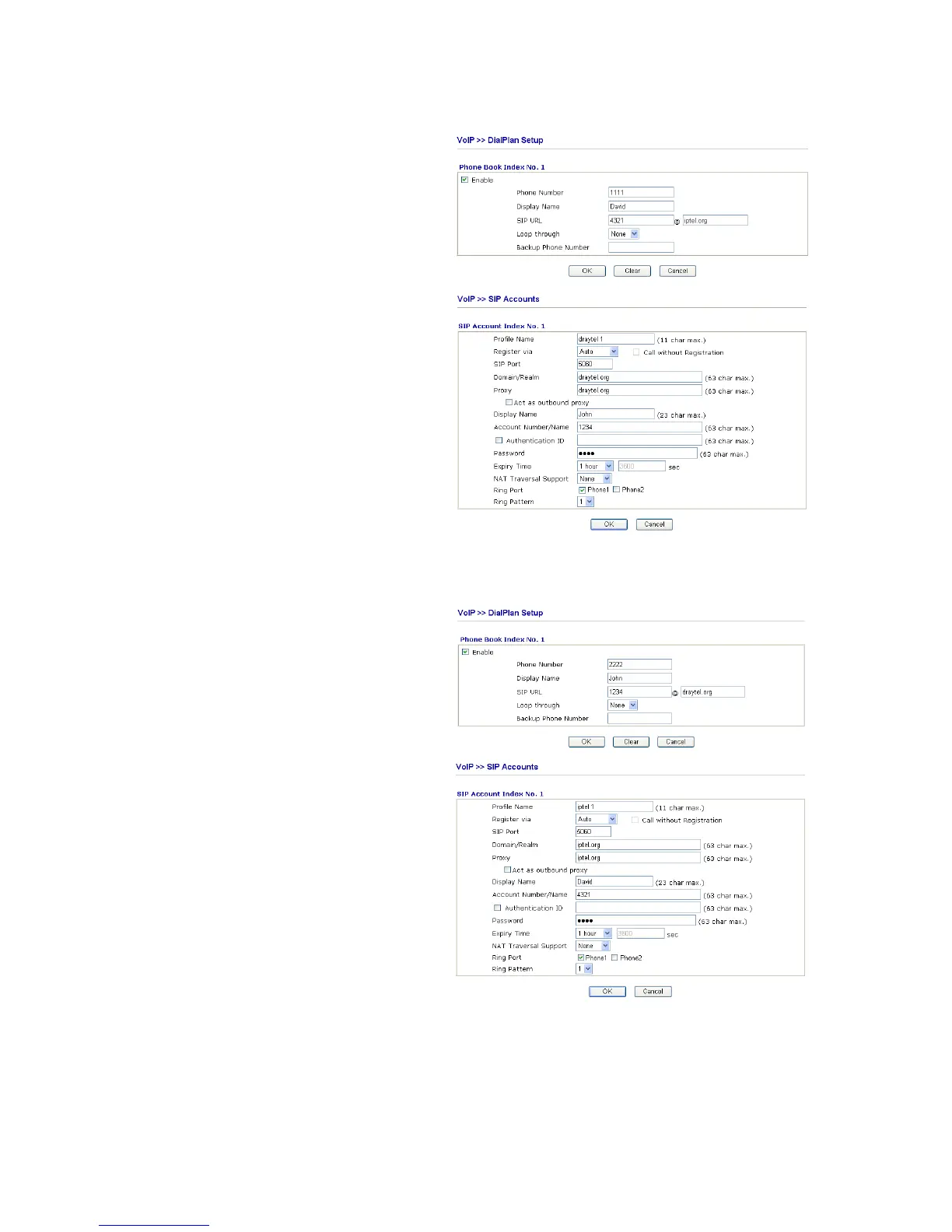
Settings for John
DialPlan index 1
Phone Number: 1111
Display Name: David
SIP URL: 4321@iptel.org
SIP Accounts Settings ---
Profile Name: draytel1
Register via: Auto
SIP Port: 5060 (default)
Domain/Realm: draytel.org
Proxy: draytel.org
Act as outbound proxy:
unhecked
Display Name: John
Account Number/Name: 1234
Authentication ID: unchecked
Password: ****
Expiry Time: (use default value)
CODEC/RTP/DTMF ---
(Use default value)
John calls David ---
He picks up the phone and dials 1111#. (DialPlan
Phone Number for David)
Settings for David
DialPlan index 1
Phone Number:2222
Display Name: John
SIP URL:1234@draytel.org
SIP Accounts Settings ---
Profile Name: iptel 1
Register via: Auto
SIP Port: 5060(default)
Domain/Realm: iptel.org
Proxy: iptel.org
Act as outbound proxy:
unchecked
Display Name: David
Account Name: 4321
Authentication ID: unchecked
Password: ****
Expiry Time: (use default value)
CODEC/RTP/DTMF ---
(Use default value)
David calls John
He picks up the phone and dials 2222# (DialPlan
Phone Number for John)
Example 2: Both John and David have SIP Addresses from the same service provider.
John’s SIP URL: 1234@draytel.org , David’s SIP URL: 4321@draytel.org













 To Next Page