Vigor2820 Series User’s Guide
19
The printer can be used for printing now. Most of the printers with different manufacturers are
compatible with vigor router.
Note 1: Some printers with the fax/scanning or other additional functions are not supported. If you
do not know whether your printer is supported or not, please visit www.draytek.com to find out
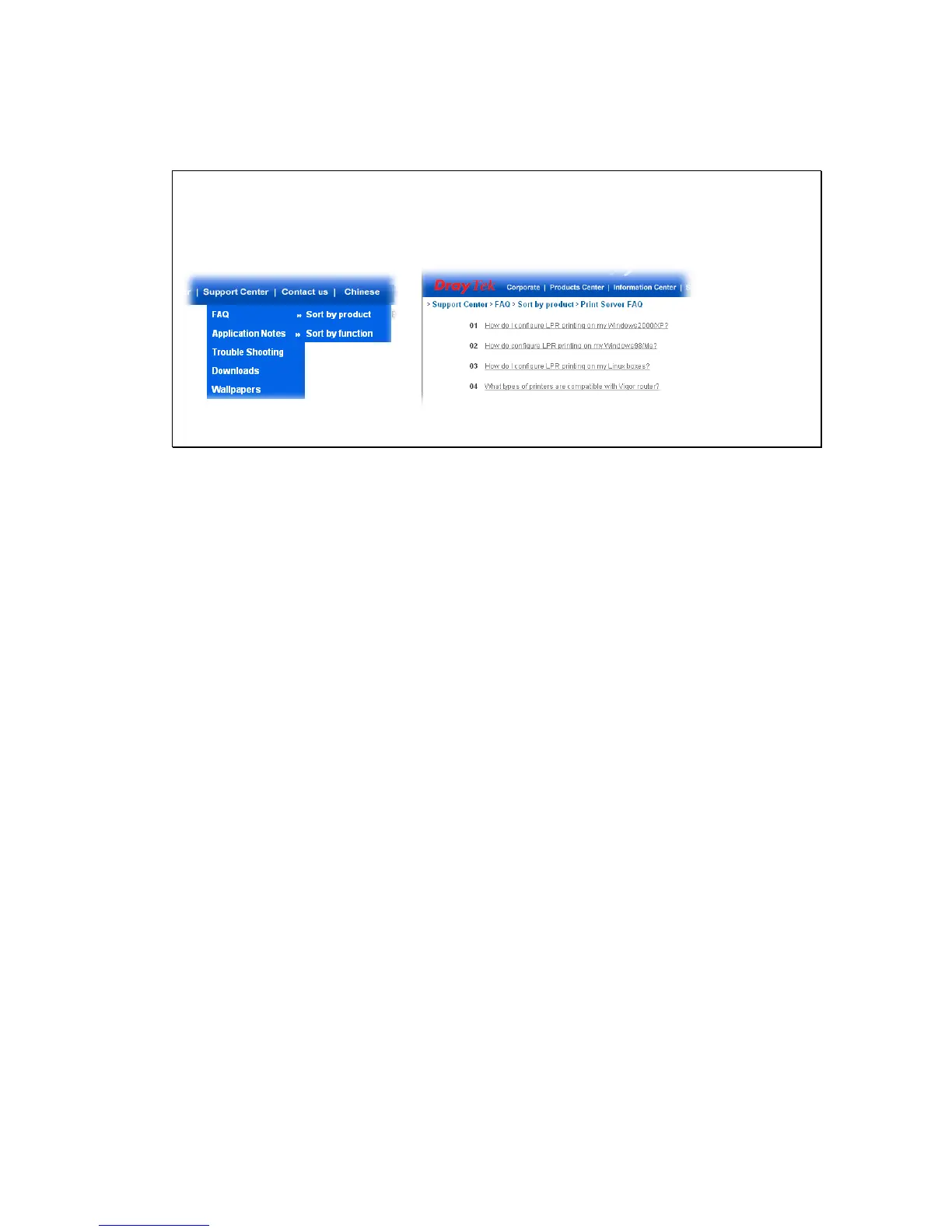
the printer list. Open Support Center->FAQ->Sort by product; select the model of the router
and click on it; find out the link of Printer Server FAQ; click the What types of printers are
compatible with Vigor router? link.
Note 2: Vigor router supports printing request from computers via LAN ports but not WAN port.













 To Next Page