Vigor2820 Series User’s Guide
68
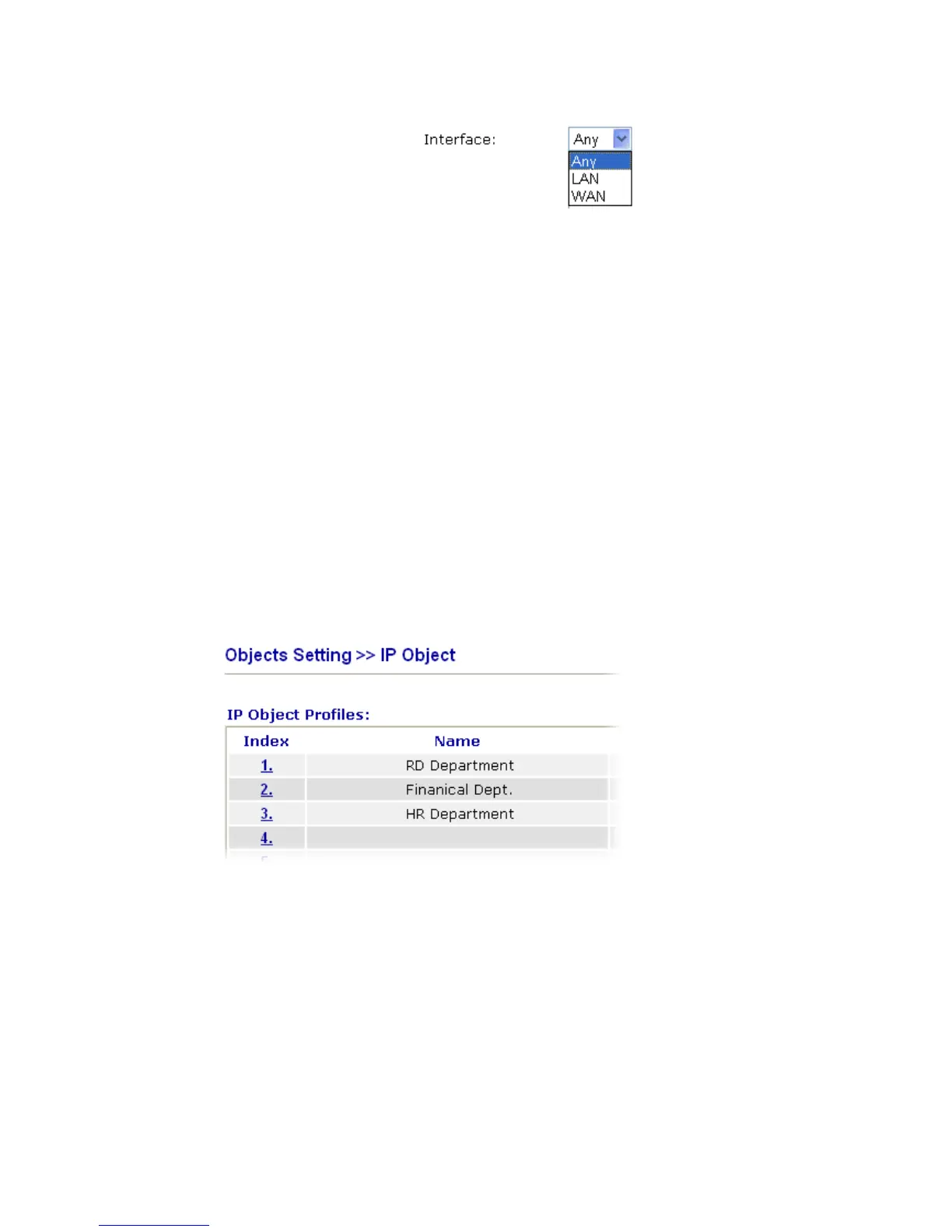
Interface Choose a proper interface (WAN, LAN or Any).
For example, the Direction setting in Edit Filter Rule will
ask you specify IP or IP range for WAN or LAN or any IP
address. If you choose LAN as the Interface here, and choose
LAN as the direction setting in Edit Filter Rule, then all the
IP addresses specified with LAN interface will be opened for
you to choose in Edit Filter Rule page.
Address Type Determine the address type for the IP address.
Select Single Address if this object contains one IP address
only.
Select Range Address if this object contains several IPs
within a range.
Select Subnet Address if this object contains one subnet for
IP address.
Select Any Address if this object contains any IP address.
Start IP Address Type the start IP address for Single Address type.
End IP Address Type the end IP address if the Range Address type is selected.
Subnet Mask Type the subnet mask if the Subnet Address type is selected.
Invert Selection If it is checked, all the IP addresses except the ones listed
above will be applied later while it is chosen.
Below is an example of IP objects settings.













 To Next Page