Vigor2820 Series User’s Guide
73
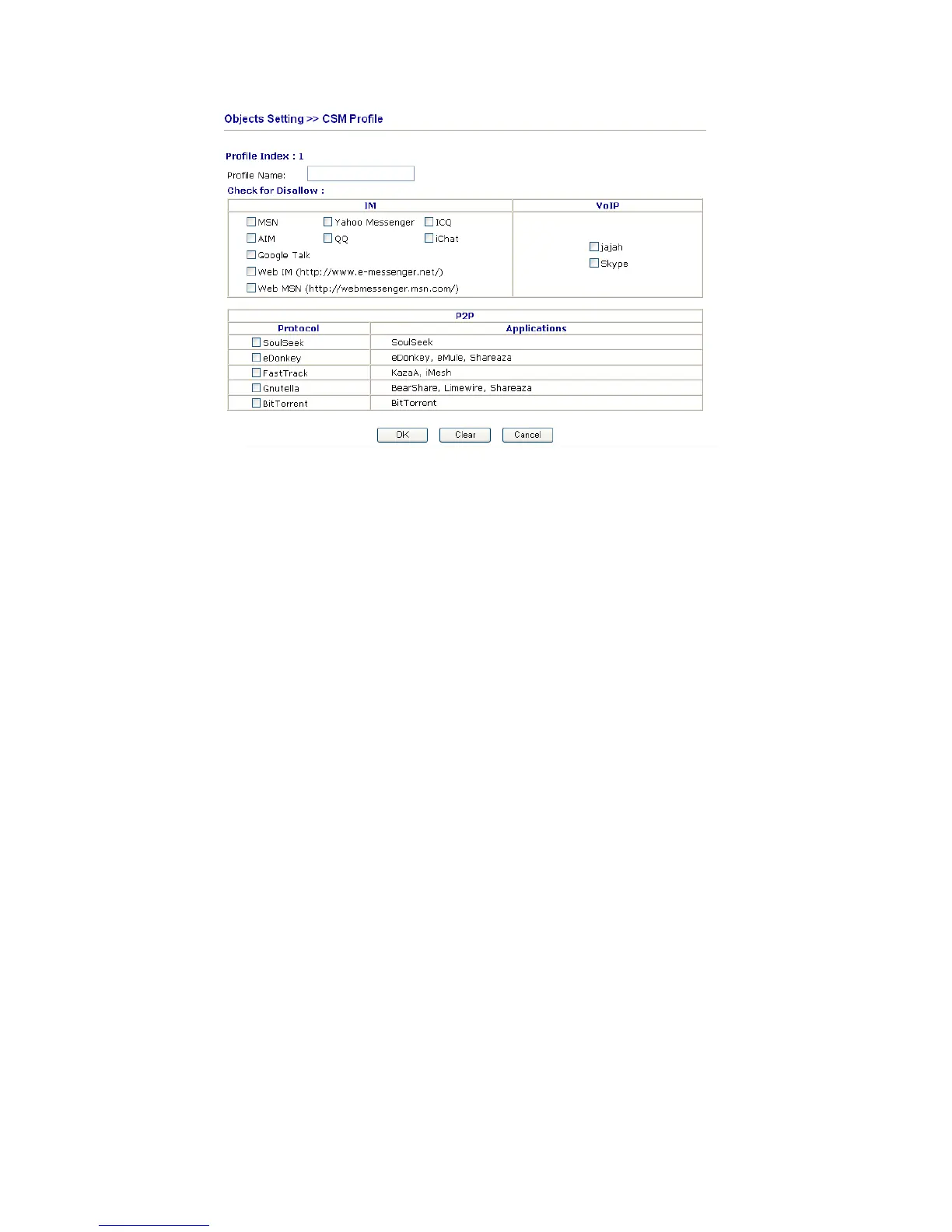
Profile Name Type a name for the CSM profile.
There are several items for IM, VoIP, P2P provided here for you to choose to disallow
people using. Simple check the box (es) and then click OK. Later, in the Firewall>>Filter
Setup>>Edit Filter Set>>Edit Filter Rule page, you can use Content Management drop
down list to choose the proper CSM profile as the standard for the host(s) to follow.













 To Next Page