A
A
-
-
2
2
H
H
o
o
w
w
t
t
o
o
C
C
o
o
n
n
f
f
i
i
g
g
u
u
r
r
e
e
C
C
u
u
s
s
t
t
o
o
m
m
i
i
z
z
e
e
d
d
D
D
D
D
N
N
S
S
?
?
This article describes how to configure customized DDNS on Vigor routers to update your IP to
the DDNS server. We will take “Changeip.org” and “3322.net” as example. Before setting,
please make sure that the WAN connection is up.
P
P
a
a
r
r
t
t
A
A
:
:
C
C
h
h
a
a
n
n
g
g
e
e
i
i
p
p
.
.
o
o
r
r
g
g
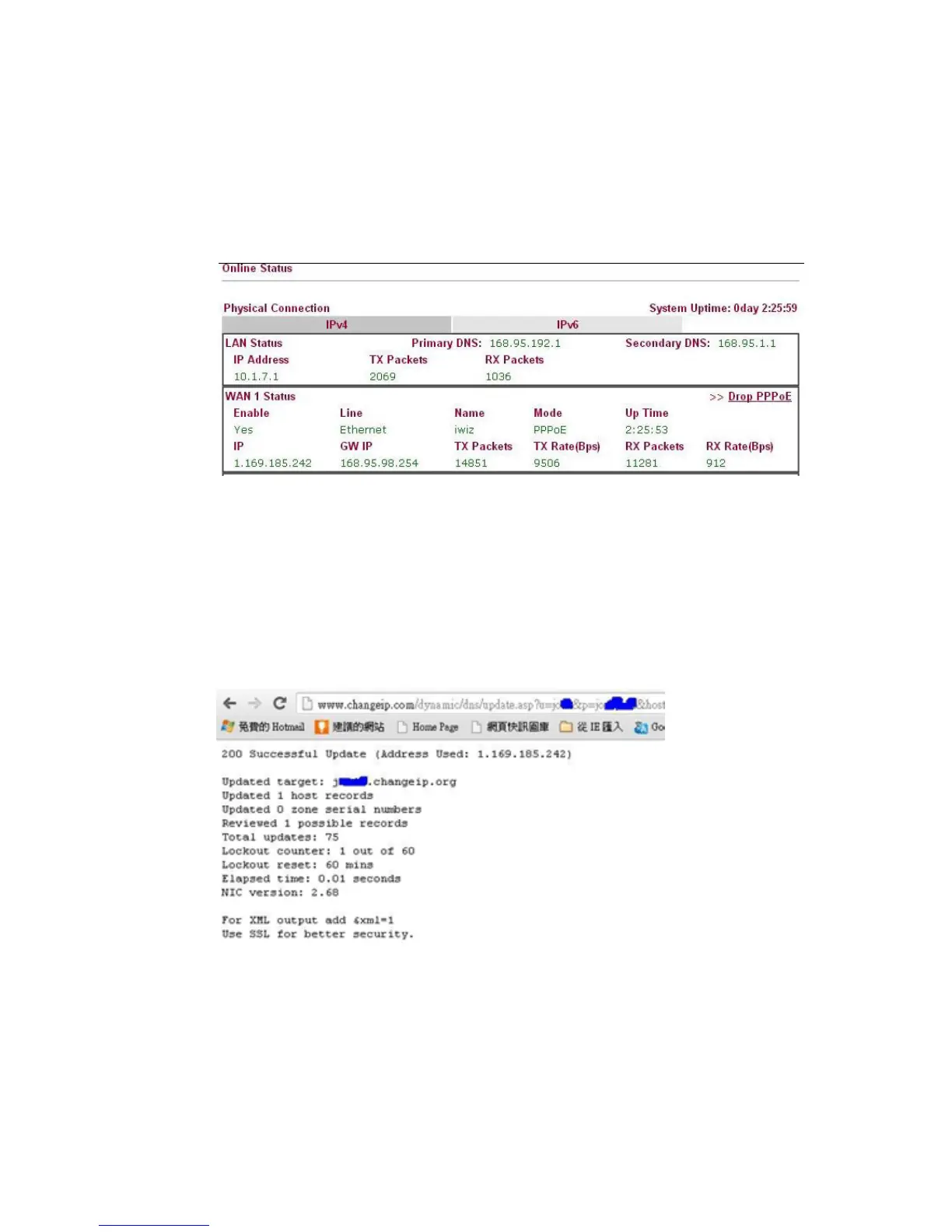
Note that,
Username: jo***
Password: jo********
Host name: j*****.changeip.org
WAN IP address: 1.169.185.242
Following is the screenshot of editing the HTML script on the browser to update your IP to the
DDNS server.















 To Next Page