or
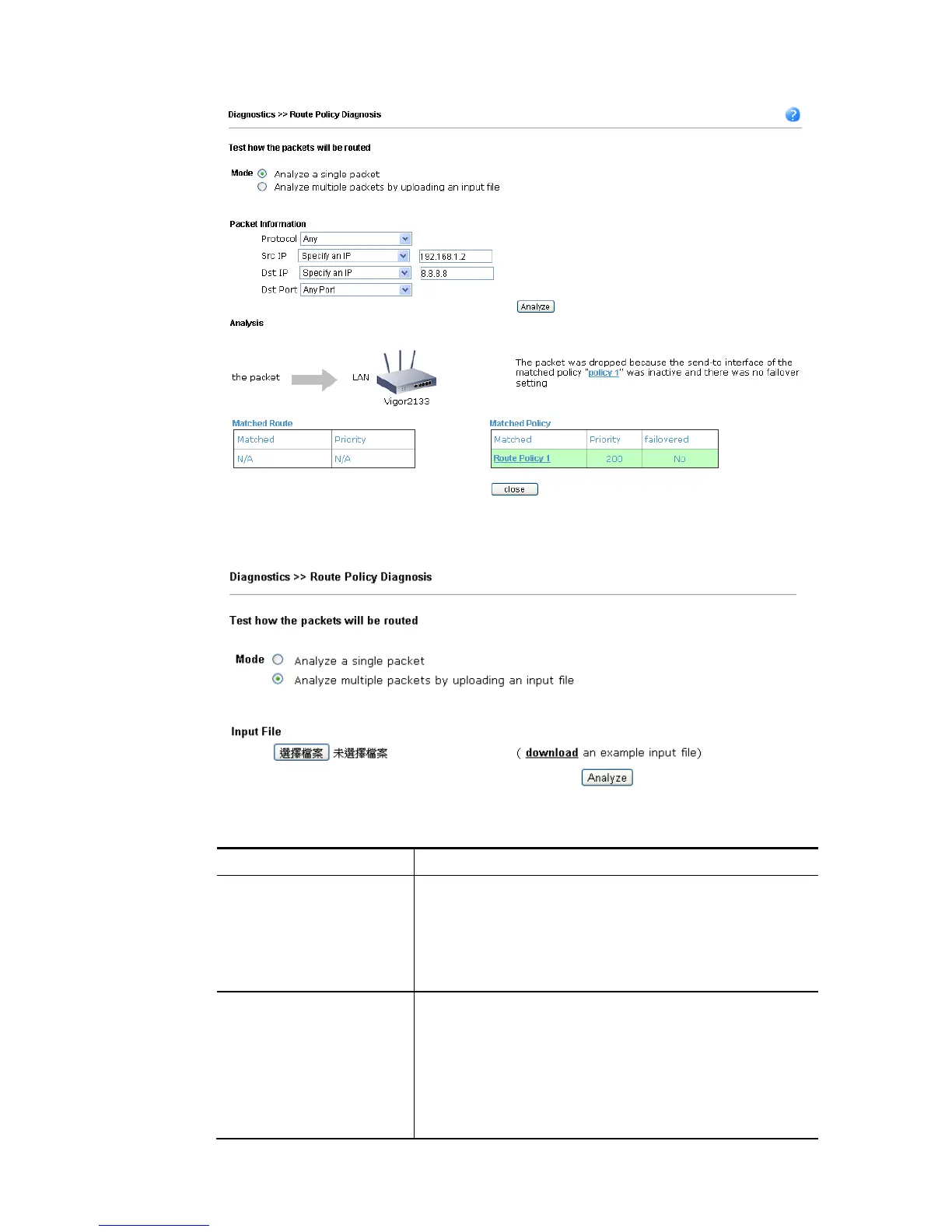
Available settings are explained as follows:
Item Description
Mode Analyze how a packet will be sent – Choose such mode to
make Vigor router analyze how a single packet will be sent
by a route policy.
Analyze how multiple packets… - Choose such mode to
make Vigor router analyze how multiple packets in a
specified file will be sent by a route policy.
Packet Information Specify the nature of the packets to be analyzed by Vigor
router.
Protocol - Specify a protocol for diagnosis.
Src IP – Type an IP address as the source IP.
Dst IP – Type an IP address as the destination IP.
Dst Port – Use the drop down list to specify the destination
port.















 To Next Page