Vigor2133 Series User’s Guide
161
Analyze – Click it to perform the job of analyzing. The
analyzed result will be shown on the page. If required, click
export analysis to export the result as a file.
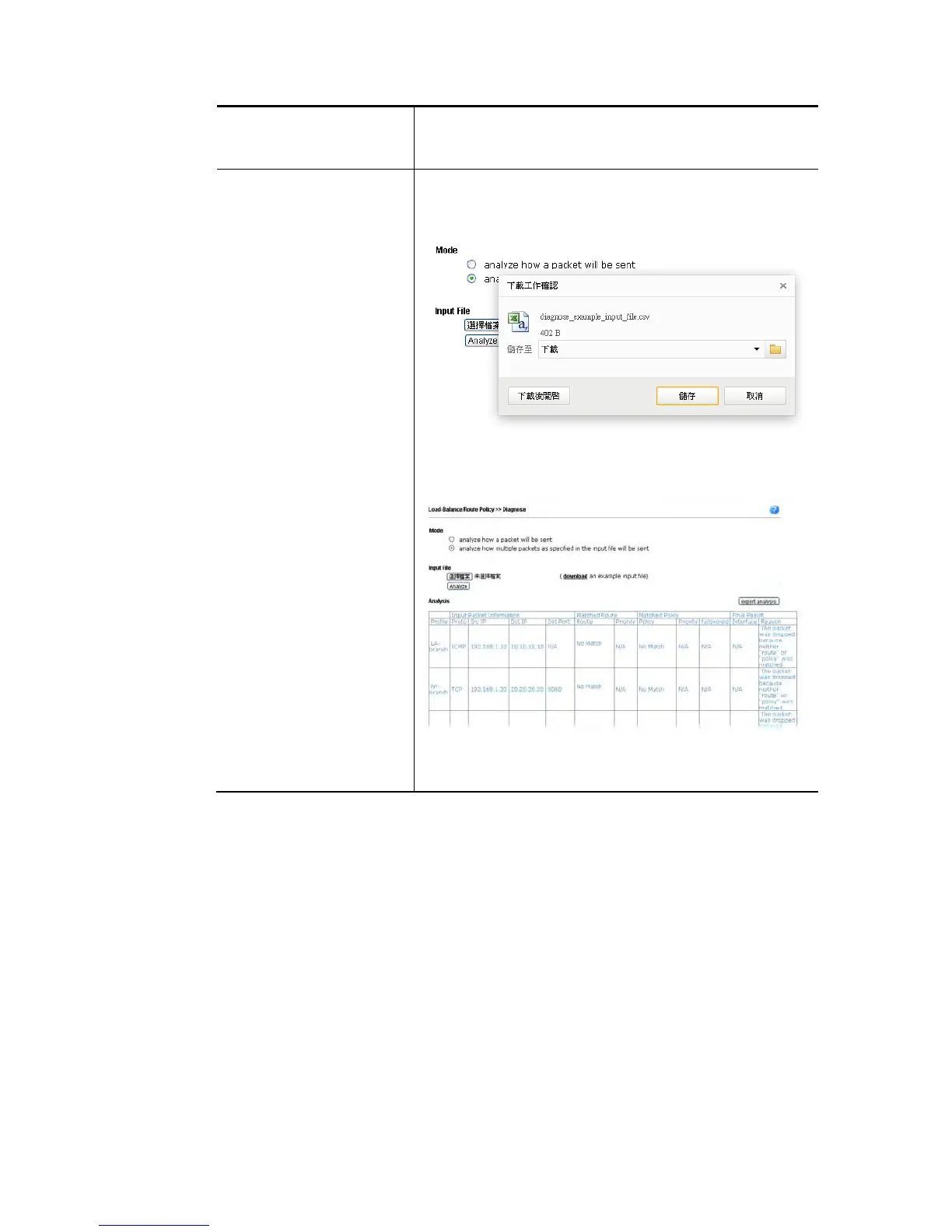
Input File Select – Click the download link to get a blank example
file. Then, click such button to select that blank “.csv” file
for saving the result of analysis.
Analyze – Click it to perform the job of analyzing. The
analyzed result will be shown on the page. If required, click
export analysis to export the result as a file.
Note that the analysis was based on the current
"load-balance/route policy" settings, we do not guarantee
it will be 100% the same as the real case.















 To Next Page