23
4
4
.
.
4
4
W
W
A
A
N
N
3
3
/
/
W
W
A
A
N
N
4
4
–
–
3
3
G
G
/
/
4
4
G
G
U
U
S
S
B
B
M
M
o
o
d
d
e
e
m
m
S
S
e
e
t
t
u
u
p
p
The 3G / 4G USB modem f acilit y can be used eit her as a primary Int ernet
connect ion or as a backup t hat will only act ivat e when ot her WAN int erf aces are
of f line. It allows a support ed USB modem t o provide int ernet access t hrough t he
rout er.
The list of support ed modems can be f ound under:
[USB Application] > [Modem Support List]
or on t he DrayTek UK sit e:
ht t ps:/ / www.drayt ek.co. uk/ support / guides/ usb-3g-4g-modem-support -list
There are t wo USB modem connect ion modes available:
PPP mode is used where t he modem provides a dial-up int erf ace and would
t ypically require sof t ware t o perf orm dialing and provide st at us inf ormat ion and
diagnost ics when used wit h a PC.
DHCP mode is used where t he modem operat es as a virt ual net work adapt er /
rout er and will usually have diagnost ics and usage inf ormat ion shown in a web
int erf ace.
When conf iguring t he 3G / 4G modem, t he rout er will require t he correct APN
(Access Point Name) det ails and a username and password wit h some ISPs. If
t hose det ails are not set , t he mobile net work may rej ect t he connect ion
at t empt s of t he rout er, which will result in t he rout er showing no signal / no IP
address.
4
4
.
.
4
4
.
.
1
1
P
P
P
P
P
P
M
M
o
o
d
d
e
e
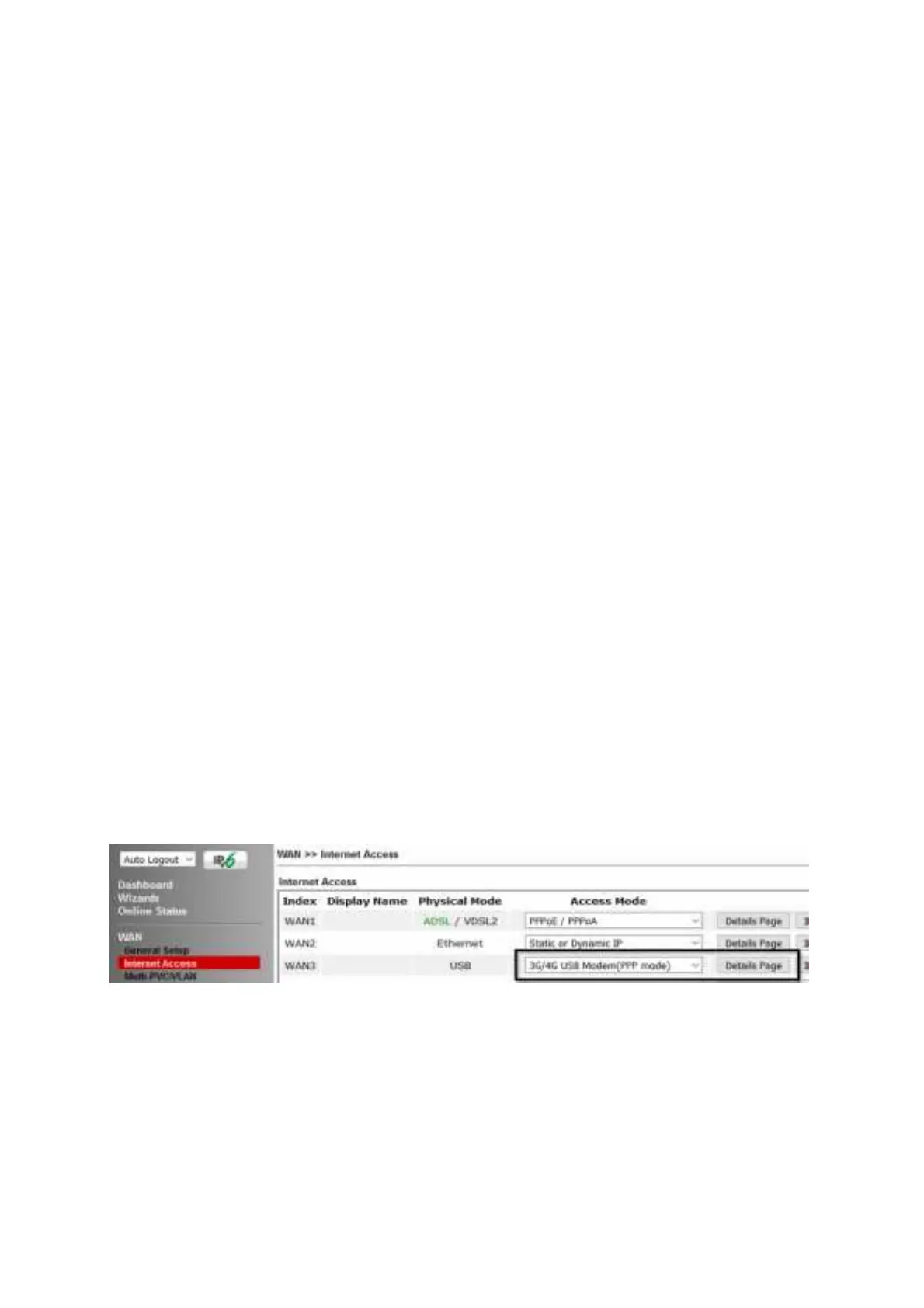
To set up t he USB WAN for PPP mode, go t o [WAN] > [Internet Access]
Select 3G/ 4G USB Modem (PPP mode) from t he drop-down box
Click t he Details Page but t on t o cont inue:
In t he USB WAN set t ings, select t he Enable opt ion t o enable t he WAN int erf ace.
The Modem St ring values t ypically do not need t o be changed.
Ent er t he PPP Username and PPP Password if your ISP requires t hese t o
aut hent icat e.
Ent er a SIM PIN code only if your SIM card has a PIN set on it , ot herwise leave t his
blank.











 To Next Page