16
2
2
.
.
1
1
C
C
a
a
l
l
l
l
H
H
i
i
s
s
t
t
o
o
r
r
y
y
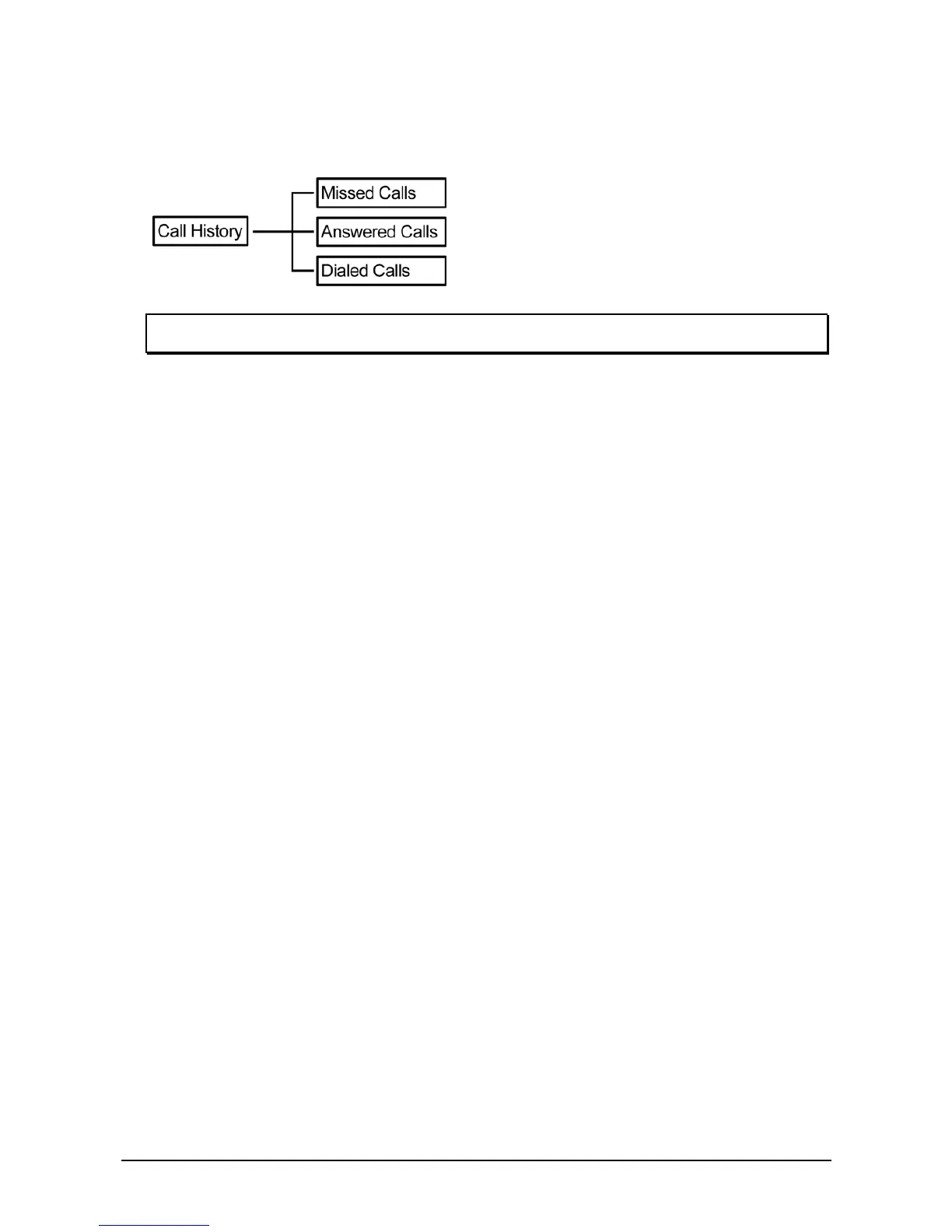
The VoIP phone stores information about all calls made or received.
NOTE: The lists are stored from the newest to oldest entries. The oldest entries are deleted as new
entries are added. The maximum entry for each item is 200 records.
2
2
.
.
1
1
.
.
1
1
M
M
i
i
s
s
s
s
e
e
d
d
C
C
a
a
l
l
l
l
s
s
The Missed Calls list consists of the calls that are not answered. You can choose to dial, save, or delete
or see details of a single missed call from the missed call logs. For quick access to missed calls, simply
press the Missed soft key from the main menu. Select a call from the list by pressing the up/ down
navigation keys and choose a soft key option.
Use the soft keys to do the following functions:
z Dial: Dial the number of the selected call.
z Save: Save the related information about the call.
z Detail: Press to view a call details or enter to submenu Delete to erase a record.
z Back: Press to go back to the previous level: Call History submenu.
2
2
.
.
1
1
.
.
2
2
A
A
n
n
s
s
w
w
e
e
r
r
e
e
d
d
C
C
a
a
l
l
l
l
s
s
The Answered Calls list consists of the most recent numbers answered. You can choose to dial, save, or
delete or see details of a single entry from the answered call logs. Select a call from the list by pressing
the navigation up/ down keys and choose a soft key option.
Use the soft keys to do the following functions:
z Dial: Dial the number of the selected call.
z Save: Save the related information about the call.
z Detail: Press to view a call details or enter to submenu Delete to erase a record.
z Back: Press to go back to the previous level: Call History submenu.
2
2
.
.
1
1
.
.
3
3
D
D
i
i
a
a
l
l
e
e
d
d
C
C
a
a
l
l
l
l
s
s
The Dialed Calls list consists of the most recent numbers dialed. You can choose to save, dial or view a
single entry from the dialed call logs. Select a call from the dialed history by pressing the up/ down
navigation keys and choose a soft key option.
Use the soft keys to do the following functions:
z Dial: Dial the number of the selected call.
z Save: Save the related information about the call.
z Detail: Press to view a call details or enter to submenu Delete to erase a record.
z Back: Press to go back to the previous level: Call History submenu.



 To Next Page