37
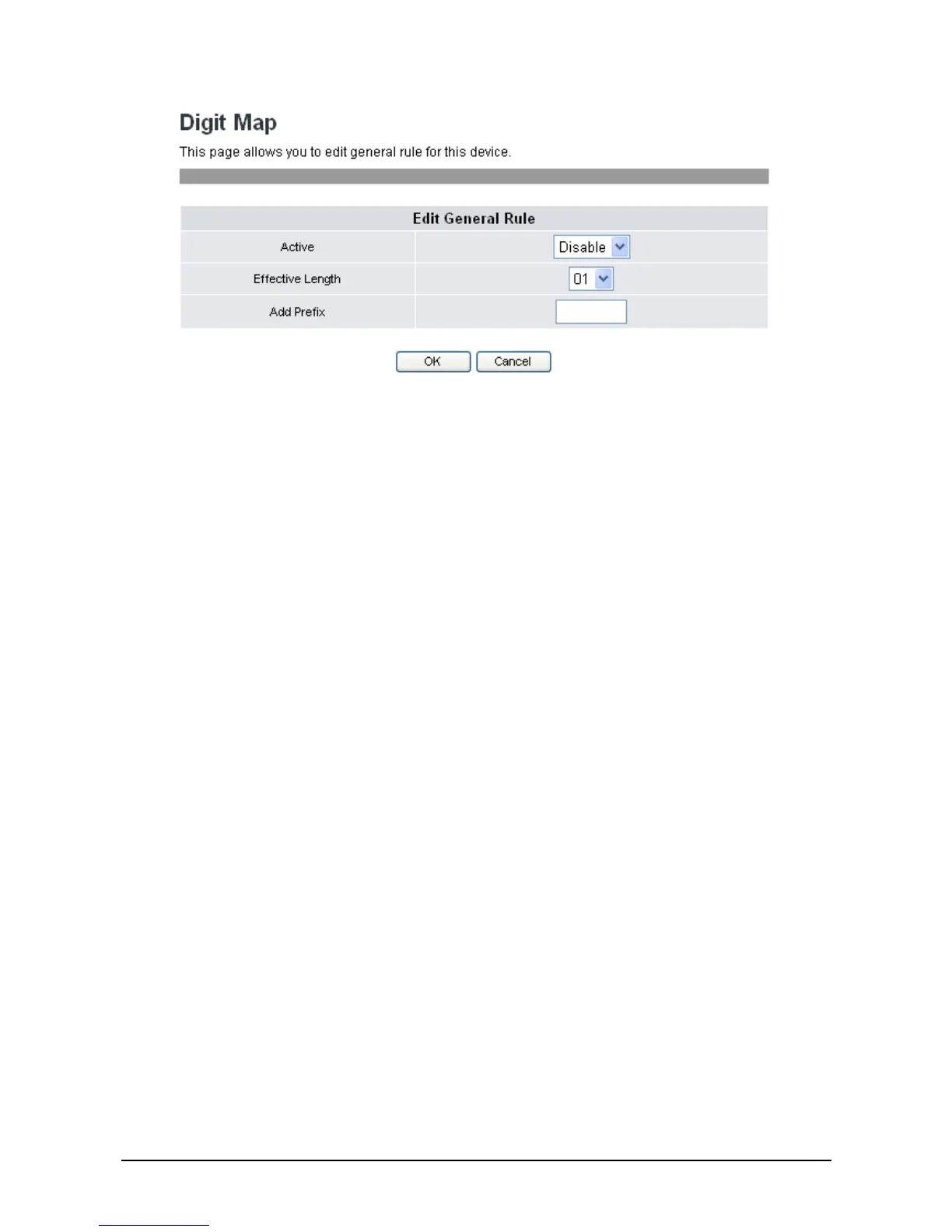
2. Select Enable/Disable to activate/deactivate general Rule.
3. Select Effective Length to detect the entry digits match length. If matches the entry digits then add
prefix in front of entered.
4. Entering Prefix digits to matched length dialed number.
3
3
.
.
3
3
.
.
5
5
V
V
o
o
i
i
c
c
e
e
S
S
e
e
t
t
t
t
i
i
n
n
g
g
s
s
You can configure the tone frequency and cadence in voice settings menu. The voice setting is only
accessible through the web browser. Do the following:
1. Click Phone Settings>>Voice Settings. The following screen will be displayed.



 To Next Page