41
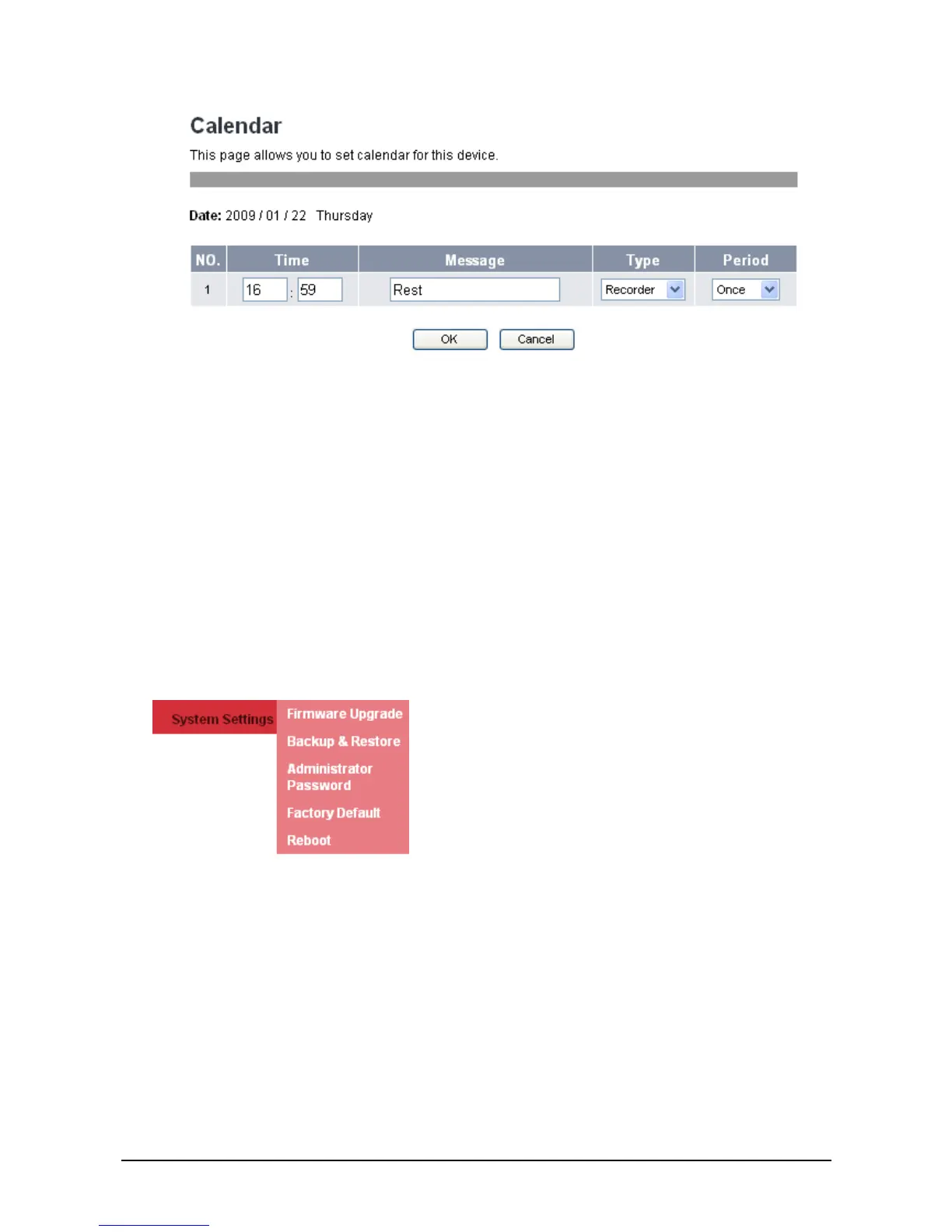
2. Modify the necessary information.
3. Click:
OK: Save your settings and go back to Calendar main menu.
Cancel: Cancel changes and go back to Calendar main menu.
To delete a schedule:
1. Check the Select box of the corresponding item to delete. To delete all items, click Delete all.
2. Click Delete.
3
3
.
.
6
6
S
S
y
y
s
s
t
t
e
e
m
m
S
S
e
e
t
t
t
t
i
i
n
n
g
g
s
s
System settings menu allows you to configure settings, upgrade firmware, backup, recover and reset
settings.
3
3
.
.
6
6
.
.
1
1
F
F
i
i
r
r
m
m
w
w
a
a
r
r
e
e
U
U
p
p
g
g
r
r
a
a
d
d
e
e
You can upgrade the firmware only through the web browser. Do the following:
1. Click System Settings>>Firmware Upgrade. The following screen will be displayed.



 To Next Page