44
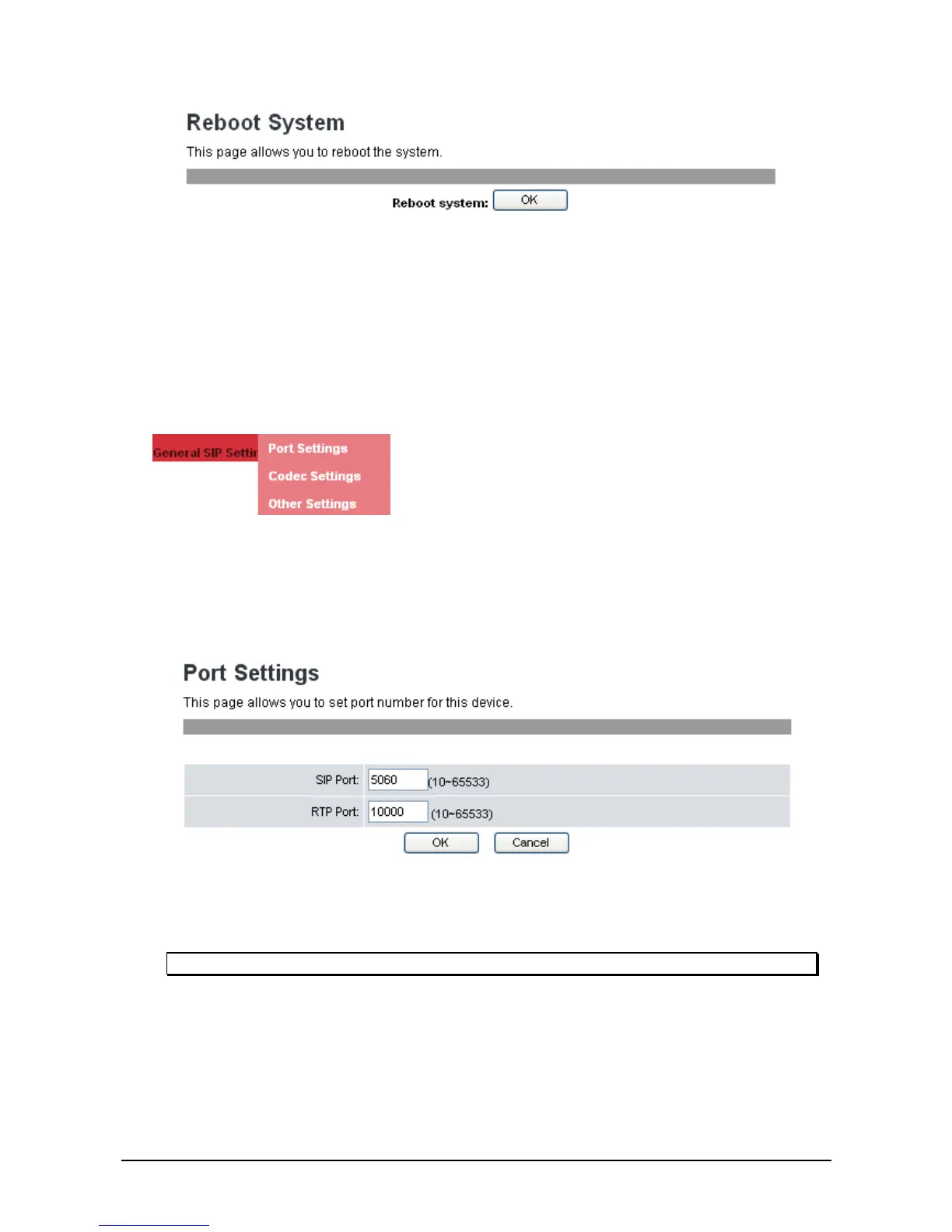
2. Click OK.
3. A confirmation message will appear, click OK to proceed with reboot. Click Cancel to cancel reboot.
3
3
.
.
7
7
G
G
e
e
n
n
e
e
r
r
a
a
l
l
S
S
I
I
P
P
S
S
e
e
t
t
t
t
i
i
n
n
g
g
s
s
The General SIP settings allow you to configure the port and codec priority and signal or voice
precedence settings.
3
3
.
.
7
7
.
.
1
1
P
P
o
o
r
r
t
t
S
S
e
e
t
t
t
t
i
i
n
n
g
g
This setting menu is only accessible through the web browser.
To configure the port setting, do the following:
1. Click General SIP Settings>>Port Settings. The following screen will be displayed.
2. Enter the SIP Port number and the RTP Port number provided by your ITSP or MIS.
3. Click OK to confirm your settings or Cancel to cancel.
Note: You need not modify the Port Settings unless otherwise requested.
3
3
.
.
7
7
.
.
2
2
C
C
o
o
d
d
e
e
c
c
S
S
e
e
t
t
t
t
i
i
n
n
g
g
You can also configure the Codec priority, and RTP packet length through the web browser.
To configure Codec settings from the web browser, do the following:
1. Click General SIP Settings>>Codec Settings. The following screen will be displayed.



 To Next Page