47
To delete an SIP account, do the following:
1. Click the Select box of the corresponding item to delete.
2. Click Delete button.
To edit an SIP account setting, do the following:
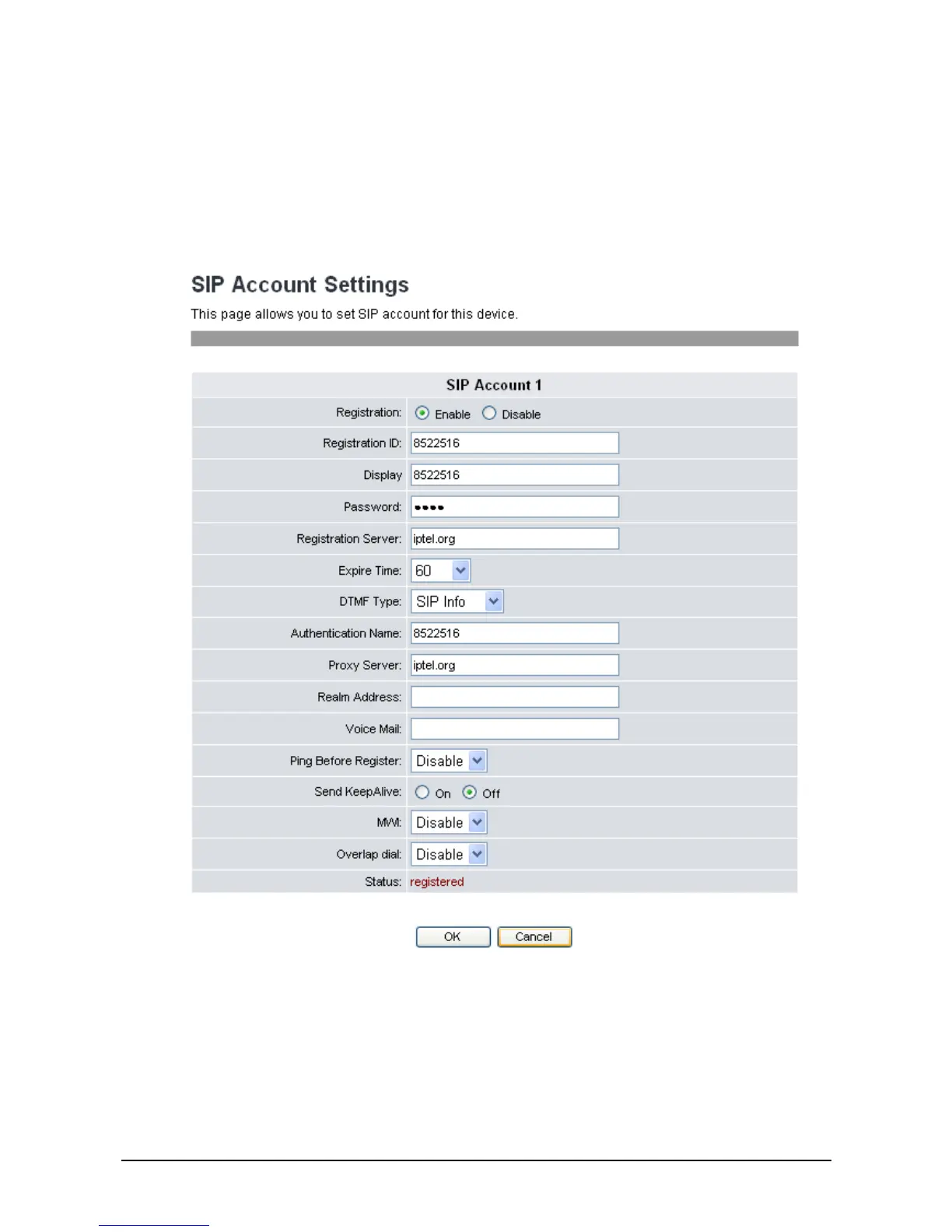
1. Click the underlined ID number. The following screen will be displayed.
2. Choose Enable for Registration to activate the account. Next, enter the information provided by
your ITSP or MIS in each field.
The following options are available:
Registration: Enable / disable this account.
Registration ID: Input the registration ID.
Display Input the user name.



 To Next Page