50
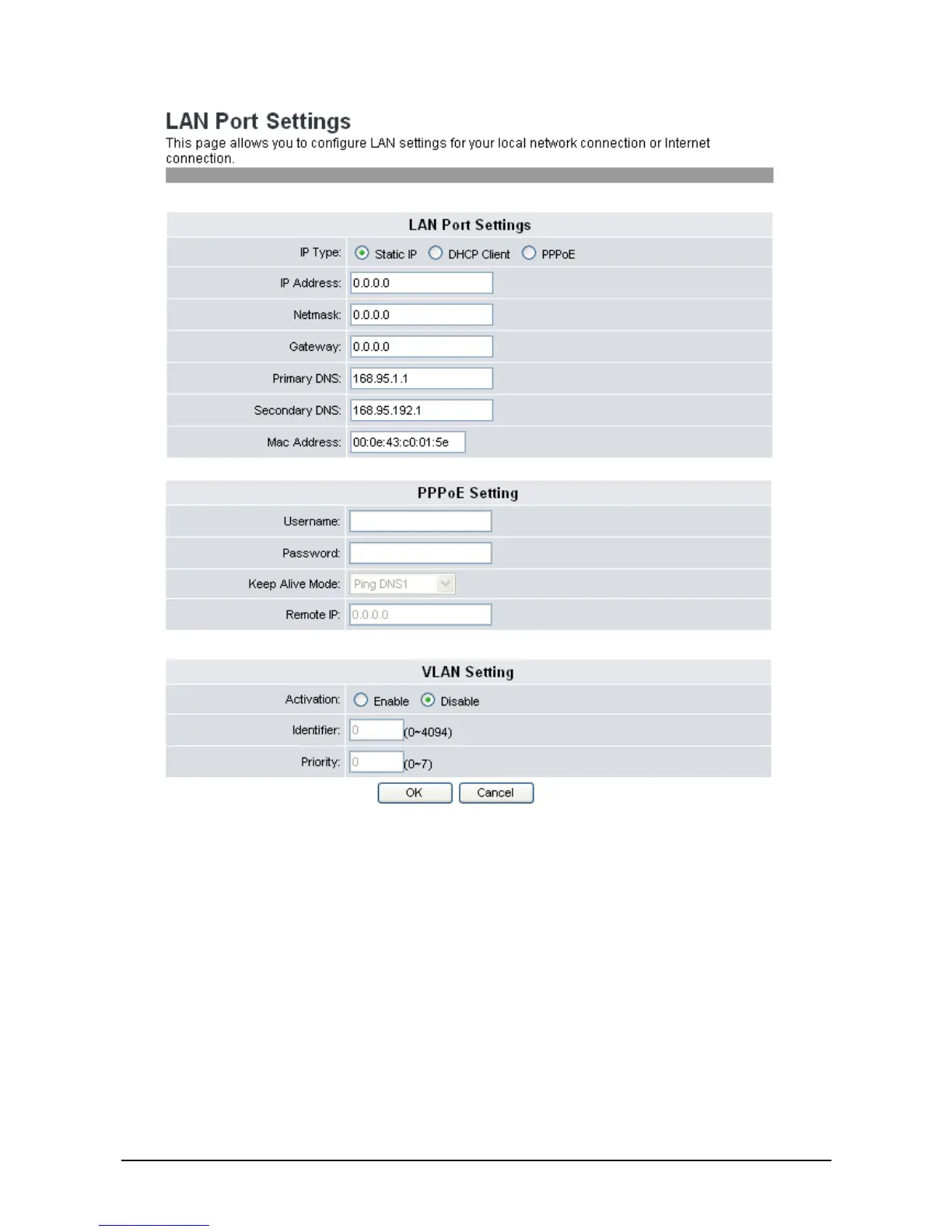
IP Type: There are IP Types for you to choose. Select the one you need and
fill in the required information.
IP Address: Enter the IP address.
Netmask: Enter Net mask.
Gateway: Enter the Gateway IP.
Primary DNS: Enter the primary DNS server.
Secondary DNS: Enter the secondary DNS server. Network connects to this server in
case the primary DNS server is not available.
Mac Address: Enter the Mac address.
Username: Enter user name.
Password: Enter the password of PPPoE settings.



 To Next Page