43
DEHUMIDIFIER INSTALLATION, OPERATION, AND MAINTENANCE MANUAL
INSTALLATION
FIGURE 43-1: MODEL D77 REMOTE CONTROL WIRING
90-1854
Wiring and setup of the D77 controller
TO SET THE DEHUMIDIFIER TO USE THE MODEL D77 CONTROL, COMPLETE ALL
STEPS:
1. With power to the dehumidifier, use the ON/OFF button to set the
dehumidifier to the OFF position.
NOTE: If the display backlight is not on, the first button press (any button)
will only turn the backlight on. Press the button a second time to achieve the
desired function.
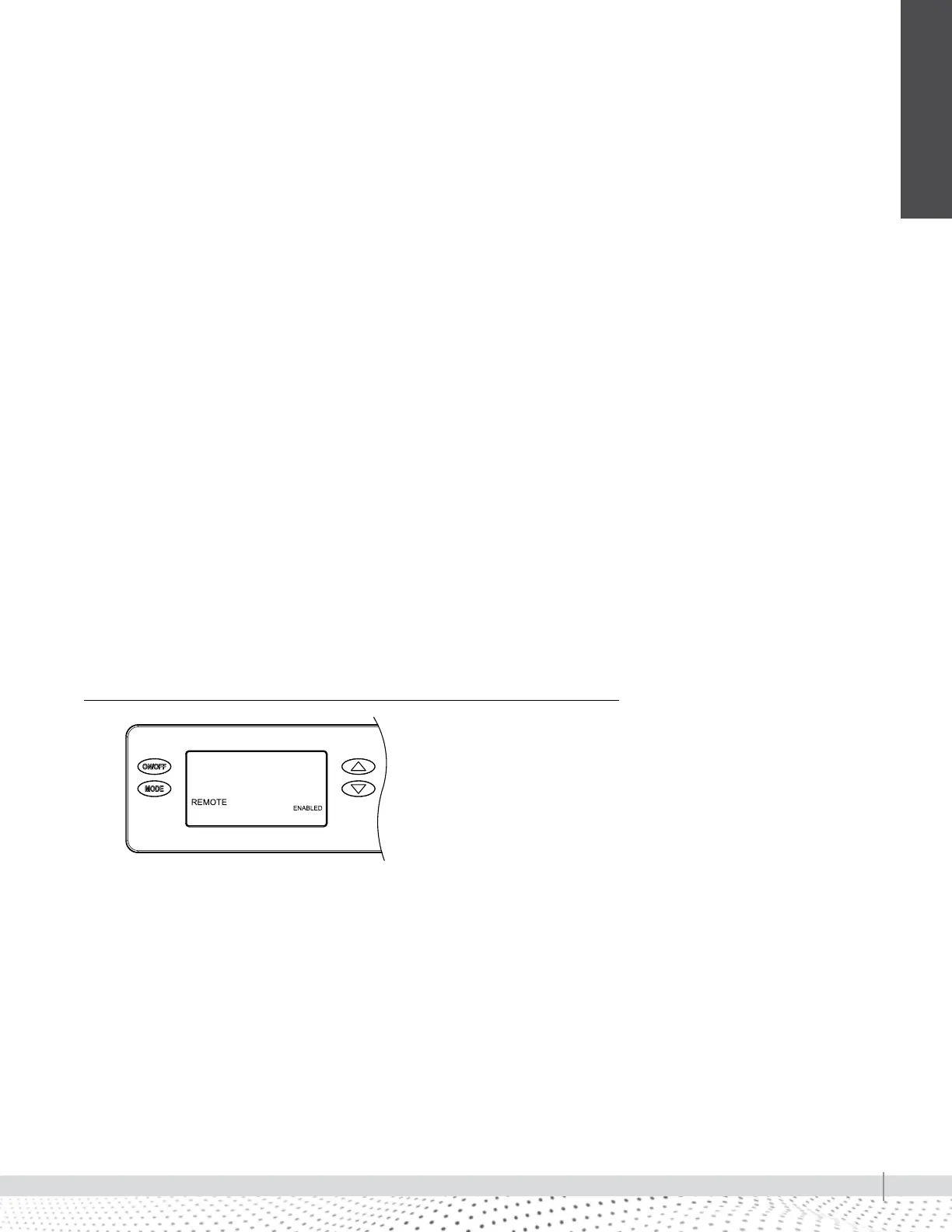
2. Hold the MODE button on the on-board control for three seconds to enter
the Installer Set-up Menu.
3. The display should now read REMOTE on the left and DISABLED on the
right. Use the UP or DOWN arrow buttons to set this to ENABLED.
4. Once the display reads REMOTE ENABLED, press the MODE button to
cycle through the other settings until the display blinks DONE for three
seconds.
5. Use the ON/OFF button to turn the dehumidifier ON. The display on your
unit should read REMOTE.
6. Locate the Model D77 that you just set up. On the Model D77, press the
ON button and use the arrow buttons to set your preferred %RH setpoint.
When setting up in REMOTE mode for the first time, your dehumidifier will
wait three minutes before starting to dehumidify, regardless of ambient
conditions.


 To Next Page