24
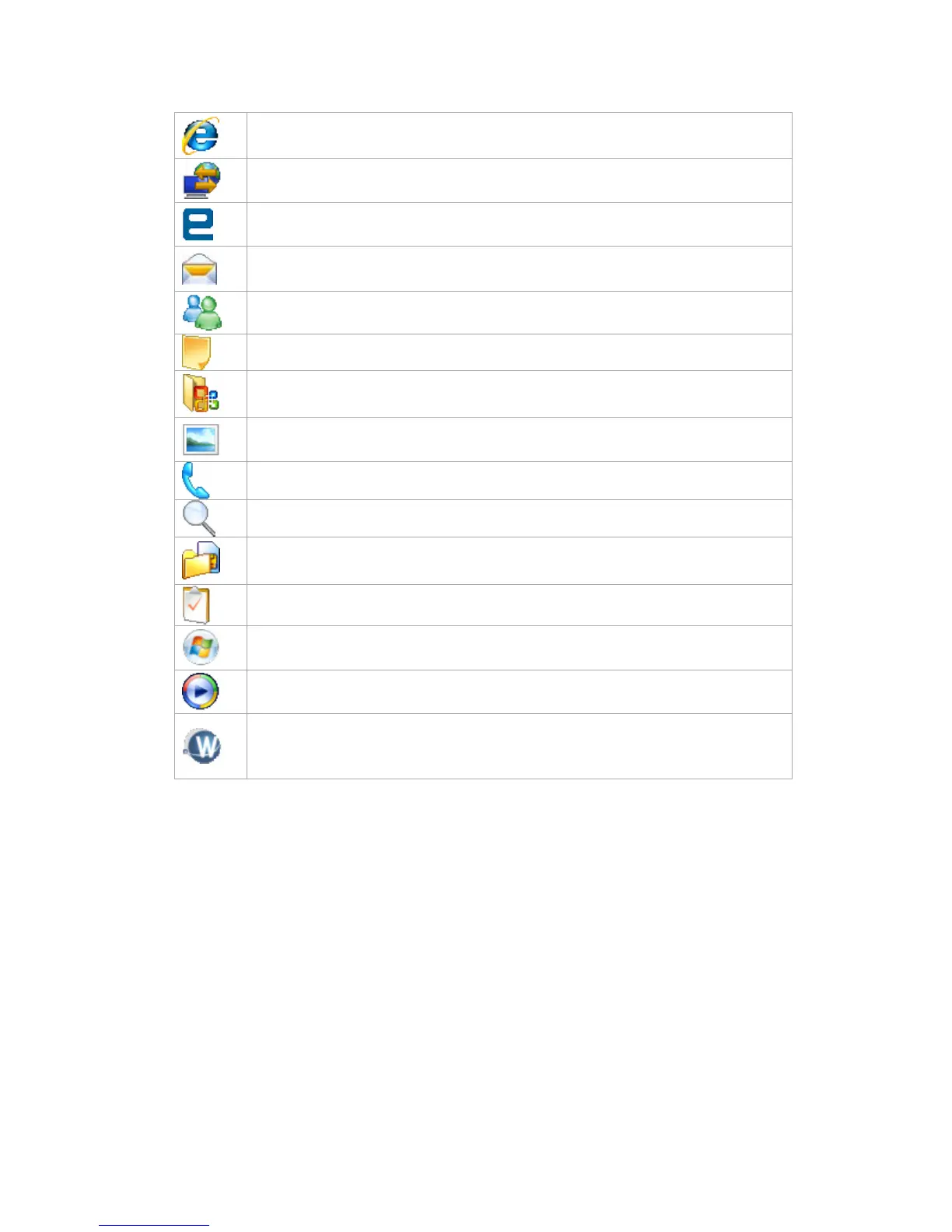
Internet Explorer Internet Explorer browses Web and WAP sites, and downloads
new programs and files from the Internet.
Internet Sharing It enables a Windows Mobile powered device connected to the
internet to act as a Network Access Point to devices connected to it.
JAVA Enables you to download and install Java applications, such as games and
tools, on your device.
Messaging Sends and receives e-mail and text messages.
Messenger Sends and receives instant messages with your MSN Messenger
contacts.
Notes Creates handwritten or typed notes, drawings, and recordings.
Office Mobile Lets you create, view and edit Excel workbooks, PowerPoint slides
and Word documents.
Pictures & Videos Collects, organizes, and sorts picture and video files in the My
Pictures folder of your device or on a storage card.
Phone Makes and receives calls, switches between calls and sets up conference
calling.
Search Enables you to search contacts, data, and other information on your device.
SIM Manager You can manage information of contacts stored on your SIM card. You
can also copy the SIM contacts to phone and copy phone contacts to the SIM card.
Tasks Keeps track of your tasks.
Windows Live Establish an internet connection. You can sync Contacts and
Messenger and E-mail.
Windows Media Enables the multimedia function on your device.
WorldCard Mobile Capture and edit your Business Cards, and export Business
Cards information. You must adjust the zoom button on the back of the device
(indicated in the phone overview page) to select micro mode before capture.



 To Next Page