74
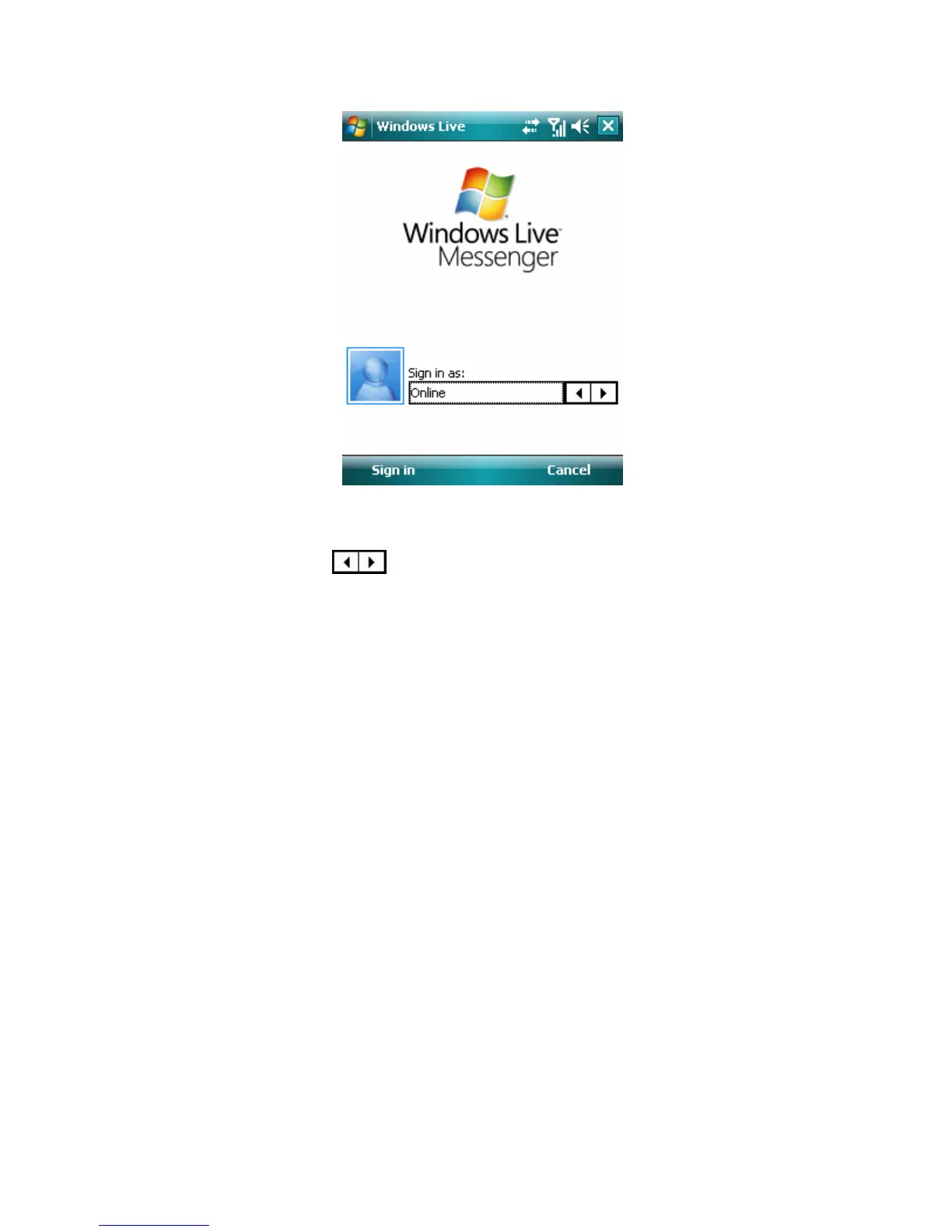
Windows Live Messenger screen
To sign in or out
1. To sign in, tap
on Windows Live Messenger screen to select the status
and then tap Sign in. Signing in to Messenger will add your Windows Live
contacts to your phone’s address book. Following the Windows Live setup:
• Accept the Windows Live terms and tap Next.
• Enter the E-mail address and Password for your Passport or Hotmail account,
and tap Next.
• Select the desired items showing Windows Live on the Today screen and tap
Next.
• Select what you want to sync to your device and tap Next.
• Synchronizing contacts and other settings and then complete.
On the Messenger list screen you can see the online contacts and offline
contacts.



 To Next Page