75
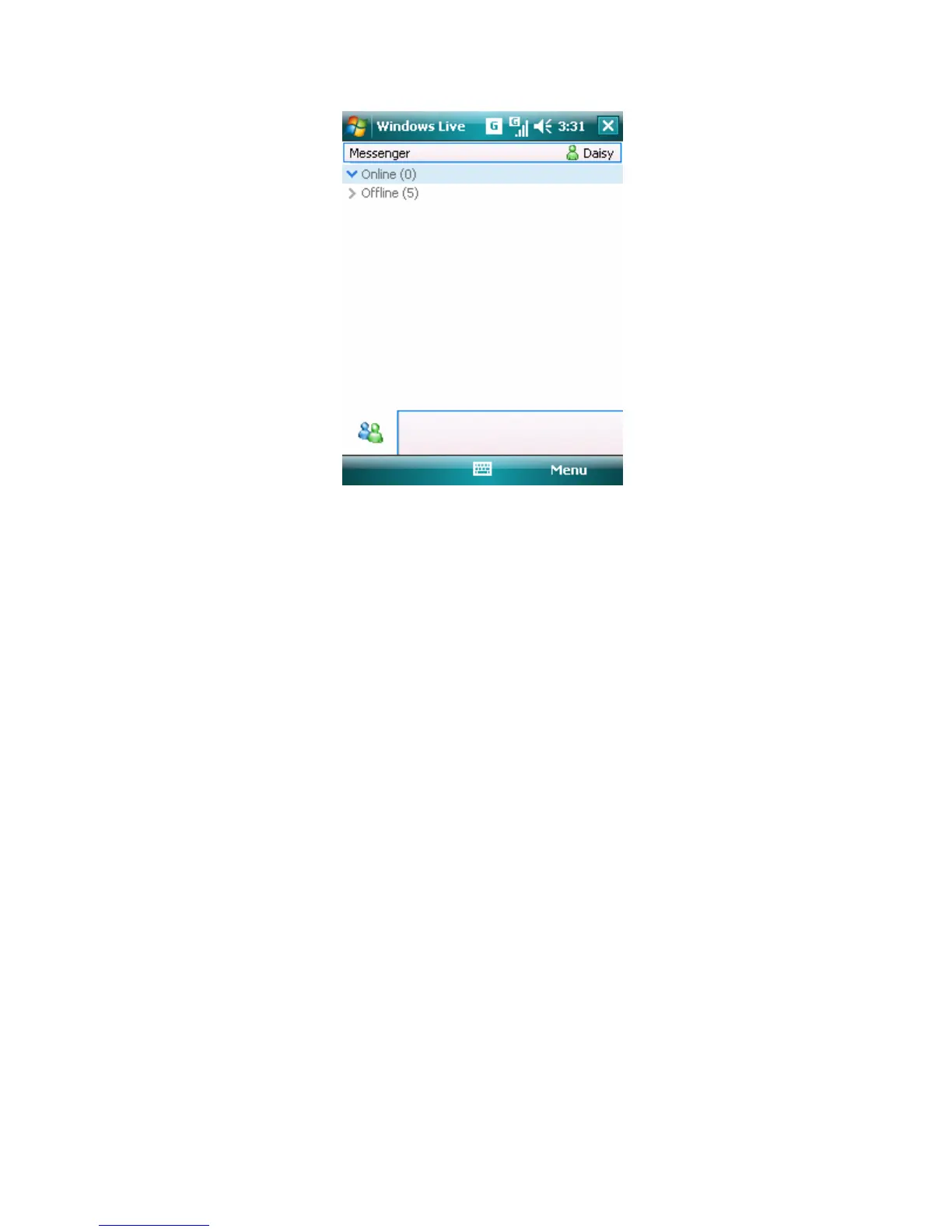
Messenger list screen
Note Signing in may take several minutes which depends on your connection
speed.
Tip Tap Start > Programs > Windows Live, you can enter Windows Live
screen. Tap “Sign in to Windows Live” and you can also sign in Windows
Live Messenger just as the setup above.
2. To sign out, on the Messenger list screen tap Menu > Sign Out. Your status
changes to Offline.
To add or delete contacts
• To add a contact, tap Menu > Add new Contact, and follow the instructions
on the screen.
• To delete a contact, tap and hold the contact's name, and tap Contact
options > Remove Contact.
To send an instant message
1. Select an online contact that you wish to send a message and tap Send IM.
2. Edit your message in the text entry area and then tap Menu > Send.
Tip To quickly add common phrases, tap Menu > My Text and select a phrase
in the list.
To block or unblock contacts
• To block a contact from seeing your status and sending you messages, tap



 To Next Page