85
• Tap the exit icon ( ) or press OK button to exit Camera directly.
8.2 Using Pictures & Videos
The Pictures and Videos program collects, organizes, and sorts images and video
clips in the following formats on your device.
File Type File Extensions
Image
*.jpg, *gif, *png, *jpeg, *
Video
*.Mp4 , *.3gp,
You can view the pictures as a slide show, beam them, send them via MMS or e-mail,
edit them, or set them as the background on the Today screen.
To copy a picture or video clip to your device
You can copy pictures from PC and view them on your device.
• Copy the pictures from PC or a storage card to the My Pictures folder on your
device. For more information about copying files, see ActiveSync Help on your PC.
Note You can also copy pictures from PC to your device using a memory card.
Insert the memory card into the memory card slot on your device, and then
copy the pictures from PC to the folder you created on the memory card.
To view pictures
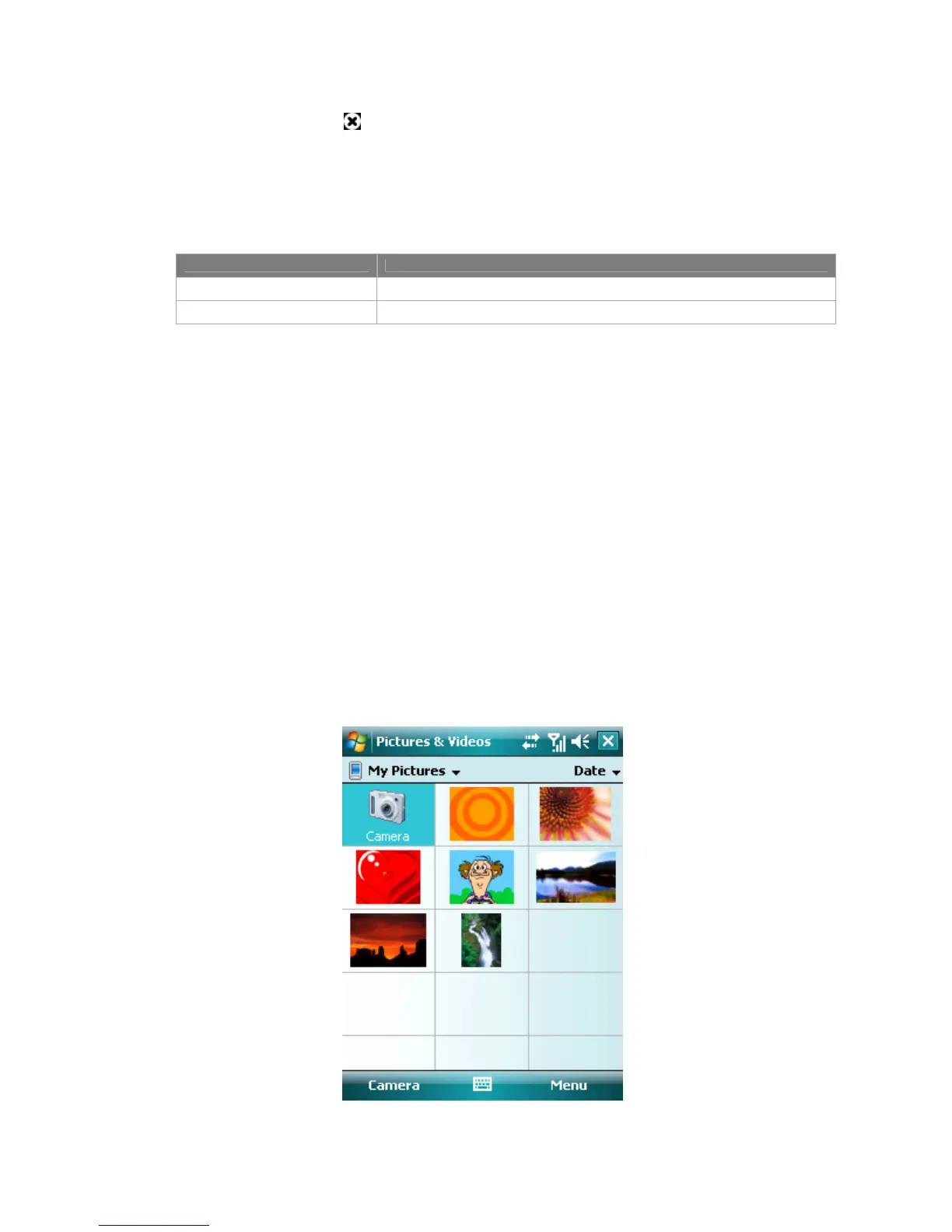
1. Tap Start > Programs > Pictures & Videos. The images in the My Pictures
folder appear as thumbnails by default.



 To Next Page