Drobo5N2 User Guide 63
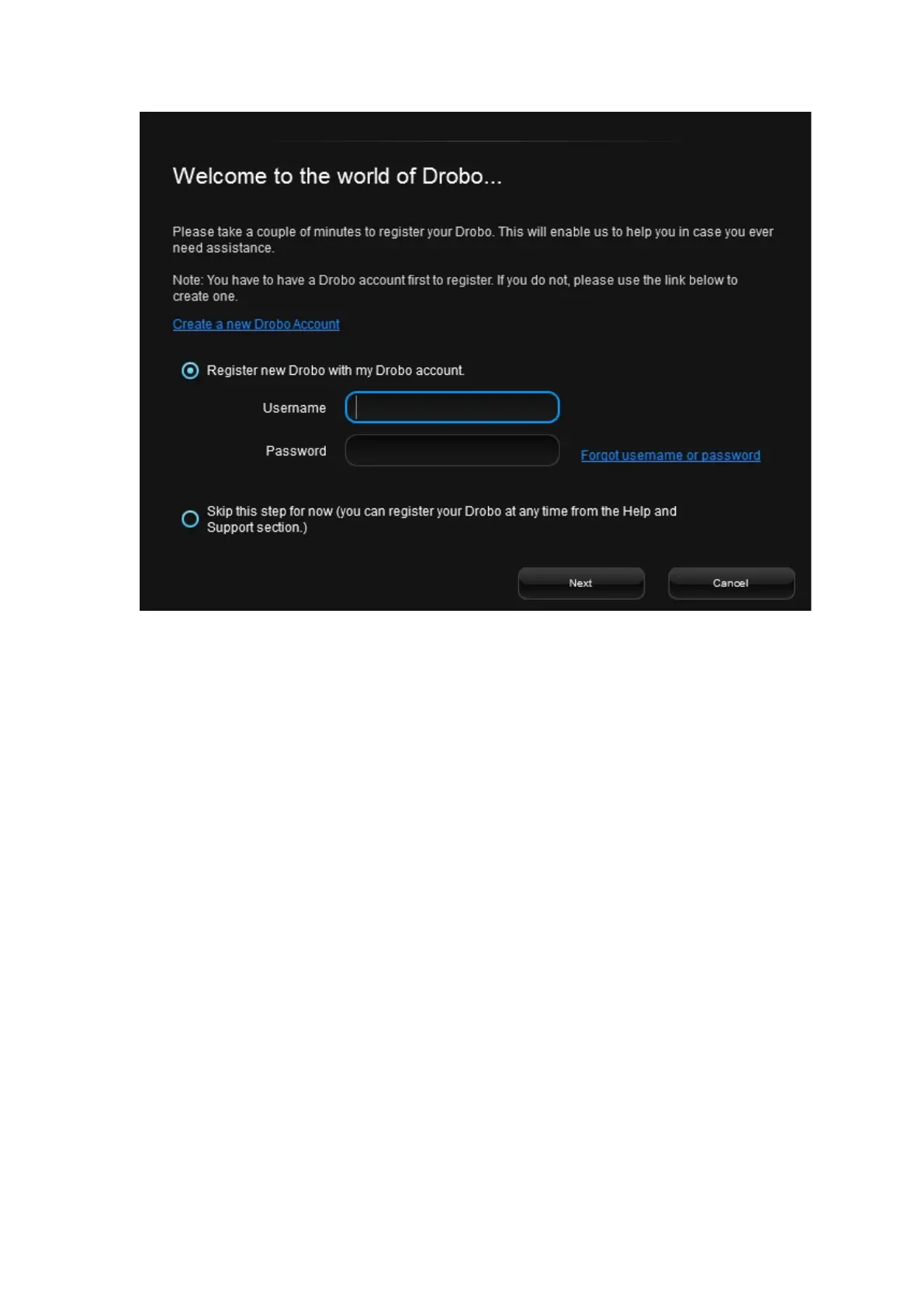
4. Then, do one of the following:
●
If you do not have a Drobo account, click the Create a new Drobo account link. A
one-page form opens in your web browser. Fill this in and click Create Account. Fill this
in and create your account, and then return to this step to log into your account.
●
If you already have a Drobo account, select the Register new Drobo with my
Drobo account option, and then enter your Drobo username and password. You can
click the Forgot username or password link if needed. Continue with step 5.
5.
Click the Next button. The connected Drobo devices, and their serial numbers will appear.
6.
Select the Drobo device you would like to register. Enter its purchase date and select the region
from where you purchased it.



 To Next Page