Drobo5N2 User Guide 64
Tip:
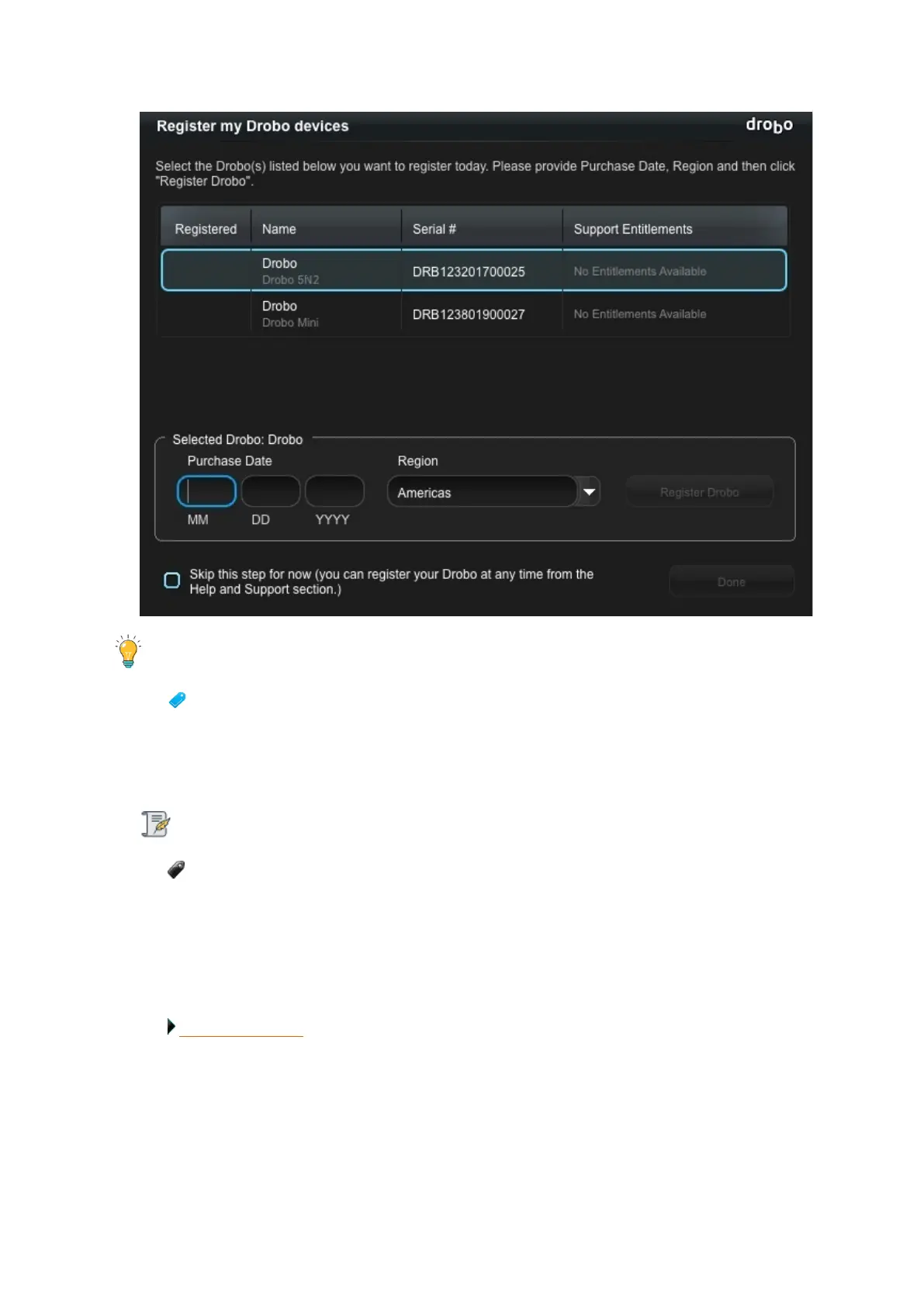
You can click the Skip this step for now check box at any time.
7.
Once done, click the Register Drobo button.
8.
The next page shows with a check mark that your product has been registered.
Note:
You can choose to purchase a DroboCare license by clicking on that link.
9. Repeat steps 5 and 6 to register additional Drobo devices.
10.
When finished, click the Done button. You will return to the Help and Support page.
Related topics:
Where to Go Next



 To Next Page