E
17
Clock setting
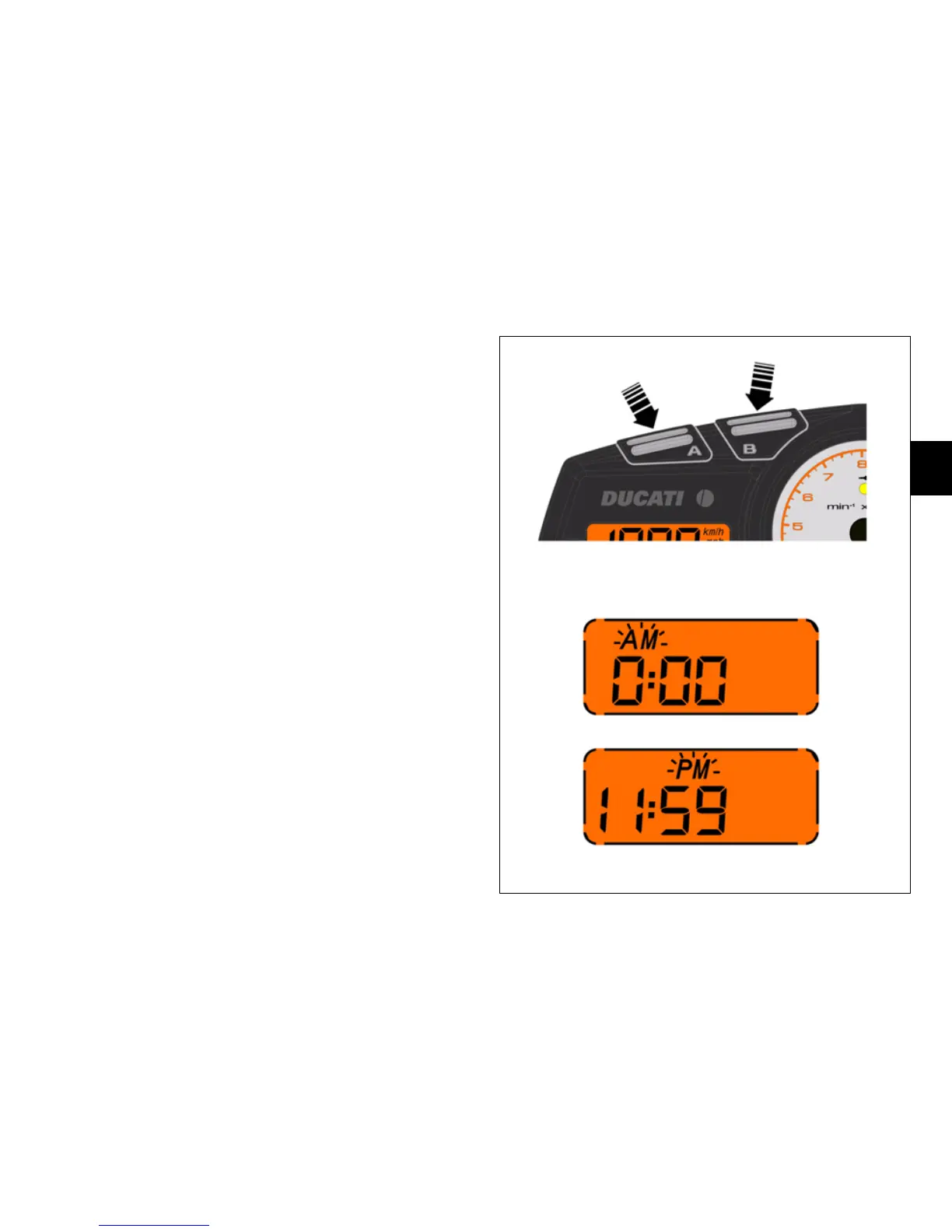
Press button (B, fig. 10), for 2 seconds. “AM” flashes.
If you press button (A, fig. 10), “PM” flashes. Press
button (A) again to return to “AM”. Press button (B) to
confirm selection and enter hours setting mode. The
hour setting flashes.
Set hours using button (A). Press button (B) to confirm and
enter minutes setting mode. Set minutes using button (A).
Hold down button (A) for more than 5 seconds to speed
up scrolling. Press button (B) to confirm, exit clock
setting mode, and return to normal display mode.
fig. 10











 To Next Page