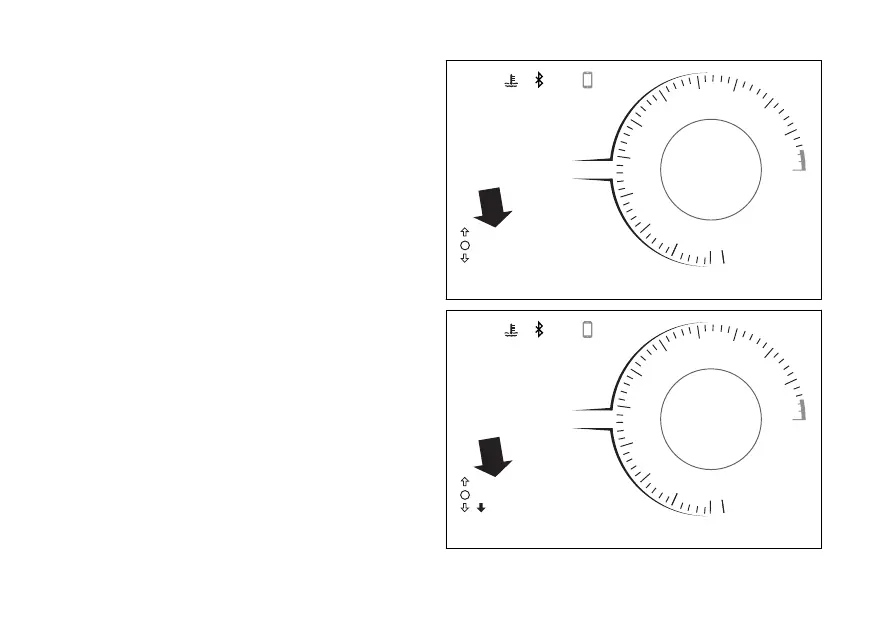
LAST CALLS
This function shows the list of the last missed,
outgoing or incoming calls and is available only if the
Bluetooth control unit is installed and a
is connected.
To display the list of calls, press ENTER
(Fig 70).
When entering this function, the display shows
message “WAIT..” for a few seconds, then shows the
name or phone number from the last call (Fig 71).
Only the last 7 made, received or missed calls are
displayed.
Use the navigation to scroll through the
listed calls. To make a call to the number/name
selected from the list, press ENTER For
more information refer to the chapter
“Infotainment”.
If the list of calls is empty, “EMPTY” will be displayed:
in this case it is only possible to quit the function.
To exit the function and go back to the previous
screen, hold DOWN depressed for 2 seconds.
DQS
EBC
1
N
0
2
3
4
5
6
7
8
9
11
10
12
12:34
PM
DTC
DDA OFF
3
3
U/D
ABS 1
DWCRPM X 1000
km/h
120 °C
SPORT
Gear
1
LAST CALLS
Fig 70
DQS
EBC
1
N
0
2
3
4
5
6
7
8
9
11
10
12
12:34
PM
DTC
DDA OFF
3
3
U/D
ABS 1
DWCRPM X 1000
km/h
120 °C
SPORT
Gear
1
MARIO ROSSI
EXIT
Fig 71
123














 To Next Page